Malwarebytes for Mac: Free Malware and Adware Removal (How to Use It)
Macs are safer than they used to be, but they're not immune. Adware that hijacks your browser, fake 'cleaner' apps and info-stealers disguised as downloads are all very real on macOS.
Malwarebytes for Mac has a free scanner that finds and removes that kind of thing. It's a great second opinion when your Mac starts acting strangely.
What is Malwarebytes for Mac?
Malwarebytes for Mac is a malware scanner from Malwarebytes. The free version scans your Mac on demand and removes adware, potentially unwanted programs, browser hijackers and malware. The paid Premium version adds real-time protection that blocks threats before they run. New installs may start a Premium trial, which drops back to the free scanner when it ends.
Key features
Free on-demand scan
Scans your Mac in a minute or two and lists anything suspicious it finds.
Removes adware
Gets rid of browser hijackers, pop-up adware and junk apps that sneak in with downloads.
Second opinion
Works alongside Apple's built-in protection without getting in the way.
How to get started with Malwarebytes for Mac
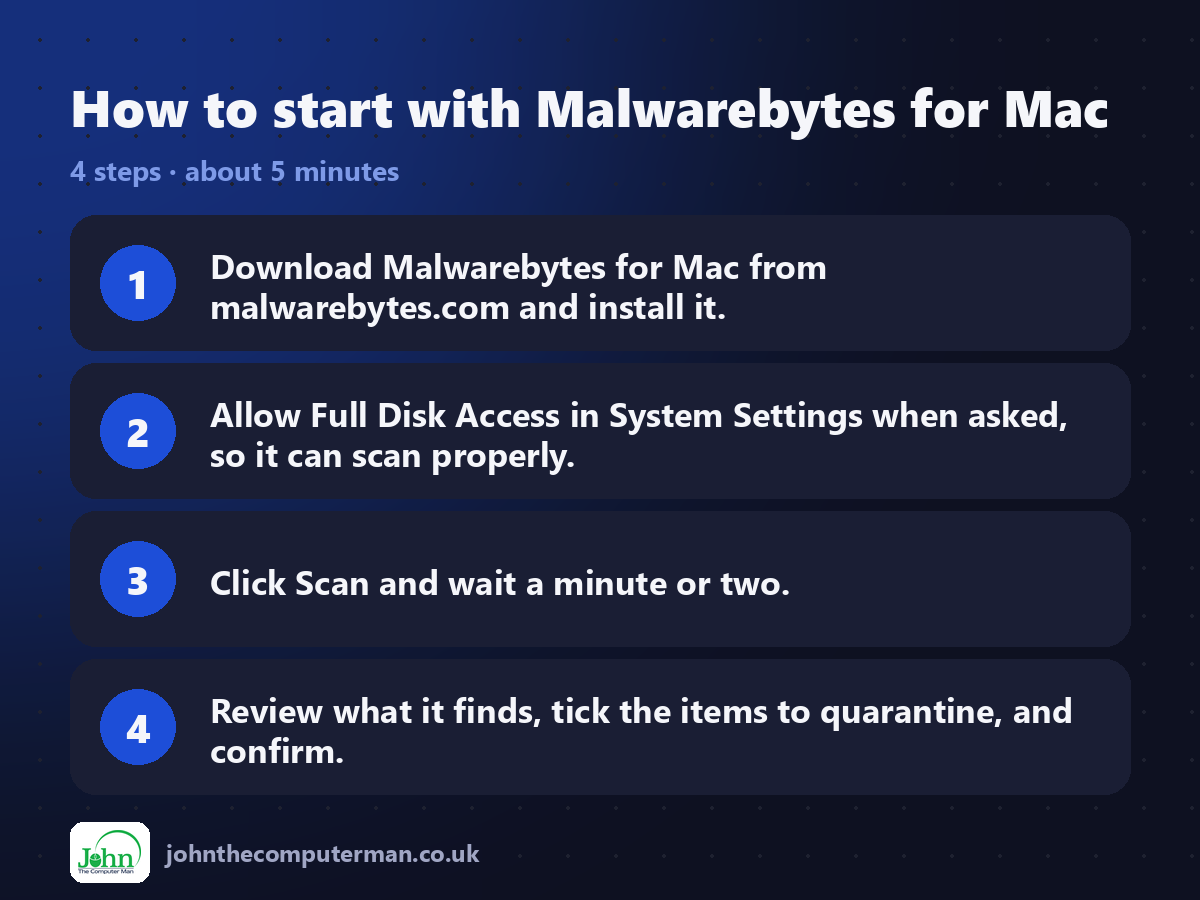
1. Download Malwarebytes for Mac from malwarebytes.com and install it.
2. Allow Full Disk Access in System Settings when asked, so it can scan properly.
3. Click Scan and wait a minute or two.
4. Review what it finds, tick the items to quarantine, and confirm.
2. Allow Full Disk Access in System Settings when asked, so it can scan properly.
3. Click Scan and wait a minute or two.
4. Review what it finds, tick the items to quarantine, and confirm.
Prefer the command line? If you use Homebrew, the free package manager for Mac, open Terminal and run:
brew install --cask malwarebytes
Tips to get more out of it
• If Premium's trial starts, that's fine. When it ends, the free scanner keeps working.
• Run a scan if your browser's home page or search engine changes on its own.
• Only download Malwarebytes from malwarebytes.com. Fake 'Mac cleaner' sites are common.
• Quarantined items can be restored if something turns out to be safe.
• Run a scan if your browser's home page or search engine changes on its own.
• Only download Malwarebytes from malwarebytes.com. Fake 'Mac cleaner' sites are common.
• Quarantined items can be restored if something turns out to be safe.
Is it really free?
The scanner is free. Premium, which adds real-time protection, is a paid subscription.
Pros and cons
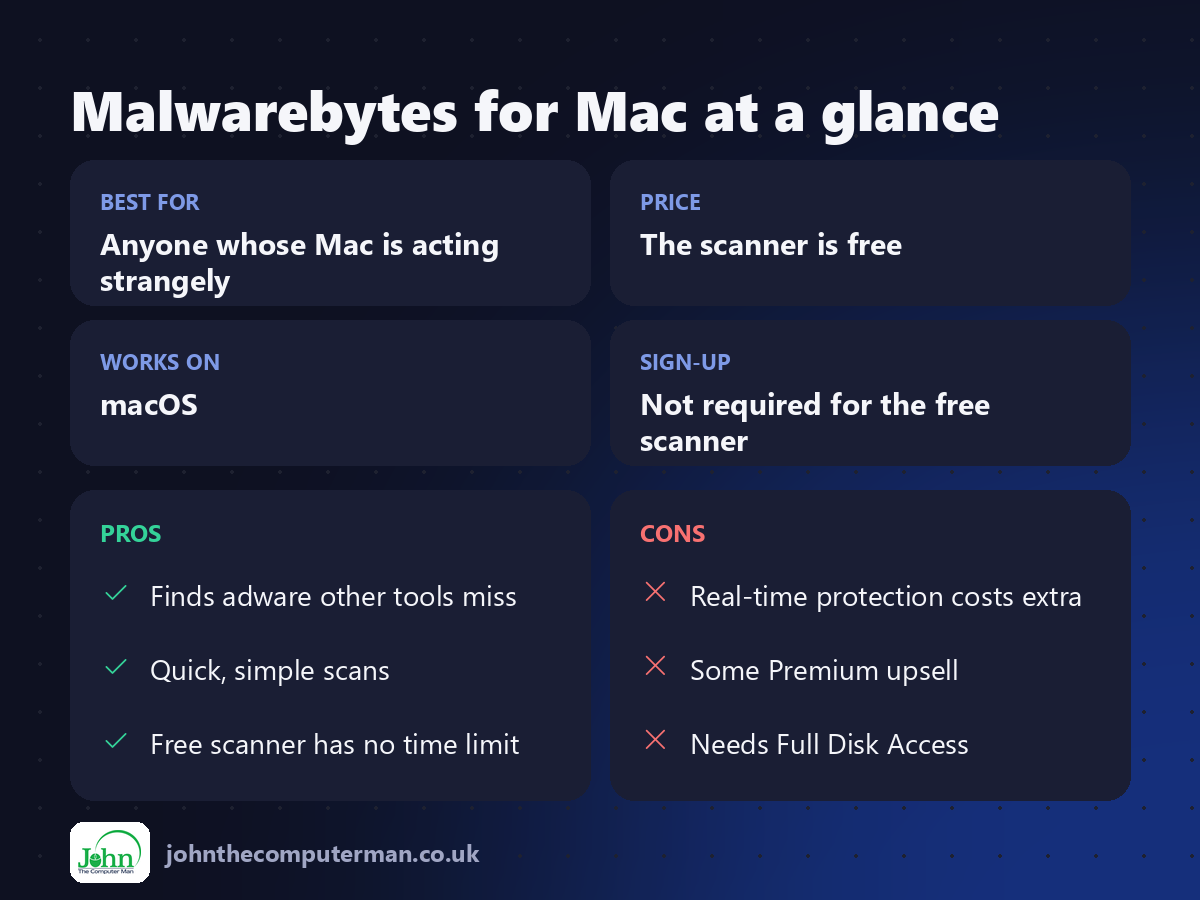
| 👍 Pros | 👎 Cons |
|---|---|
| Finds adware other tools miss | Real-time protection costs extra |
| Quick, simple scans | Some Premium upsell |
| Free scanner has no time limit | Needs Full Disk Access |
Who is it for?
Best for: Anyone whose Mac is acting strangely. Works on: macOS. Sign-up: Not required for the free scanner.
Malwarebytes for Mac alternatives
• XProtect: built into macOS and runs automatically in the background.
• LuLu: a free firewall that shows when apps try to connect to the internet.
• KnockKnock: a free tool from Objective-See that shows what launches at startup.
• LuLu: a free firewall that shows when apps try to connect to the internet.
• KnockKnock: a free tool from Objective-See that shows what launches at startup.
FAQ
Do Macs need antivirus?
macOS has good built-in protection, and for many people that's enough. A free scanner like Malwarebytes is a useful extra check, especially for adware.
Does the free version protect me all the time?
No. The free version only scans when you ask it to. Real-time protection is part of the paid Premium version.
The verdict
Your Mac's built-in protection does a lot, but it's not perfect. Keep Malwarebytes installed and run a free scan whenever something feels off.
👉 Try it: www.malwarebytes.com/mac
Part of the 10 more free mac tools series on johnthecomputerman.co.uk. Follow @johnthecomputerman on Instagram for a new free Mac tool every Monday, Wednesday and Friday. Pricing and features were checked in September 2026 and can change, so check the tool's own site for the latest.
