LocalSend: Free AirDrop for Mac, Windows and Android
AirDrop is brilliant, as long as everyone has an Apple device. The moment you need to send a photo to an Android phone or a file to a Windows laptop, you're back to emailing it to yourself.
LocalSend works like AirDrop for everything. Install it on each device, and they find each other on your Wi-Fi. No account, no cloud, no internet connection needed.
What is LocalSend?
LocalSend is a free, open-source app for sharing files and text between nearby devices on the same network. It runs on Mac, Windows, Linux, Android and iPhone, finds other devices automatically, and sends files directly between them using encrypted connections. Nothing goes through the internet, and there's no sign-up.
Key features
Works with everything
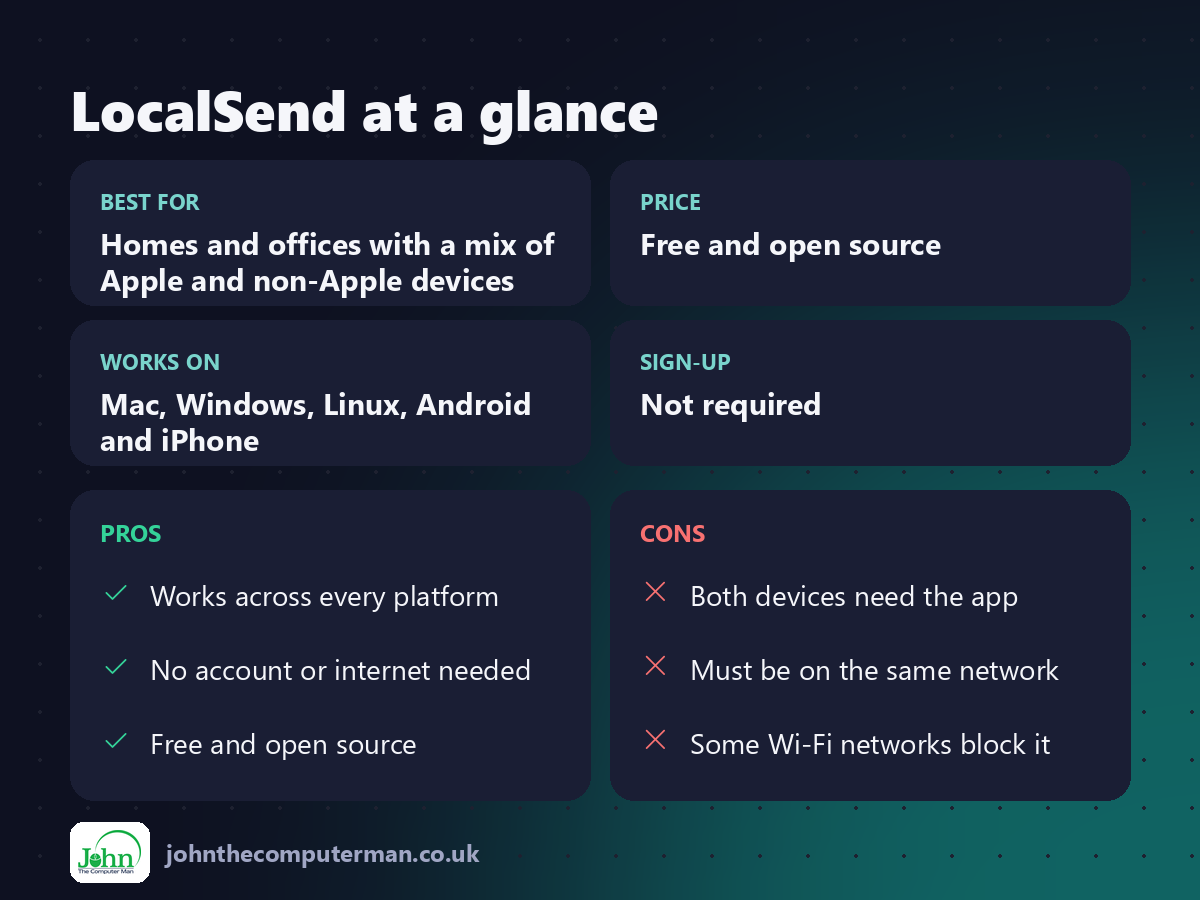
Mac, Windows, Linux, Android and iPhone. Send a file from any of them to any other.
No account, no cloud
Files go straight from device to device over your Wi-Fi. Nothing is uploaded anywhere.
Fast and simple
Pick a file, tap the device, accept on the other end. Big videos transfer at full Wi-Fi speed.
How to get started with LocalSend
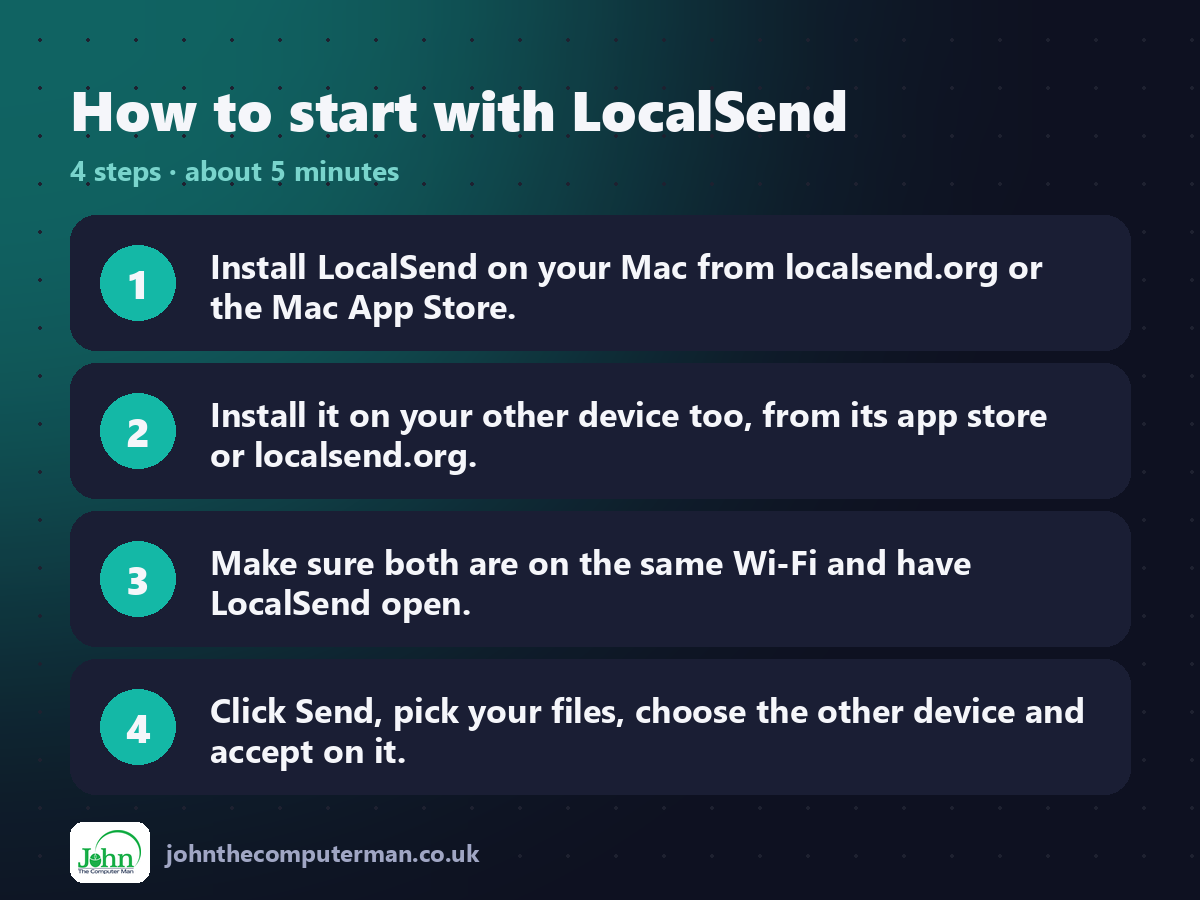
1. Install LocalSend on your Mac from localsend.org or the Mac App Store.
2. Install it on your other device too, from its app store or localsend.org.
3. Make sure both are on the same Wi-Fi and have LocalSend open.
4. Click Send, pick your files, choose the other device and accept on it.
2. Install it on your other device too, from its app store or localsend.org.
3. Make sure both are on the same Wi-Fi and have LocalSend open.
4. Click Send, pick your files, choose the other device and accept on it.
Prefer the command line? If you use Homebrew, the free package manager for Mac, open Terminal and run:
brew install --cask localsend
Tips to get more out of it
• Allow local network access when your Mac asks, or devices won't find each other.
• Give each device a clear name in Settings so you pick the right one.
• Use the Text option to send a link or note from your phone to your Mac.
• Turn on Quick Save only on your own devices, so they accept files without asking.
• Give each device a clear name in Settings so you pick the right one.
• Use the Text option to send a link or note from your phone to your Mac.
• Turn on Quick Save only on your own devices, so they accept files without asking.
Is it really free?
Free and open source. No ads, no account and no paid version.
Pros and cons
| 👍 Pros | 👎 Cons |
|---|---|
| Works across every platform | Both devices need the app |
| No account or internet needed | Must be on the same network |
| Free and open source | Some Wi-Fi networks block it |
Who is it for?
Best for: Homes and offices with a mix of Apple and non-Apple devices. Works on: Mac, Windows, Linux, Android and iPhone. Sign-up: Not required.
LocalSend alternatives
• AirDrop: built in and seamless, but only between Apple devices.
• PairDrop: works in the browser with nothing to install.
• Quick Share: Google's sharing tool for Android and Windows.
• PairDrop: works in the browser with nothing to install.
• Quick Share: Google's sharing tool for Android and Windows.
FAQ
Is LocalSend safe?
Yes. It's open source, transfers are encrypted, and files never leave your local network. You approve each incoming transfer unless you turn that off.
Does it work on public Wi-Fi?
Sometimes not, as many public and work networks block devices from seeing each other. It works best on your home network or a phone hotspot.
Step-by-step tutorials
The verdict
LocalSend is the missing piece for anyone with a mix of devices. It's free, private and works everywhere, which is more than AirDrop can say.
👉 Try it: localsend.org
Part of the best free mac tools series on johnthecomputerman.co.uk. Follow @johnthecomputerman on Instagram for a new free Mac tool every Monday, Wednesday and Friday. Pricing and features were checked in September 2026 and can change, so check the tool's own site for the latest.
