How to Send Files Between a Mac and Android or Windows (Like AirDrop, Free)
AirDrop is brilliant between Apple devices. But send a photo to a friend's Android phone, or a file to a Windows laptop, and you're back to emailing it to yourself.
LocalSend works like AirDrop for everything. It's free and open source, needs no account, and sends files straight over your Wi-Fi without the internet.
Time needed: about 10 minutes · Cost: free
What you'll need
• LocalSend: free AirDrop-style sharing between Mac, Windows, Android and iPhone
• Your Mac and the other device on the same Wi-Fi network
• Your Mac and the other device on the same Wi-Fi network
Step by step
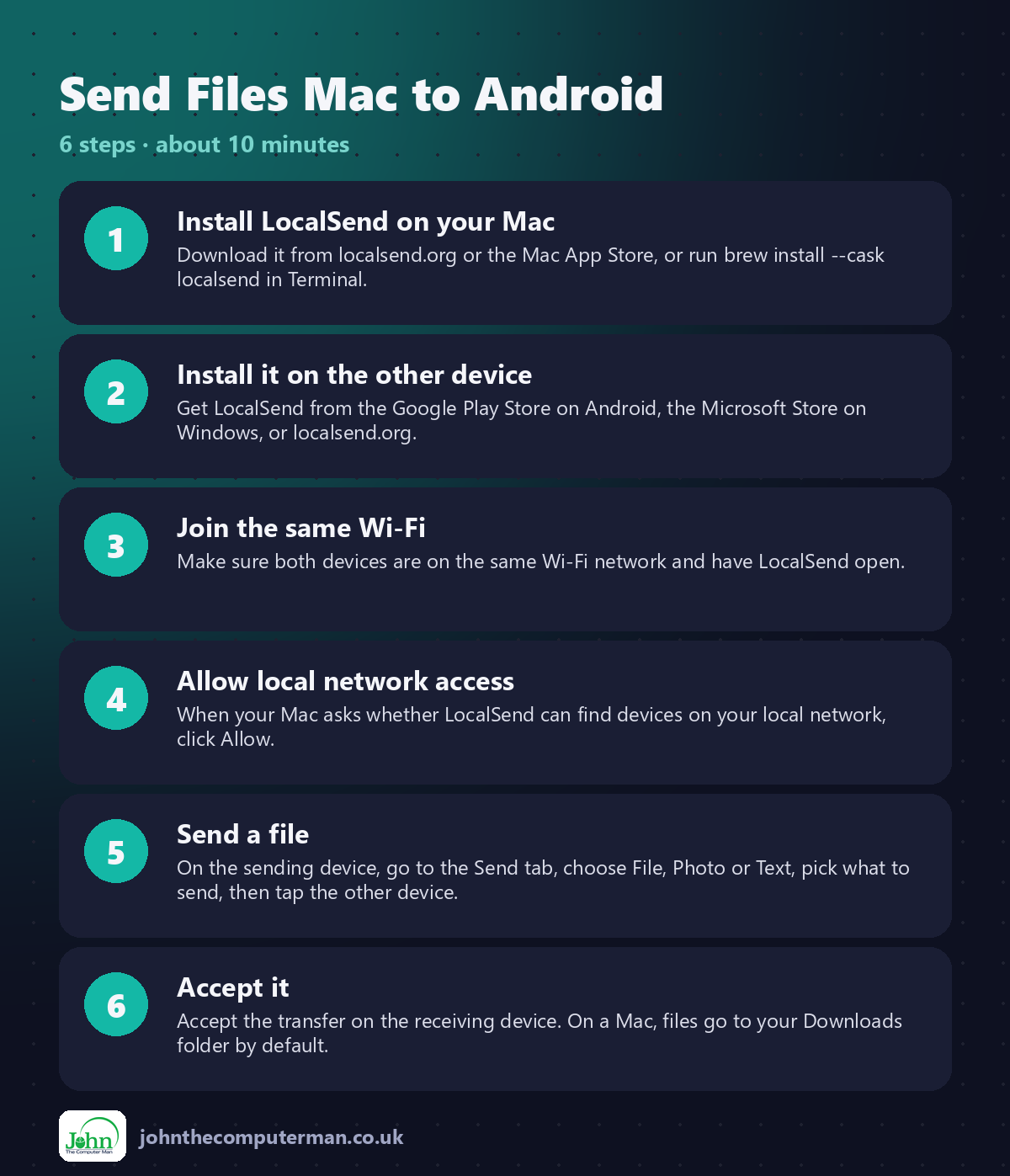
Step 1: Install LocalSend on your Mac
Download it from localsend.org or the Mac App Store, or run brew install --cask localsend in Terminal.
Step 2: Install it on the other device
Get LocalSend from the Google Play Store on Android, the Microsoft Store on Windows, or localsend.org.
Step 3: Join the same Wi-Fi
Make sure both devices are on the same Wi-Fi network and have LocalSend open.
Step 4: Allow local network access
When your Mac asks whether LocalSend can find devices on your local network, click Allow.
Step 5: Send a file
On the sending device, go to the Send tab, choose File, Photo or Text, pick what to send, then tap the other device.
Step 6: Accept it
Accept the transfer on the receiving device. On a Mac, files go to your Downloads folder by default.
Prefer Terminal? If you use Homebrew, install the app for this tutorial in one go:
brew install --cask localsend
Tips
• Give each device a clear name in LocalSend's settings so you pick the right one.
• Use the Text option to send a link from your phone to your Mac.
• Change where received files are saved in Settings.
• Turn on Quick Save only on your own devices, so they accept files without asking.
• Use the Text option to send a link from your phone to your Mac.
• Change where received files are saved in Settings.
• Turn on Quick Save only on your own devices, so they accept files without asking.
If something goes wrong
The other device doesn't appear
Check both are on the same Wi-Fi, not a guest network, and that LocalSend is open on both.
It works at home but not at work
Many work and public networks stop devices seeing each other. Try your phone's hotspot instead.
My firewall is blocking it
If you use LuLu or the macOS firewall, allow LocalSend's connections.
FAQ
Does LocalSend use the internet?
No. Files go directly between devices over your local network.
Is it safe?
Yes. It's open source, transfers are encrypted, and you approve each incoming file unless you turn that off.
Wrapping up
Install LocalSend on your Mac and every other device you use, and you've got AirDrop for everything. No accounts, no cables, no emailing yourself.
📖 Full app guide: LocalSend
More Mac tutorials: Convert HEIC to JPG · Record Your Screen With Sound · Run Windows 11 on a Mac · Free Up Storage on Your Mac · Snap Windows Side by Side · Secure Your Mac in 30 Minutes · Shrink a Video for Email · Make Your MacBook Battery Last · Windows Keyboard on a Mac
Part of the free Mac tools series on johnthecomputerman.co.uk. Follow @johnthecomputerman on Instagram for free Mac tips every Monday, Wednesday and Friday. Steps were checked in September 2026. Menus can move between macOS versions, so look for similar wording if yours differs.
