OverSight: Get Alerts When Your Mac's Camera or Mic Turns On (Free)
Your Mac shows a green light for the camera and a dot for the mic, but they're easy to miss, and they don't make it obvious which app is responsible.
OverSight pops up an alert the moment your camera or microphone turns on, naming the app. It's free, open source, and from a respected Mac security researcher.
What is OverSight?
OverSight is a free, open-source utility from Objective-See that monitors your Mac's microphone and webcam. When either is activated, it shows an alert naming the process responsible, so you can spot anything unexpected. You can allow trusted apps so they don't trigger alerts, and it can run a script or log events when devices turn on.
Key features
Instant alerts
A notification the moment your camera or mic turns on.
Names the app
See exactly which app or process is using them.
Allow trusted apps
Stop alerts for apps you use every day, like Zoom.
How to get started with OverSight
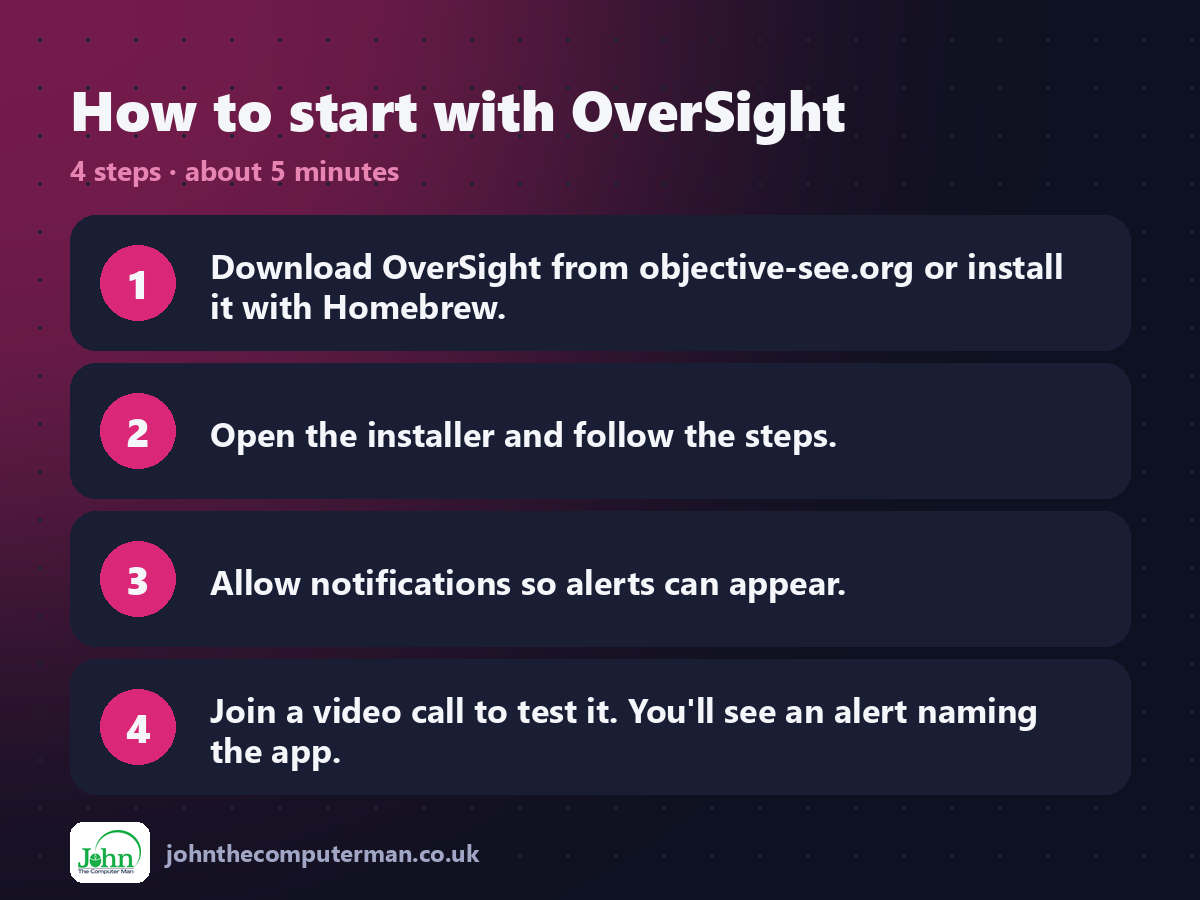
1. Download OverSight from objective-see.org or install it with Homebrew.
2. Open the installer and follow the steps.
3. Allow notifications so alerts can appear.
4. Join a video call to test it. You'll see an alert naming the app.
2. Open the installer and follow the steps.
3. Allow notifications so alerts can appear.
4. Join a video call to test it. You'll see an alert naming the app.
Prefer the command line? If you use Homebrew, the free package manager for Mac, open Terminal and run:
brew install --cask oversight
Tips to get more out of it
• Allow apps you trust, like FaceTime and Zoom, to cut down on alerts.
• An alert from an app you didn't open is worth investigating.
• Combine it with LuLu for a view of both your devices and your network.
• Check System Settings > Privacy & Security to remove camera access from apps you don't use.
• An alert from an app you didn't open is worth investigating.
• Combine it with LuLu for a view of both your devices and your network.
• Check System Settings > Privacy & Security to remove camera access from apps you don't use.
Is it really free?
Free and open source. No ads and no paid version. Objective-See is supported by donations.
Pros and cons
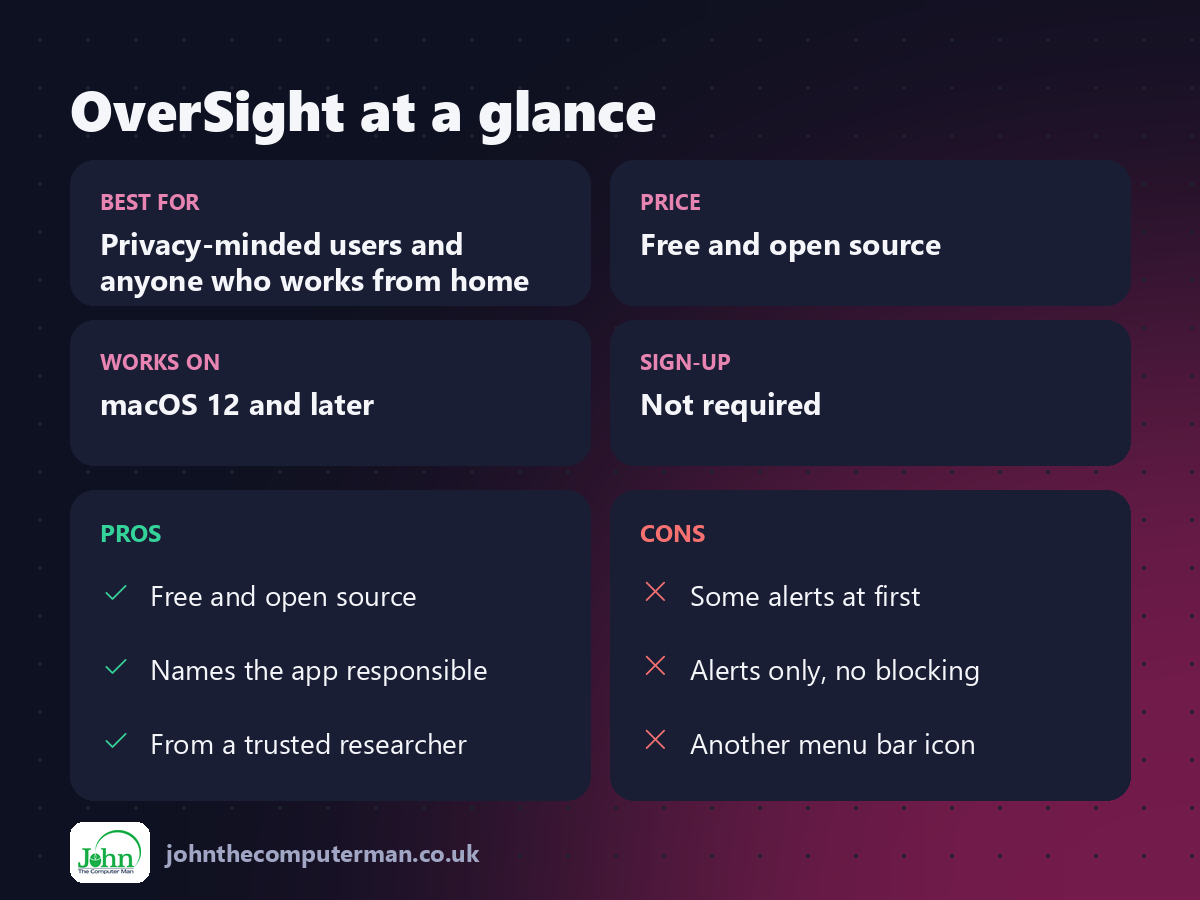
| 👍 Pros | 👎 Cons |
|---|---|
| Free and open source | Some alerts at first |
| Names the app responsible | Alerts only, no blocking |
| From a trusted researcher | Another menu bar icon |
Who is it for?
Best for: Privacy-minded users and anyone who works from home. Works on: macOS 12 and later. Sign-up: Not required.
OverSight alternatives
• Control Centre indicators: built in: the camera light and mic dot, and Control Centre shows the app.
• Micro Snitch: a paid camera and mic monitor from the makers of Little Snitch.
• LuLu: a free firewall from the same team.
• Micro Snitch: a paid camera and mic monitor from the makers of Little Snitch.
• LuLu: a free firewall from the same team.
FAQ
Can OverSight block the camera?
No. It alerts you. You can then quit the app or remove its camera access in System Settings.
Is it safe?
Yes. It's open source and made by Objective-See, a respected non-profit Mac security project.
The verdict
OverSight is a small, free app that gives real peace of mind. Install it, allow your usual apps, and you'll know if anything else ever switches on your camera.
Part of the hidden-gem mac apps series on johnthecomputerman.co.uk. Follow @johnthecomputerman on Instagram for a new free Mac tool every Monday, Wednesday and Friday. Pricing and features were checked in September 2026 and can change, so check the tool's own site for the latest.
