LuLu: The Free Mac Firewall That Shows Which Apps Go Online

macOS has a firewall, but it only watches connections coming in. It doesn't tell you when an app on your Mac quietly connects out, to phone home, show ads or send data you didn't know about.
LuLu does. Whenever an app tries to reach the internet for the first time, it asks you: allow or block? It's free, open source, and made by a respected Mac security researcher.
What is LuLu?
LuLu is a free, open-source outbound firewall for macOS from Objective-See, a non-profit Mac security project. It watches for apps making new outgoing network connections and shows an alert with the app, where it's connecting to and whether it's signed, so you can allow or block it. Your choices are saved as rules you can review and change at any time.
Key features
See who's connecting
Get an alert the first time an app tries to go online, with where it's connecting to.
Allow or block
One click to allow or block, once or forever. Your choices become rules.
Quiet by default
It can automatically allow Apple's own apps and ones you already have, so alerts stay manageable.
How to get started with LuLu
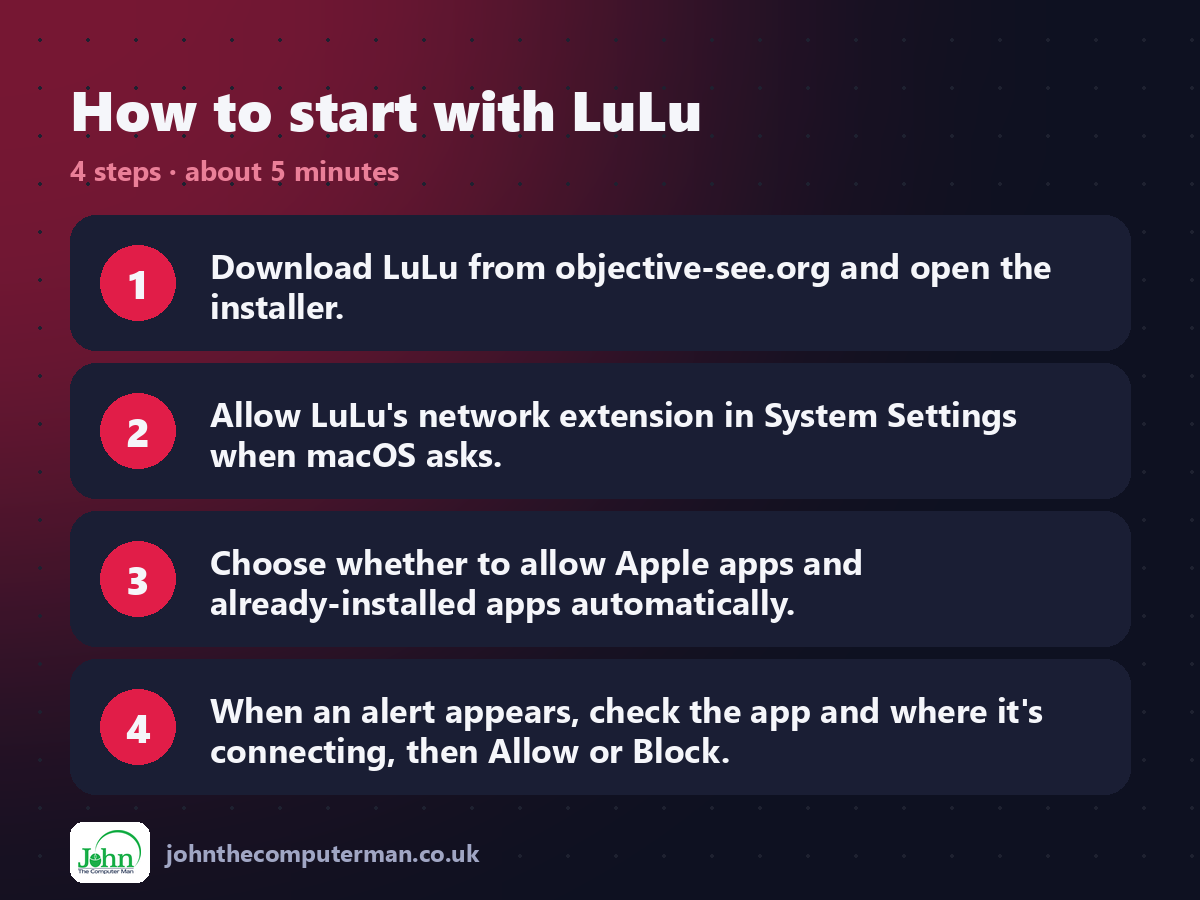
1. Download LuLu from objective-see.org and open the installer.
2. Allow LuLu's network extension in System Settings when macOS asks.
3. Choose whether to allow Apple apps and already-installed apps automatically.
4. When an alert appears, check the app and where it's connecting, then Allow or Block.
2. Allow LuLu's network extension in System Settings when macOS asks.
3. Choose whether to allow Apple apps and already-installed apps automatically.
4. When an alert appears, check the app and where it's connecting, then Allow or Block.
Prefer the command line? If you use Homebrew, the free package manager for Mac, open Terminal and run:
brew install --cask lulu
Tips to get more out of it
• Open Rules from the menu bar icon to see and change every decision you've made.
• If you're not sure, block it once rather than forever and see if the app still works.
• Use LuLu's block lists to stop connections to known ad and tracking servers.
• A sudden alert from an app you don't recognise is worth investigating.
• If you're not sure, block it once rather than forever and see if the app still works.
• Use LuLu's block lists to stop connections to known ad and tracking servers.
• A sudden alert from an app you don't recognise is worth investigating.
Is it really free?
Free and open source. No ads and no paid version. Objective-See is supported by donations.
Pros and cons
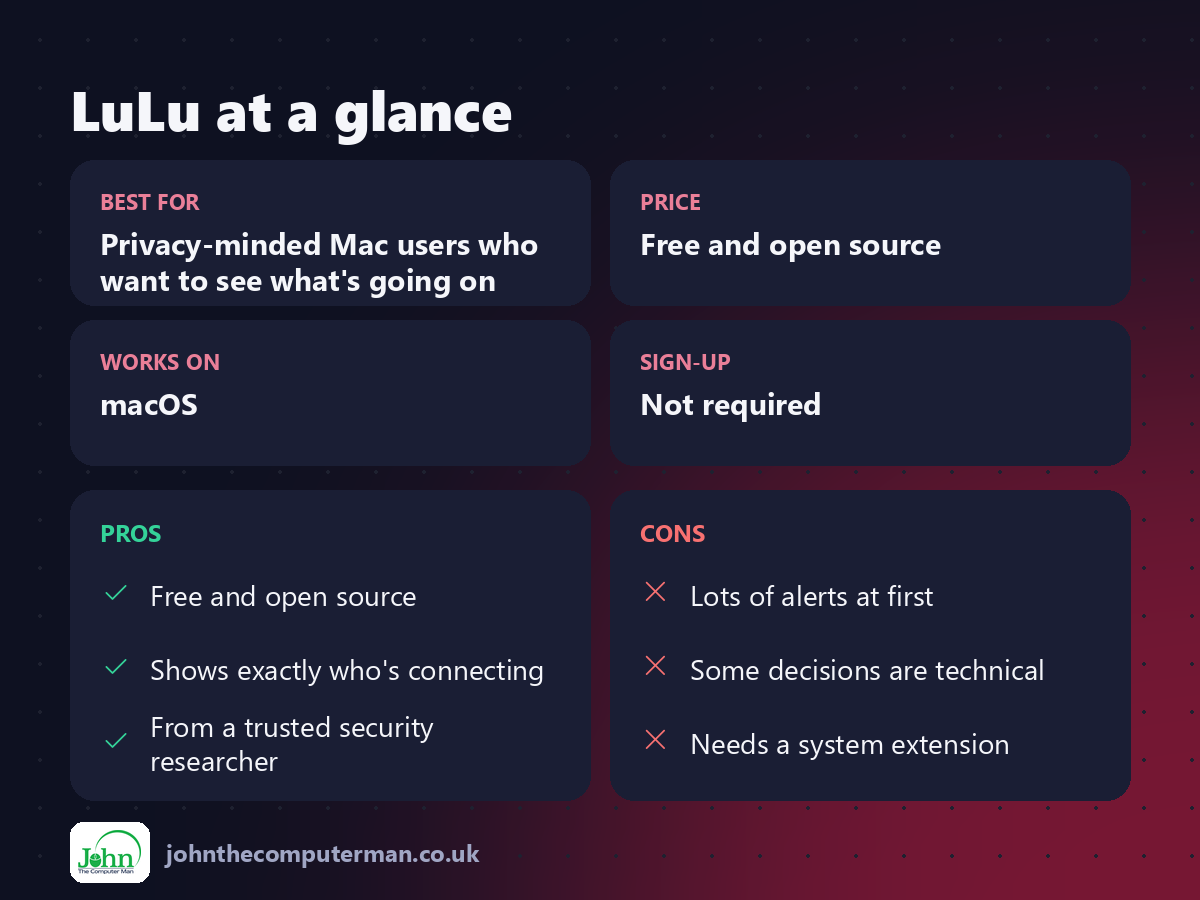
| 👍 Pros | 👎 Cons |
|---|---|
| Free and open source | Lots of alerts at first |
| Shows exactly who's connecting | Some decisions are technical |
| From a trusted security researcher | Needs a system extension |
Who is it for?
Best for: Privacy-minded Mac users who want to see what's going on. Works on: macOS. Sign-up: Not required.
LuLu alternatives
• Little Snitch: the powerful, polished paid Mac firewall.
• macOS Firewall: built in: blocks incoming connections only.
• Malwarebytes for Mac: a free scanner for cleaning up after something gets in.
• macOS Firewall: built in: blocks incoming connections only.
• Malwarebytes for Mac: a free scanner for cleaning up after something gets in.
FAQ
Is LuLu safe?
Yes. It's open source and made by Objective-See, a well-known non-profit Mac security project.
Will LuLu break my apps?
Only if you block something an app needs. You can undo any rule from the Rules window.
Step-by-step tutorials
The verdict
LuLu gives you something your Mac doesn't: a clear view of what's leaving it. Expect a few alerts in the first week, then enjoy knowing exactly what your apps are up to.
👉 Try it: objective-see.org/products/lulu.html
Part of the 10 more free mac tools series on johnthecomputerman.co.uk. Follow @johnthecomputerman on Instagram for a new free Mac tool every Monday, Wednesday and Friday. Pricing and features were checked in September 2026 and can change, so check the tool's own site for the latest.
