Sweet Home 3D for Mac: Free Interior Design and Floor Plans
Will the sofa fit? Does the kitchen layout work? Planning a room with a tape measure and a sketch only goes so far.
Sweet Home 3D lets you draw your floor plan and drag in furniture, and shows it all in 3D as you go. It's free, open source and surprisingly easy.
What is Sweet Home 3D?
Sweet Home 3D is a free, open-source interior design app for Mac, Windows and Linux. You draw walls, doors and windows on a 2D plan, add furniture from a built-in catalogue, and see the result instantly in a 3D view you can walk through. You can import extra furniture libraries, trace over a scanned floor plan, create photo-realistic images and export plans.
Key features
Draw floor plans
Draw walls, doors and windows to scale on a simple grid.
Drag in furniture
Hundreds of items, plus free libraries to import.
Live 3D view
See your room in 3D as you design, and take a virtual walk.
How to get started with Sweet Home 3D
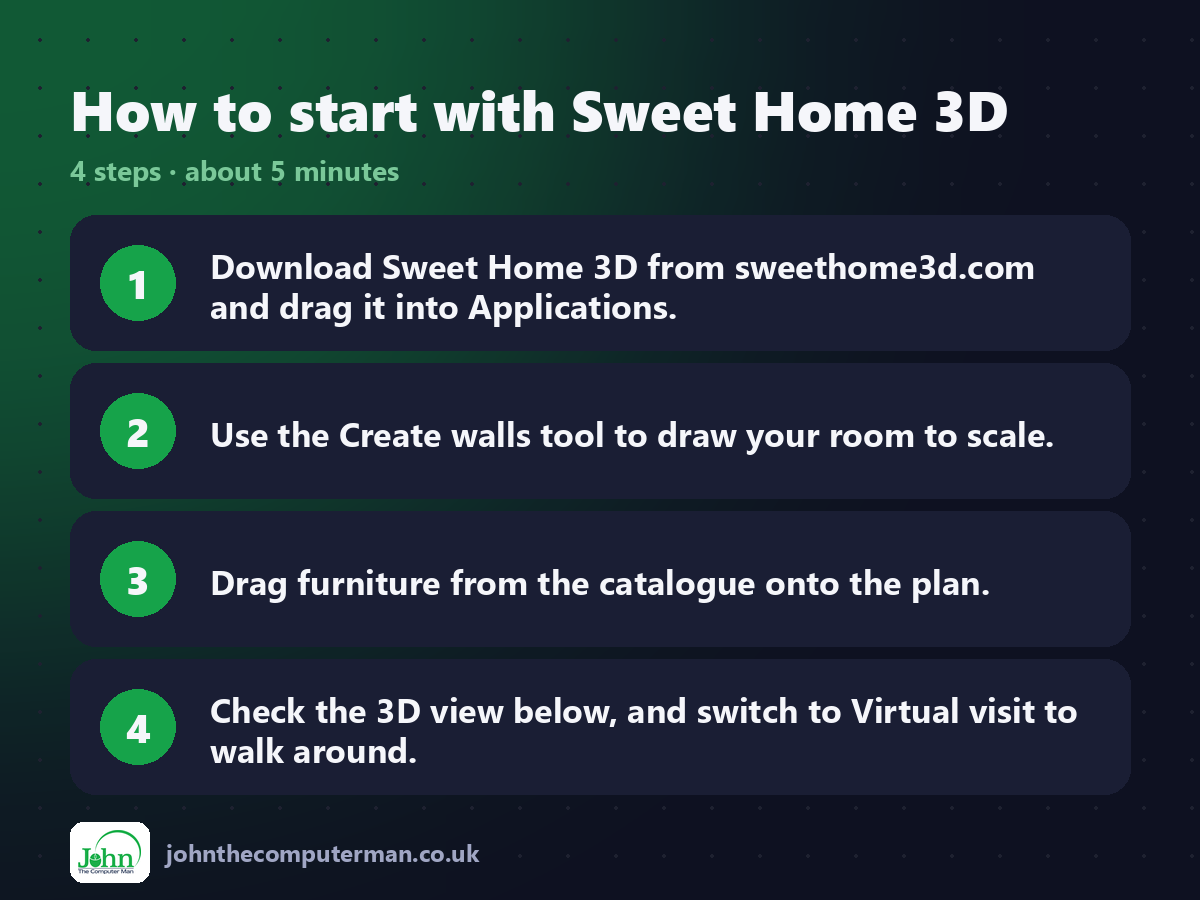
1. Download Sweet Home 3D from sweethome3d.com and drag it into Applications.
2. Use the Create walls tool to draw your room to scale.
3. Drag furniture from the catalogue onto the plan.
4. Check the 3D view below, and switch to Virtual visit to walk around.
2. Use the Create walls tool to draw your room to scale.
3. Drag furniture from the catalogue onto the plan.
4. Check the 3D view below, and switch to Virtual visit to walk around.
Prefer the command line? If you use Homebrew, the free package manager for Mac, open Terminal and run:
brew install --cask sweet-home3d
Tips to get more out of it
• Import a photo of your floor plan as a background and trace over it.
• Double-click furniture to set exact sizes from your tape measure.
• Download extra free furniture libraries from the Sweet Home 3D website.
• Use 3D view > Create photo for realistic images to share.
• Double-click furniture to set exact sizes from your tape measure.
• Download extra free furniture libraries from the Sweet Home 3D website.
• Use 3D view > Create photo for realistic images to share.
Is it really free?
Free and open source. No ads and no account.
Pros and cons
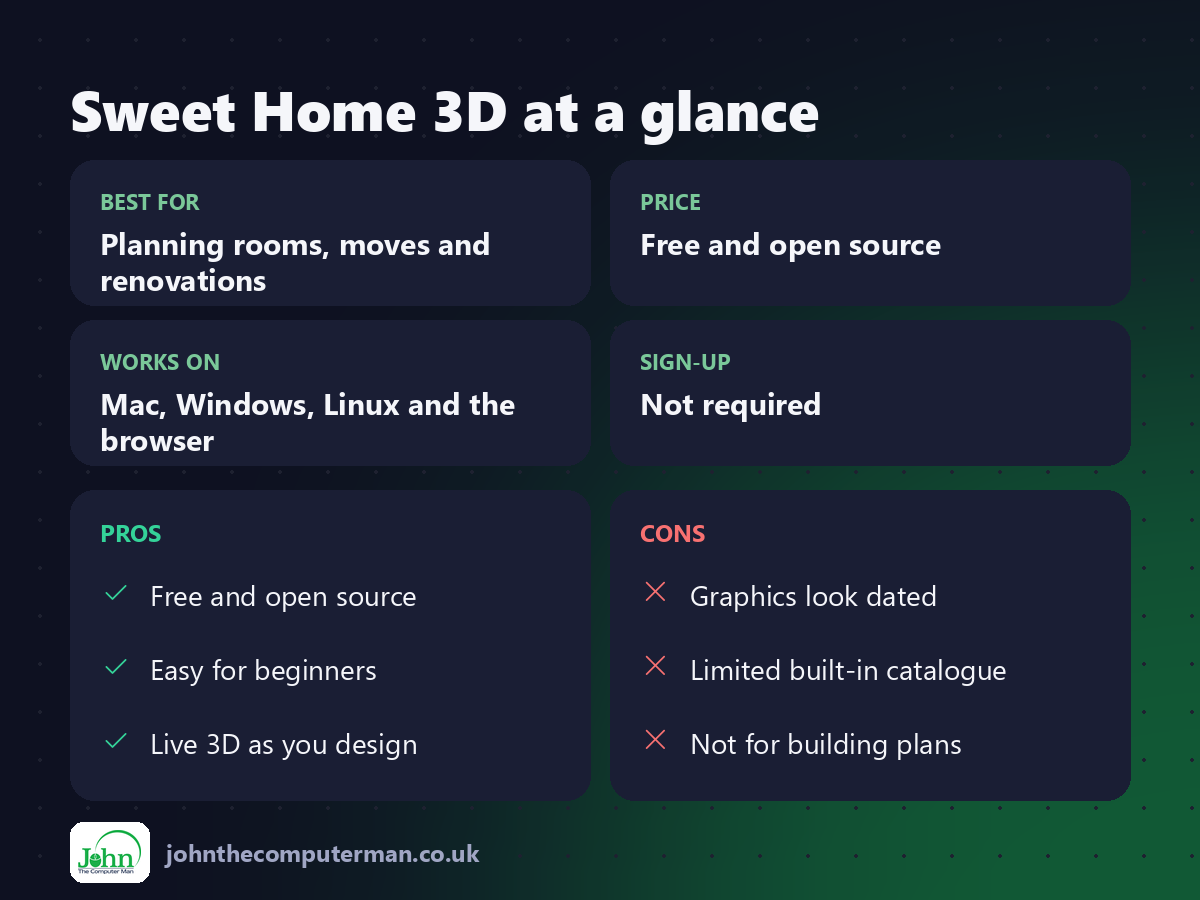
| 👍 Pros | 👎 Cons |
|---|---|
| Free and open source | Graphics look dated |
| Easy for beginners | Limited built-in catalogue |
| Live 3D as you design | Not for building plans |
Who is it for?
Best for: Planning rooms, moves and renovations. Works on: Mac, Windows, Linux and the browser. Sign-up: Not required.
Sweet Home 3D alternatives
• Planner 5D: a friendly home design app with a free plan.
• SketchUp: more powerful 3D modelling, with a limited free web version.
• Blender: free and far more powerful, but much harder to learn.
• SketchUp: more powerful 3D modelling, with a limited free web version.
• Blender: free and far more powerful, but much harder to learn.
FAQ
Is Sweet Home 3D accurate?
Yes, if you enter accurate measurements. It's great for checking furniture fits.
Can I add real furniture?
Many manufacturers and users share free 3D models you can import.
The verdict
Sweet Home 3D is the easiest free way to plan a room. Spend an hour with it before you buy furniture and save yourself a costly mistake.
👉 Try it: www.sweethome3d.com
Part of the free creative apps for mac series on johnthecomputerman.co.uk. Follow @johnthecomputerman on Instagram for a new free Mac tool every Monday, Wednesday and Friday. Pricing and features were checked in September 2026 and can change, so check the tool's own site for the latest.
