UTM: Run Windows 11 and Linux on Your Mac for Free
Sometimes you need Windows for just one app, or want to try Linux without touching your Mac. Parallels does that brilliantly, but it's a yearly subscription.
UTM does it for free. It runs Windows, Linux and more in a window on your Mac, and on Apple Silicon Macs it's fast enough for everyday use.
What is UTM?
UTM is a free, open-source virtual machine app for macOS and iPadOS. It uses Apple's own Virtualization framework and QEMU to run other operating systems in a window, including Windows 11 for ARM and Linux on Apple Silicon Macs. It can also emulate other processor types, such as older Intel systems, though that is much slower. A gallery of ready-made virtual machines makes setup easier.
Key features
Windows and Linux in a window
Run Windows 11 for ARM or a Linux distribution alongside your Mac apps.
Fast on Apple Silicon
Uses Apple's Virtualization framework for near-native speed with ARM systems.
Ready-made gallery
Download pre-built virtual machines from UTM's gallery and start in minutes.
How to get started with UTM
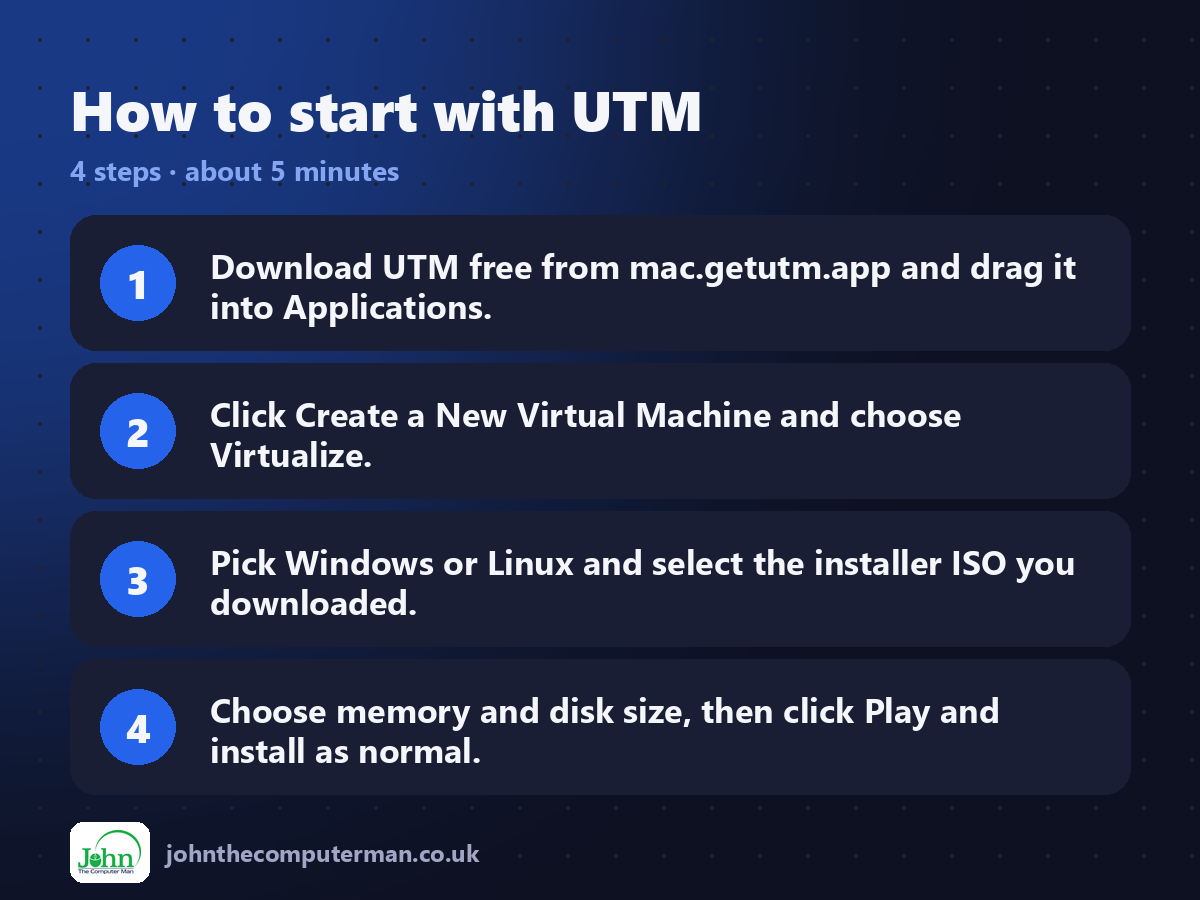
1. Download UTM free from mac.getutm.app and drag it into Applications.
2. Click Create a New Virtual Machine and choose Virtualize.
3. Pick Windows or Linux and select the installer ISO you downloaded.
4. Choose memory and disk size, then click Play and install as normal.
2. Click Create a New Virtual Machine and choose Virtualize.
3. Pick Windows or Linux and select the installer ISO you downloaded.
4. Choose memory and disk size, then click Play and install as normal.
Prefer the command line? If you use Homebrew, the free package manager for Mac, open Terminal and run:
brew install --cask utm
Tips to get more out of it
• On an Apple Silicon Mac, download the ARM version of Windows 11 or Linux. It runs far faster than emulated Intel versions.
• Give the virtual machine at least 4 GB of memory and 64 GB of disk for Windows.
• Install the SPICE guest tools inside Windows for a shared clipboard and better display.
• Use snapshots or clone your VM before big changes so you can roll back.
• Give the virtual machine at least 4 GB of memory and 64 GB of disk for Windows.
• Install the SPICE guest tools inside Windows for a shared clipboard and better display.
• Use snapshots or clone your VM before big changes so you can roll back.
Is it really free?
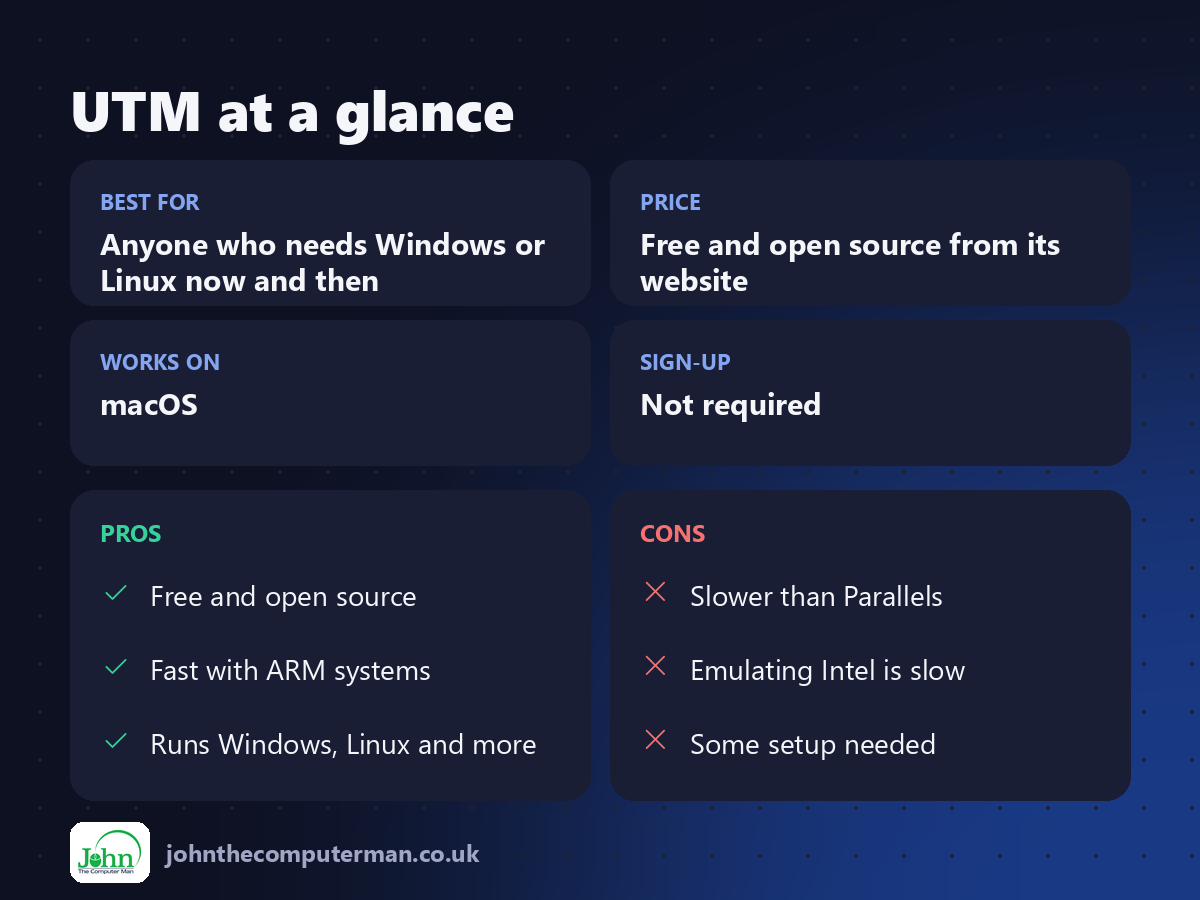
Free and open source from its website. The Mac App Store version costs a little and is the same app, to support the developers.
Pros and cons
| 👍 Pros | 👎 Cons |
|---|---|
| Free and open source | Slower than Parallels |
| Fast with ARM systems | Emulating Intel is slow |
| Runs Windows, Linux and more | Some setup needed |
Who is it for?
Best for: Anyone who needs Windows or Linux now and then. Works on: macOS. Sign-up: Not required.
UTM alternatives
• Parallels Desktop: the fastest and easiest option, but a paid subscription.
• VMware Fusion: now free for everyone, a powerful alternative.
• VirtualBox: free and open source, now with Apple Silicon support.
• VMware Fusion: now free for everyone, a powerful alternative.
• VirtualBox: free and open source, now with Apple Silicon support.
FAQ
Can UTM run Windows games?
Not well. Virtual machines have limited graphics performance. UTM is best for everyday apps and testing.
Do I need a Windows licence?
Windows will run unactivated with some limitations. For proper use you should buy a licence, just as on a PC.
Step-by-step tutorials
The verdict
UTM is the easiest free way to run Windows or Linux on a Mac. It's not quite as slick as Parallels, but for the price, which is nothing, it's hard to beat.
👉 Try it: mac.getutm.app
Part of the free mac apps that replace paid software series on johnthecomputerman.co.uk. Follow @johnthecomputerman on Instagram for a new free Mac tool every Monday, Wednesday and Friday. Pricing and features were checked in September 2026 and can change, so check the tool's own site for the latest.
