How to Run Windows 11 on an Apple Silicon Mac for Free (With UTM)
Sometimes you need Windows for one app: a work tool, some accounting software, or a program that was never made for Mac. Parallels does it brilliantly, but it's a yearly subscription.
UTM does it for free. On an Apple Silicon Mac it runs the Arm version of Windows 11, which in turn can run most everyday Windows apps. Here's how to set it up.
Time needed: about 45 minutes · Cost: free
What you'll need
• UTM: free virtual machines for running Windows and Linux on a Mac
• An Apple Silicon Mac (M1 or later), ideally with 16 GB of memory
• At least 64 GB of free storage
• A Windows 11 licence for proper long-term use
• An Apple Silicon Mac (M1 or later), ideally with 16 GB of memory
• At least 64 GB of free storage
• A Windows 11 licence for proper long-term use
Step by step
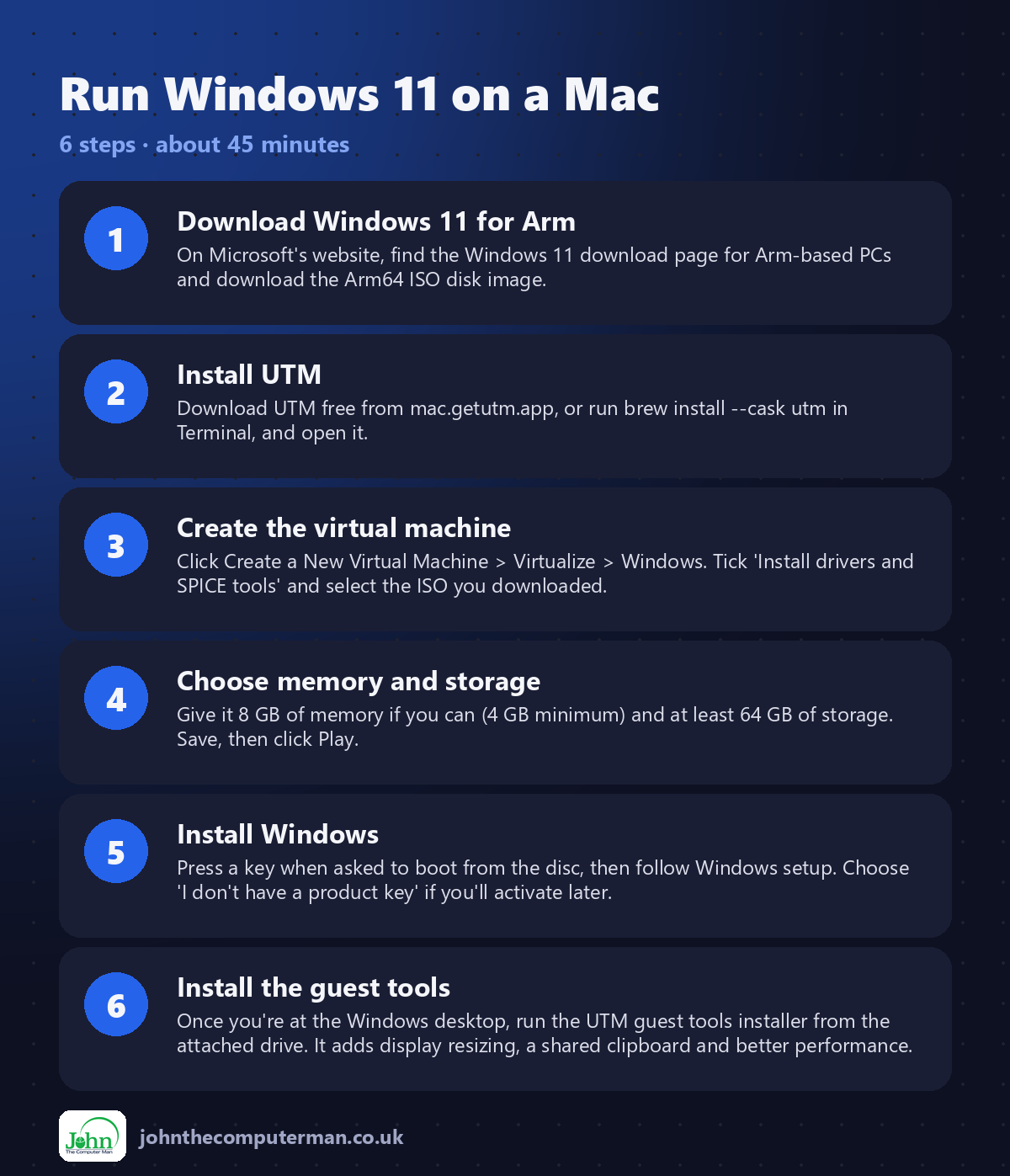
Step 1: Download Windows 11 for Arm
On Microsoft's website, find the Windows 11 download page for Arm-based PCs and download the Arm64 ISO disk image.
Step 2: Install UTM
Download UTM free from mac.getutm.app, or run brew install --cask utm in Terminal, and open it.
Step 3: Create the virtual machine
Click Create a New Virtual Machine > Virtualize > Windows. Tick 'Install drivers and SPICE tools' and select the ISO you downloaded.
Step 4: Choose memory and storage
Give it 8 GB of memory if you can (4 GB minimum) and at least 64 GB of storage. Save, then click Play.
Step 5: Install Windows
Press a key when asked to boot from the disc, then follow Windows setup. Choose 'I don't have a product key' if you'll activate later.
Step 6: Install the guest tools
Once you're at the Windows desktop, run the UTM guest tools installer from the attached drive. It adds display resizing, a shared clipboard and better performance.
Prefer Terminal? If you use Homebrew, install the app for this tutorial in one go:
brew install --cask utm
Tips
• If Windows setup can't find a network, follow the Windows 11 guide on UTM's documentation site, which covers the latest workaround.
• Right-click the virtual machine and choose Clone before big changes, so you can go back.
• Windows for Arm runs most regular Windows apps through built-in emulation.
• Close the virtual machine when you're not using it to free up memory.
• Right-click the virtual machine and choose Clone before big changes, so you can go back.
• Windows for Arm runs most regular Windows apps through built-in emulation.
• Close the virtual machine when you're not using it to free up memory.
If something goes wrong
The ISO won't boot
Make sure you downloaded the Arm64 version of Windows 11, not the regular x64 version.
Windows is very slow
Give it more memory and CPU cores in the VM settings, and close other apps on your Mac.
The screen won't resize
Install the UTM guest tools inside Windows, then restart it.
FAQ
Is it legal to run Windows in UTM?
Yes. You can install and use Windows, but it should be activated with a valid licence for long-term use.
Will games work?
Mostly not. Virtual machines have limited graphics performance. UTM is best for everyday apps.
Wrapping up
It takes about 45 minutes, and then you have Windows in a window on your Mac for free. For the odd Windows app, that's a subscription you don't need.
📖 Full app guide: UTM
More Mac tutorials: Convert HEIC to JPG · Record Your Screen With Sound · Free Up Storage on Your Mac · Snap Windows Side by Side · Send Files Mac to Android · Secure Your Mac in 30 Minutes · Shrink a Video for Email · Make Your MacBook Battery Last · Windows Keyboard on a Mac
Part of the free Mac tools series on johnthecomputerman.co.uk. Follow @johnthecomputerman on Instagram for free Mac tips every Monday, Wednesday and Friday. Steps were checked in September 2026. Menus can move between macOS versions, so look for similar wording if yours differs.
