VCV Rack for Mac: A Free Virtual Modular Synth (Beginner's Guide)
Modular synthesizers, with their walls of knobs and patch cables, make incredible sounds, but real hardware costs thousands.
VCV Rack puts a modular synth on your Mac. Drag modules into a rack, connect them with virtual cables, and start making sounds. The free version comes with access to thousands of free modules.
What is VCV Rack?
VCV Rack is a virtual Eurorack modular synthesizer. VCV Rack Free is a standalone app for Mac, Windows and Linux in which you add modules such as oscillators, filters, envelopes and sequencers, and connect them with cables, just like hardware. Its online Library has thousands of modules, many free. VCV Rack Pro, a paid version, adds use as a plugin inside music apps.
Key features
Patch with cables
Drag cables between modules, just like a real modular synth.
Thousands of modules
Browse a huge library of free and paid modules.
Learn synthesis
See and hear exactly how sounds are built, step by step.
How to get started with VCV Rack
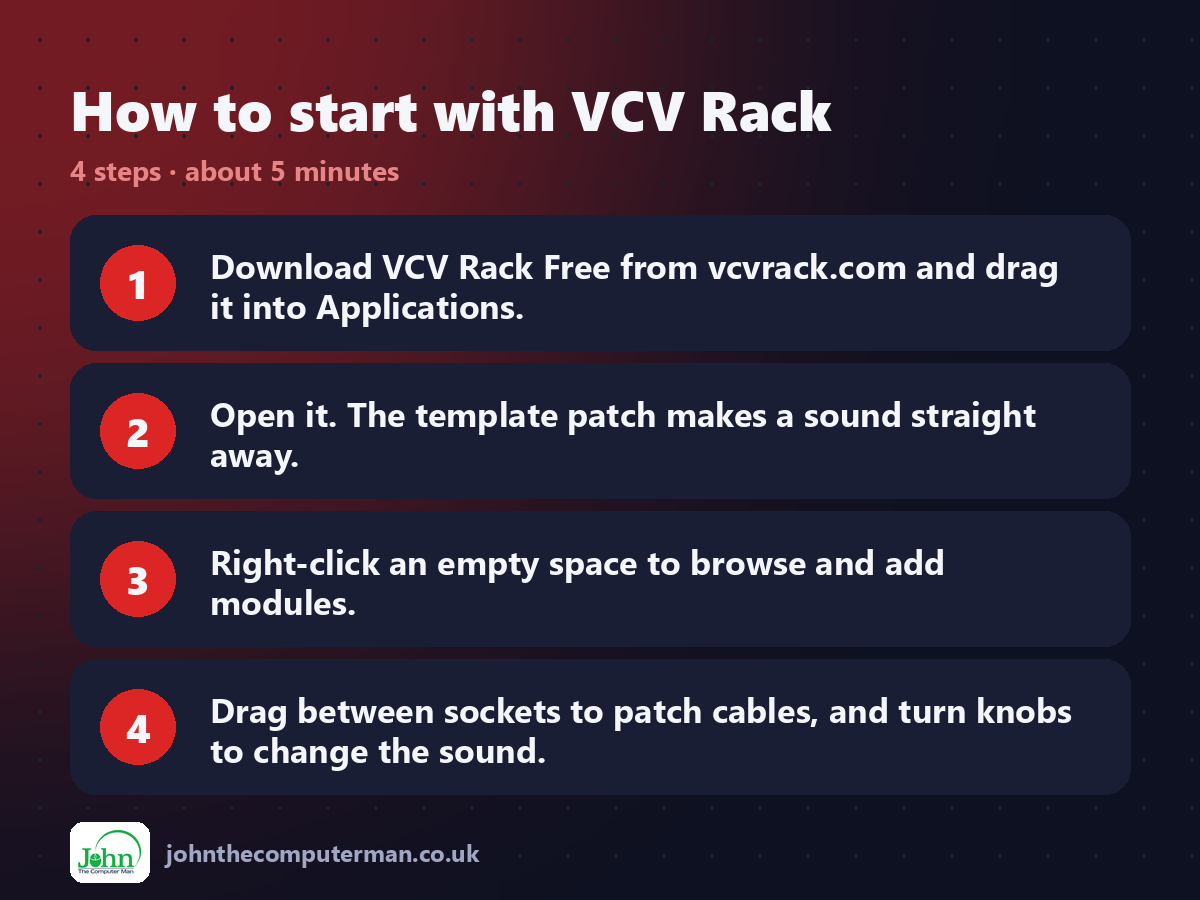
1. Download VCV Rack Free from vcvrack.com and drag it into Applications.
2. Open it. The template patch makes a sound straight away.
3. Right-click an empty space to browse and add modules.
4. Drag between sockets to patch cables, and turn knobs to change the sound.
2. Open it. The template patch makes a sound straight away.
3. Right-click an empty space to browse and add modules.
4. Drag between sockets to patch cables, and turn knobs to change the sound.
Prefer the command line? If you use Homebrew, the free package manager for Mac, open Terminal and run:
brew install --cask vcv-rack
Tips to get more out of it
• Start from the template patch and change one thing at a time.
• Create a free VCV account to add modules from the online Library.
• Hold Control (or Command) and drag from a socket to stack cables.
• Look up 'VCV Rack beginner patch' tutorials to learn the basics.
• Create a free VCV account to add modules from the online Library.
• Hold Control (or Command) and drag from a socket to stack cables.
• Look up 'VCV Rack beginner patch' tutorials to learn the basics.
Is it really free?
VCV Rack Free is free. VCV Rack Pro, which works as a plugin, is paid.
Pros and cons
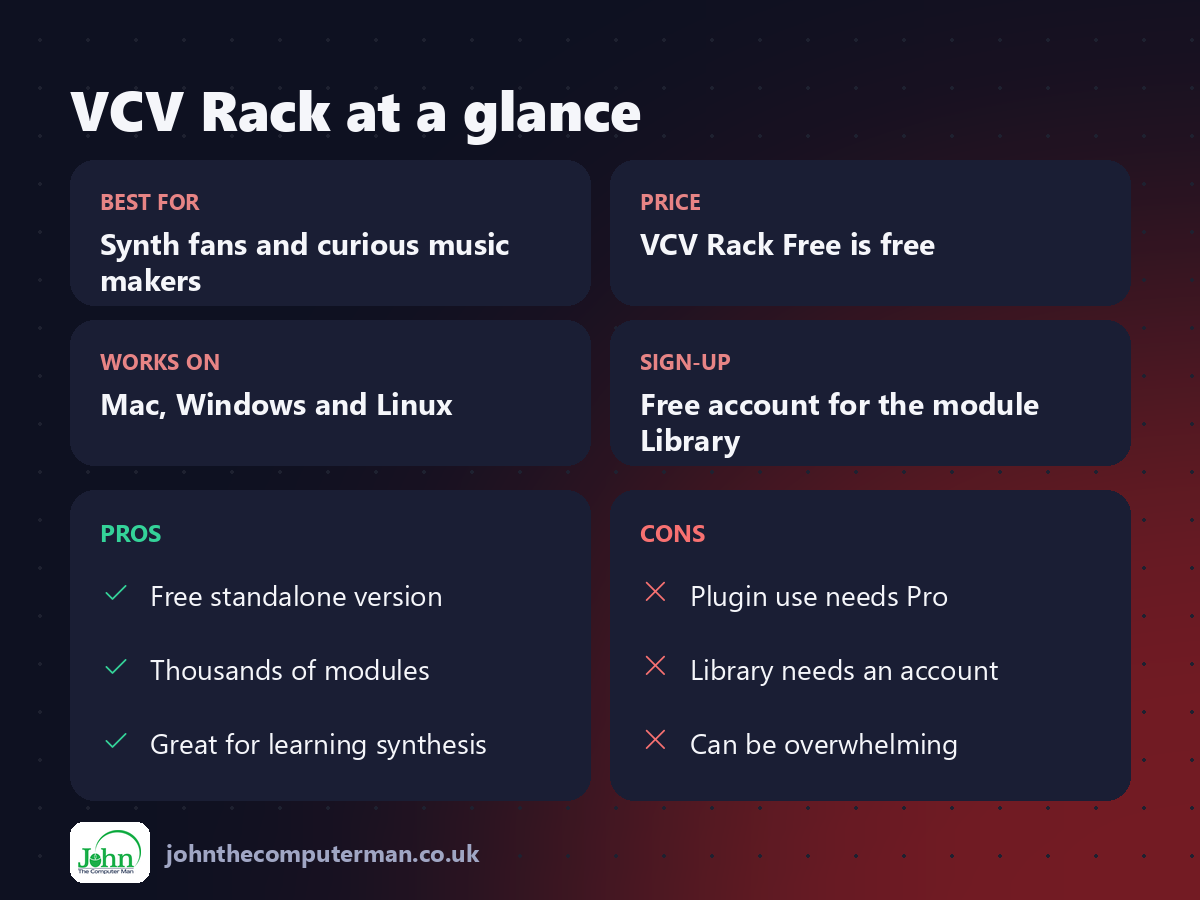
| 👍 Pros | 👎 Cons |
|---|---|
| Free standalone version | Plugin use needs Pro |
| Thousands of modules | Library needs an account |
| Great for learning synthesis | Can be overwhelming |
Who is it for?
Best for: Synth fans and curious music makers. Works on: Mac, Windows and Linux. Sign-up: Free account for the module Library.
VCV Rack alternatives
• Surge XT: a free, easier synth plugin with thousands of presets.
• Cardinal: a free, open-source plugin built from VCV Rack modules.
• Bitwig Studio: a paid music app with a built-in modular system.
• Cardinal: a free, open-source plugin built from VCV Rack modules.
• Bitwig Studio: a paid music app with a built-in modular system.
FAQ
Is VCV Rack free?
VCV Rack Free is free. Pro is paid and adds plugin support for music apps.
Do I need an account?
Only to add modules from the online Library. A free account is enough.
The verdict
VCV Rack is the cheapest way into modular synthesis: free. Start with the template, twist some knobs, and prepare to lose an evening.
👉 Try it: vcvrack.com
Part of the free creative apps for mac series on johnthecomputerman.co.uk. Follow @johnthecomputerman on Instagram for a new free Mac tool every Monday, Wednesday and Friday. Pricing and features were checked in September 2026 and can change, so check the tool's own site for the latest.
