Tinkercad: Free 3D Design and Arduino Circuits in Your Browser
Professional 3D software can take months to learn. If you just want to design a replacement knob, a phone stand or your first 3D print, you need something much simpler.
Tinkercad is that tool. It's free, it runs in your browser, and it's used in schools everywhere. It can even simulate Arduino circuits.
What is Tinkercad?
Tinkercad is a free web app from Autodesk for 3D design, electronics and coding. You build 3D models by combining simple shapes and 'holes', then export them for 3D printing. Tinkercad Circuits lets you wire up virtual Arduino projects and simulate them using blocks or real code.
Key features
Shape-based 3D design
Drag in shapes, resize them, and use 'holes' to cut out space. It's simple enough for kids, yet capable enough for real parts.
Ready for 3D printing
Export STL or OBJ files for any 3D printer or printing service.
Arduino circuit simulator
Build virtual circuits with an Arduino, LEDs and sensors, then code and test them without any hardware.
How to get started with Tinkercad
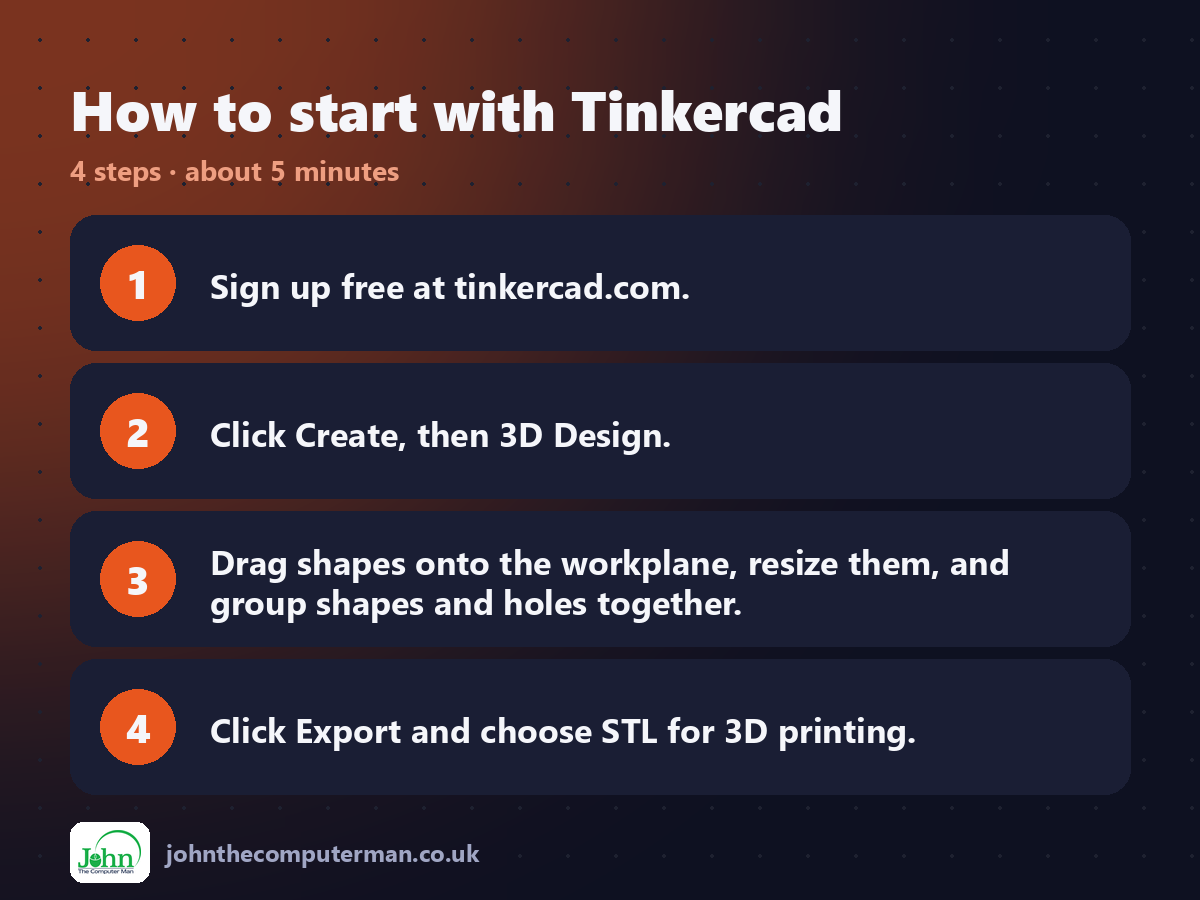
1. Sign up free at tinkercad.com.
2. Click Create, then 3D Design.
3. Drag shapes onto the workplane, resize them, and group shapes and holes together.
4. Click Export and choose STL for 3D printing.
2. Click Create, then 3D Design.
3. Drag shapes onto the workplane, resize them, and group shapes and holes together.
4. Click Export and choose STL for 3D printing.
Tips to get more out of it
• Duplicate an object with Ctrl+D, move it, then press Ctrl+D again to repeat the move. It's great for patterns.
• Use the Ruler tool for exact measurements.
• Try Circuits before you buy components, so you can test your Arduino idea for free first.
• Use the Ruler tool for exact measurements.
• Try Circuits before you buy components, so you can test your Arduino idea for free first.
Is it really free?
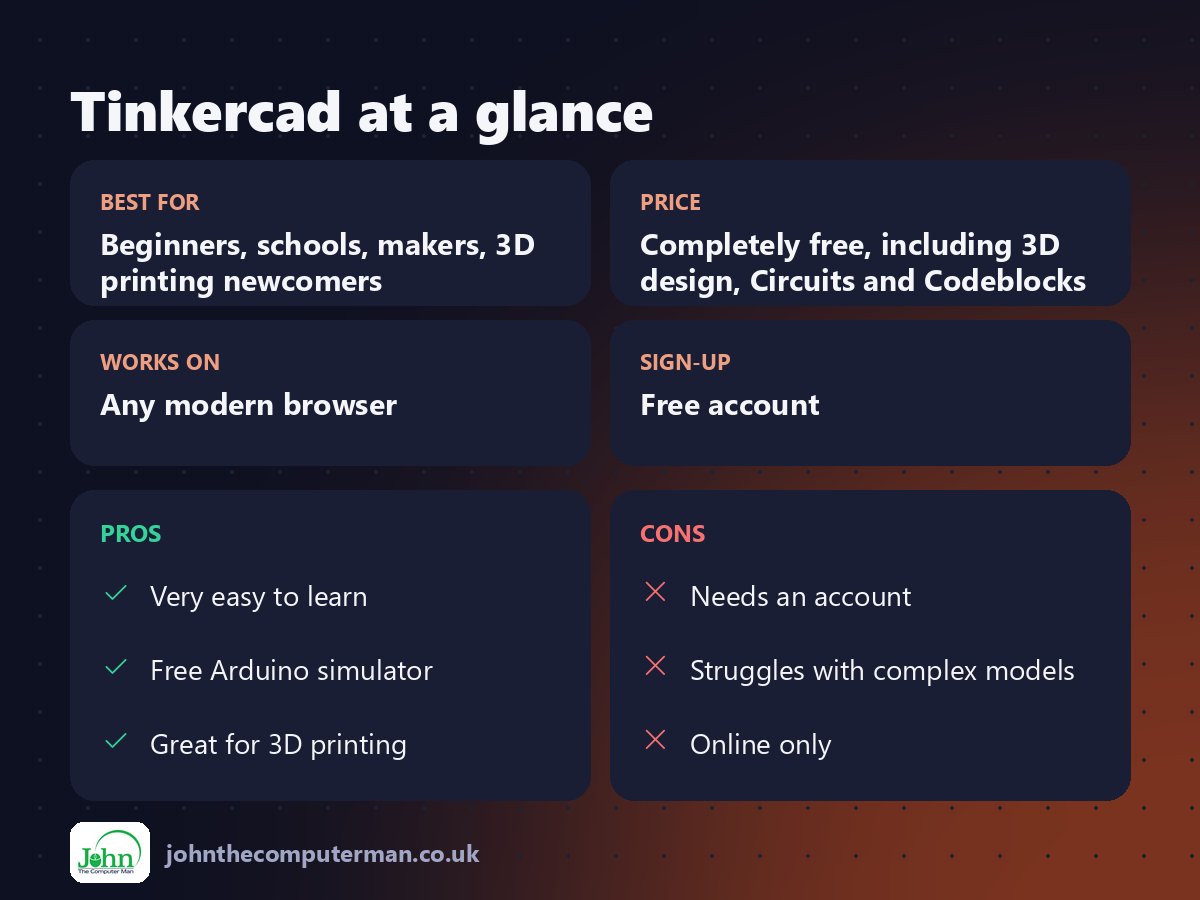
Completely free, including 3D design, Circuits and Codeblocks.
Pros and cons
| 👍 Pros | 👎 Cons |
|---|---|
| Very easy to learn | Needs an account |
| Free Arduino simulator | Struggles with complex models |
| Great for 3D printing | Online only |
Who is it for?
Best for: Beginners, schools, makers, 3D printing newcomers. Works on: Any modern browser. Sign-up: Free account.
Tinkercad alternatives
• Wokwi: a more advanced online simulator for Arduino, ESP32 and Pico.
• Fusion: Autodesk's professional CAD, free for personal use with limits.
• Onshape: professional browser CAD with a free plan.
• Fusion: Autodesk's professional CAD, free for personal use with limits.
• Onshape: professional browser CAD with a free plan.
FAQ
Can I 3D print Tinkercad designs?
Yes. Export an STL file and open it in your printer's slicer software.
Is Tinkercad good for kids?
Very. It's widely used in schools, and teachers can set up classes for students.
The verdict
Tinkercad is the best place to start with 3D design, and its free Arduino simulator is a bonus. Your first print is closer than you think.
👉 Try it: www.tinkercad.com
Part of our series on the best free online tools. Pricing and features were checked at the time of writing and can change, so check the tool's own site for the latest.