Wokwi: Simulate Arduino, ESP32 and Pico Projects Online for Free
Waiting for parts to arrive, or worried about frying a board with a wiring mistake? Every maker has been there.
Wokwi lets you build and run microcontroller projects in your browser, using real code, before you pick up a soldering iron.
What is Wokwi?
Wokwi is an online electronics simulator for Arduino (Uno, Mega, Nano), ESP32, Raspberry Pi Pico, STM32 and more. Add parts like LEDs, buttons, displays, sensors and servos, wire them up, write your code, and press play. The simulated ESP32 can even connect to the internet over Wi-Fi.
Key features
Real boards, real code
Arduino, ESP32, Pico and more, running your actual sketch or MicroPython code.
Loads of parts
LEDs, buttons, OLED and LCD displays, sensors, servos, NeoPixels and more, all interactive.
Simulated Wi-Fi
ESP32 projects can connect to the internet, which is ideal for testing IoT ideas.
How to get started with Wokwi
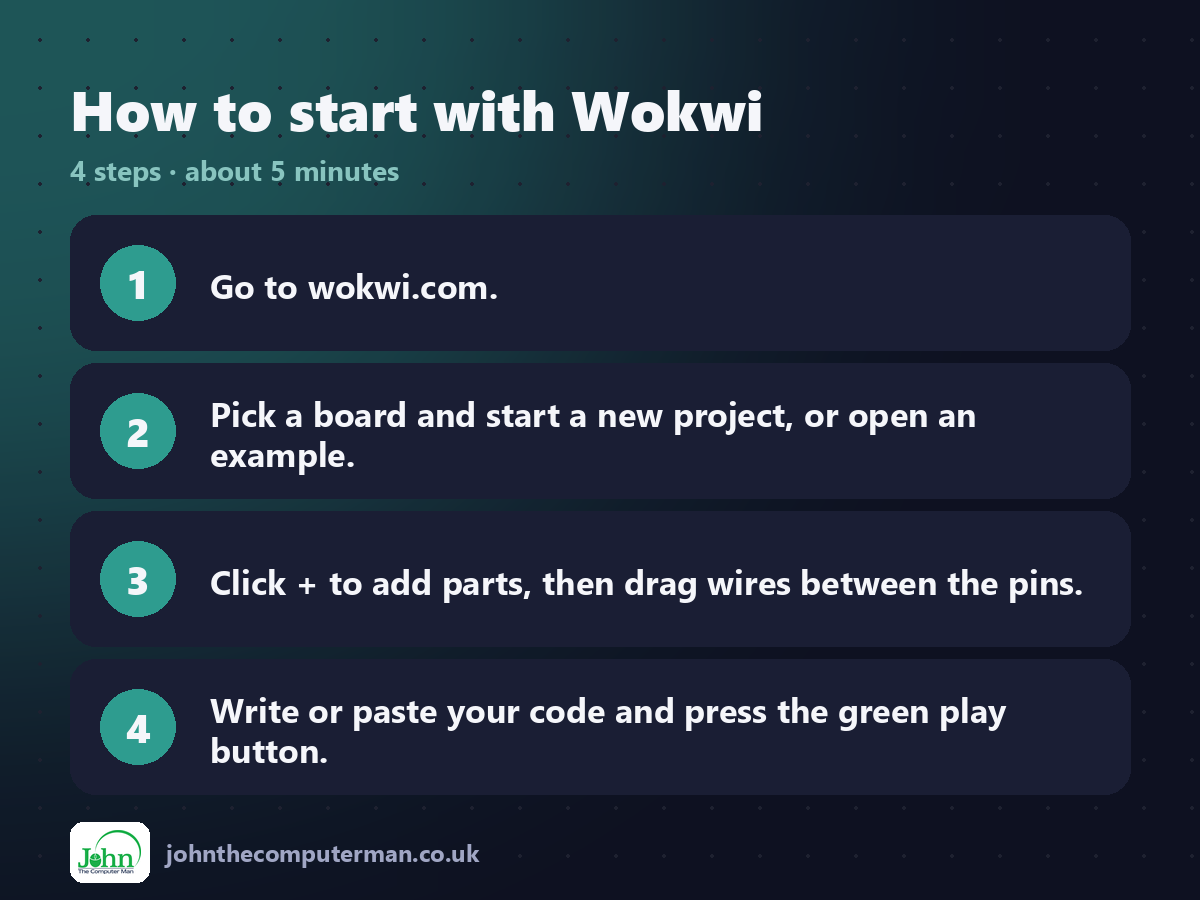
1. Go to wokwi.com.
2. Pick a board and start a new project, or open an example.
3. Click + to add parts, then drag wires between the pins.
4. Write or paste your code and press the green play button.
2. Pick a board and start a new project, or open an example.
3. Click + to add parts, then drag wires between the pins.
4. Write or paste your code and press the green play button.
Tips to get more out of it
• Start from an example project. It's the quickest way to see wiring and code that already work.
• Click on sensors while the simulation runs to change their readings live.
• Share your project link when you ask for help on forums. People can run it instantly.
• Click on sensors while the simulation runs to change their readings live.
• Share your project link when you ask for help on forums. People can run it instantly.
Is it really free?
Free for hobby use. Paid plans add extra features for power users, teams and businesses.
Pros and cons
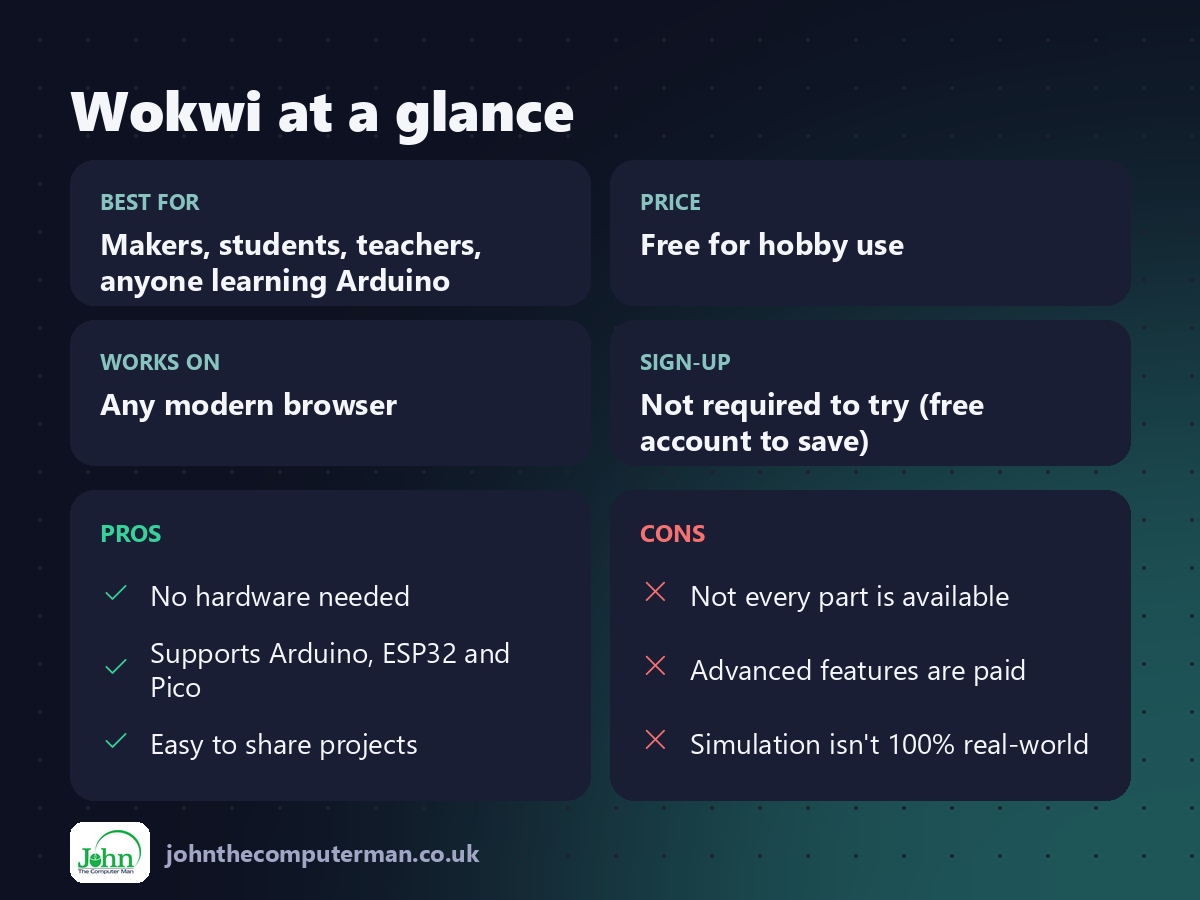
| 👍 Pros | 👎 Cons |
|---|---|
| No hardware needed | Not every part is available |
| Supports Arduino, ESP32 and Pico | Advanced features are paid |
| Easy to share projects | Simulation isn't 100% real-world |
Who is it for?
Best for: Makers, students, teachers, anyone learning Arduino. Works on: Any modern browser. Sign-up: Not required to try (free account to save).
Wokwi alternatives
• Tinkercad: beginner-friendly Arduino circuits and 3D design.
• Arduino Cloud editor: code and upload to real boards from your browser.
• Fritzing: desktop app for breadboard layouts and PCBs.
• Arduino Cloud editor: code and upload to real boards from your browser.
• Fritzing: desktop app for breadboard layouts and PCBs.
FAQ
Can Wokwi simulate ESP32 Wi-Fi?
Yes. Simulated ESP32 boards can connect to the internet through Wokwi's virtual network.
Do I need an account?
Not to try it. A free account lets you save your projects.
The verdict
Wokwi is the fastest way to try an Arduino or ESP32 idea. Test it virtually, fix the bugs, and then build it for real.
👉 Try it: wokwi.com
Part of our series on the best free online tools. Pricing and features were checked at the time of writing and can change, so check the tool's own site for the latest.