
Photoshop is brilliant, but a monthly subscription is a lot to pay if you only edit images now and then. Photopea fills that gap: a free image editor that runs entirely in your web browser and looks and behaves a lot like Photoshop.
You don’t install anything or make an account. You open the site and start editing. It even opens the PSD a client just emailed you, with the layers intact.
What is Photopea?
Photopea is a free, browser-based raster and vector image editor. It supports layers, masks, adjustment layers, blend modes and layer styles, and it opens professional file formats including PSD, XCF (GIMP), Sketch, Adobe XD, PDF and many camera RAW formats. Processing happens on your own device rather than on a remote server.
Key features
Opens pro file formats
Edit PSD, XCF, Sketch, XD, PDF, SVG and RAW files without owning the software that created them.
Real layers and masks
Layers, masks, adjustment layers, blend modes, smart objects and layer styles all work the way you’d expect them to.
Runs on any computer
It works in a modern browser, so Chromebooks, borrowed laptops and locked-down work PCs can all run it.
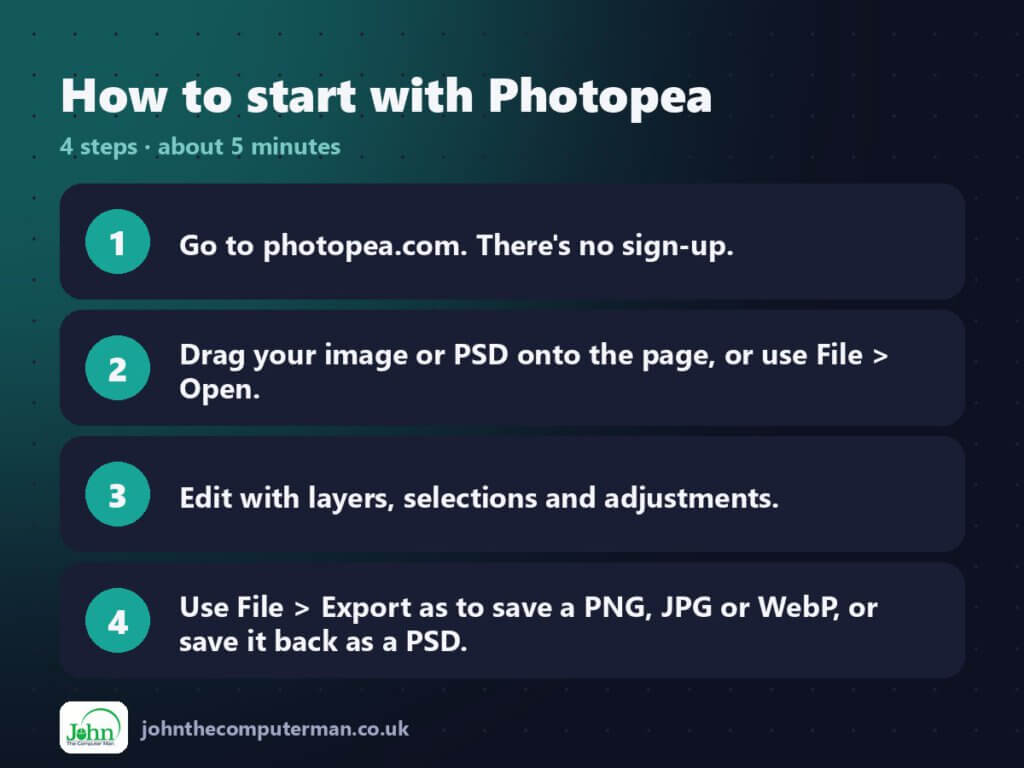
How to get started with Photopea
Tips to get more out of it
- If you already know Photoshop’s shortcuts, most of them work here too (Ctrl+J, Ctrl+T, Ctrl+Shift+I and so on).
- Use File > Export as > More to set the exact quality and file size before you download.
- Magic Replace and the content-aware tools handle quick object removal well.
Is it really free?
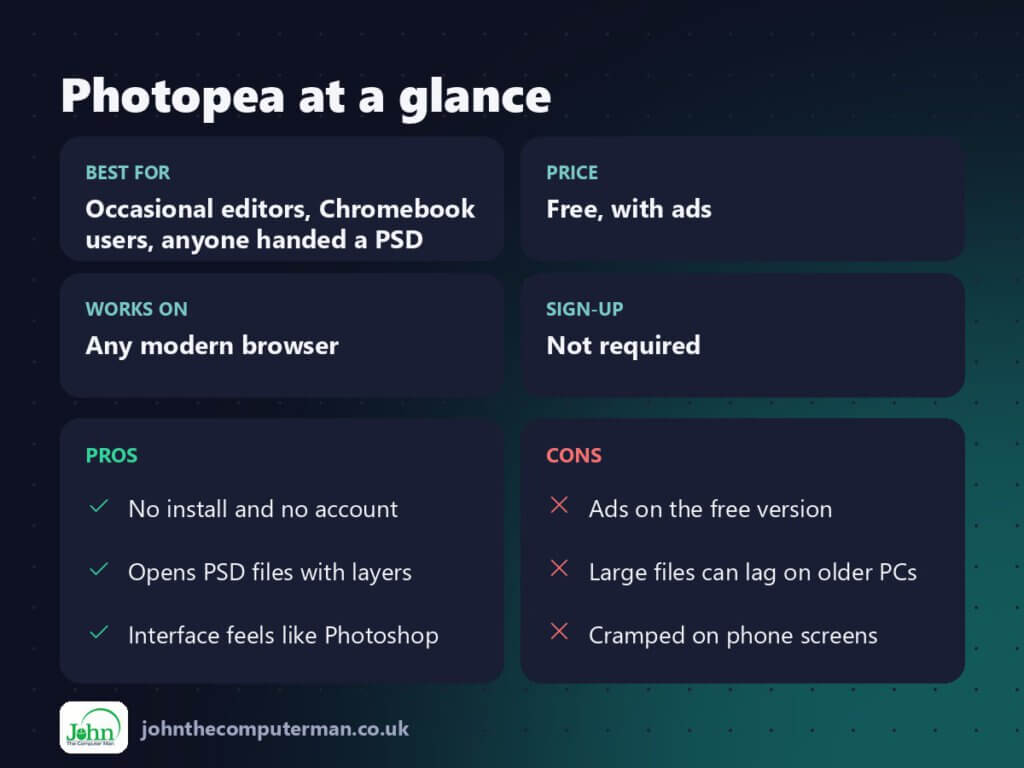
Free, with ads. An optional Premium plan removes the ads and adds a few extras, such as more undo history.
Pros and cons
| 👍 Pros | 👎 Cons |
|---|---|
| No install and no account | Ads on the free version |
| Opens PSD files with layers | Large files can lag on older PCs |
| Interface feels like Photoshop | Cramped on phone screens |
Who is it for?
Best for: Occasional editors, Chromebook users, anyone handed a PSD.
Works on: Any modern browser.
Sign-up: Not required.
Photopea alternatives
- GIMP: free, open-source desktop editor with more power for batch and plugin work.
- Pixlr: a lighter browser editor with more one-click effects.
- Canva: the better choice for template-based social graphics than for photo retouching.
FAQ
Is Photopea really free?
Yes. The whole editor is free and supported by ads. Premium only removes the ads and adds small extras.
Can Photopea open PSD files?
Yes. It opens PSDs with their layers, masks and most effects, and it can save back to PSD.
The verdict
If you edit images a few times a month, Photopea may be all you need, and it’s free. Heavy professional use still favours Photoshop, but most people will never notice what’s missing.
👉 Try it: www.photopea.com
Part of my series on the best free online tools. Pricing and features were checked at the time of writing and can change, so check the tool’s own site for the latest.
