
Oversized images are among the most common reasons a website feels slow. A photo straight off your phone can weigh several megabytes, while the same image, sized and compressed properly, often looks identical at a fraction of the size.
Squoosh, from Google’s Chrome Labs team, makes that easy. You drag in an image and move a slider to see the result.
What is Squoosh?
Squoosh is a free, open-source image compressor and resizer that runs entirely in your browser. You can convert to modern formats such as WebP and AVIF, adjust the quality, and compare the original and the compressed version side by side before you download. Your images never leave your device, and it works offline once loaded.
Key features
Live before/after slider
Drag the divider to compare the original and the compressed image at any zoom level. You can see exactly where the quality starts to drop.
Modern formats
Export to WebP, AVIF, MozJPEG, OxiPNG and more. AVIF and WebP are often much smaller than a standard JPEG.
Private and offline
All processing happens on your device. Nothing is uploaded, and it works without a connection once it has loaded.
How to get started with Squoosh
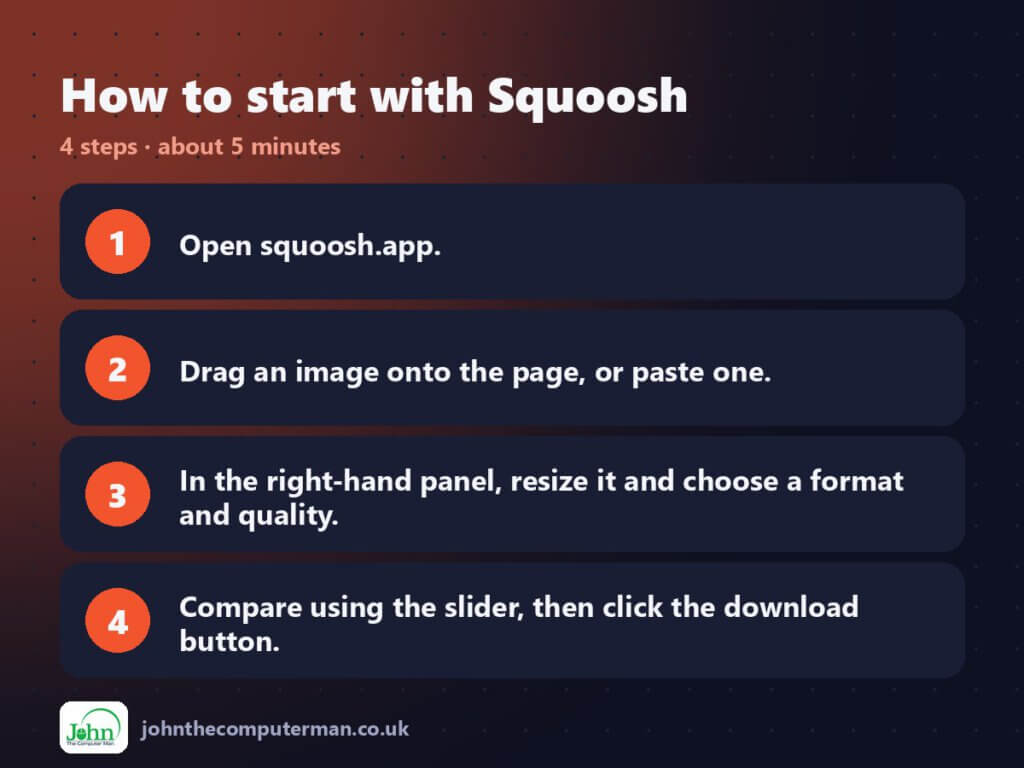
- Open squoosh.app.
- Drag an image onto the page, or paste one.
- In the right-hand panel, resize it and choose a format and quality.
- Compare using the slider, then click the download button.
Tips to get more out of it
- Resize first. Scaling an image down to the width it’s actually displayed at usually saves more than compression does.
- For website photos, WebP at a quality of around 75 is a good starting point.
- Use ‘Reduce palette’ on PNG screenshots and graphics for big savings.
Is it really free?
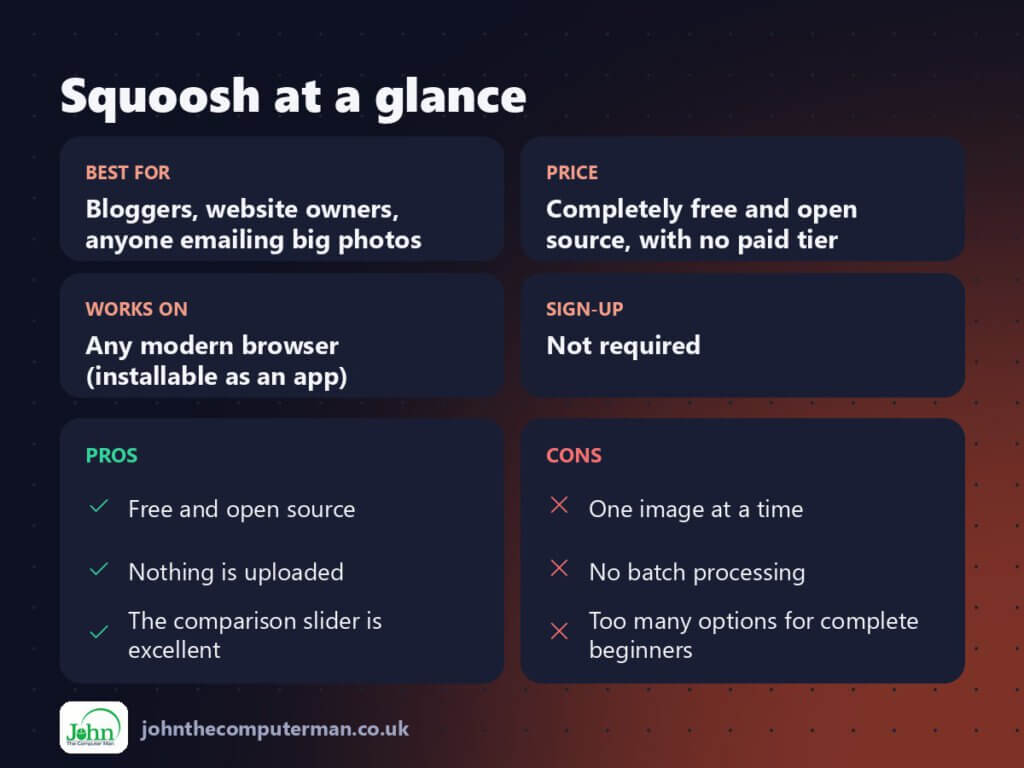
Completely free and open source, with no paid tier. The main limitation is that it compresses one image at a time.
Pros and cons
| 👍 Pros | 👎 Cons |
|---|---|
| Free and open source | One image at a time |
| Nothing is uploaded | No batch processing |
| The comparison slider is excellent | Too many options for complete beginners |
Who is it for?
Best for: Bloggers, website owners, anyone emailing big photos.
Works on: Any modern browser (installable as an app).
Sign-up: Not required.
Squoosh alternatives
- TinyPNG: simple batch compression, with limits on the free plan.
- XnConvert: a free desktop tool for batch-converting whole folders.
- ImageOptim: a Mac app for lossless drag-and-drop optimisation.
FAQ
Does Squoosh upload my images?
No. Everything is processed locally in your browser.
Which format should I pick?
WebP is the safe modern choice. AVIF is often even smaller and is supported by current browsers.
The verdict
Squoosh is the quickest way to get web images down to a sensible size without guessing. Bookmark it and run every image through it before you upload.
👉 Try it: squoosh.app
Part of myseries on the best free online tools. Pricing and features were checked at the time of writing and can change, so check the tool’s own site for the latest.
