
A suspicious email attachment, a download from a site you’ve never heard of, or a shortened link from a stranger: sometimes you just want a second opinion before you click.
VirusTotal gives you around 70 second opinions at once, for free, in your browser.
What is VirusTotal?
VirusTotal is a free online service, owned by Google, that analyses files and URLs using around 70 antivirus engines and website-reputation services. You upload a file, paste a link or search a file hash, and within seconds you see how many engines flag it and why.
Key features
Multi-engine scanning
One upload is checked by dozens of antivirus products at once. That’s more reliable than any single scanner.
URL and domain checks
Paste a link to see whether security vendors have flagged it for phishing or malware before you visit.
Hash lookup
Search by a file’s SHA-256 hash to see existing results without uploading the file itself.
How to get started with VirusTotal
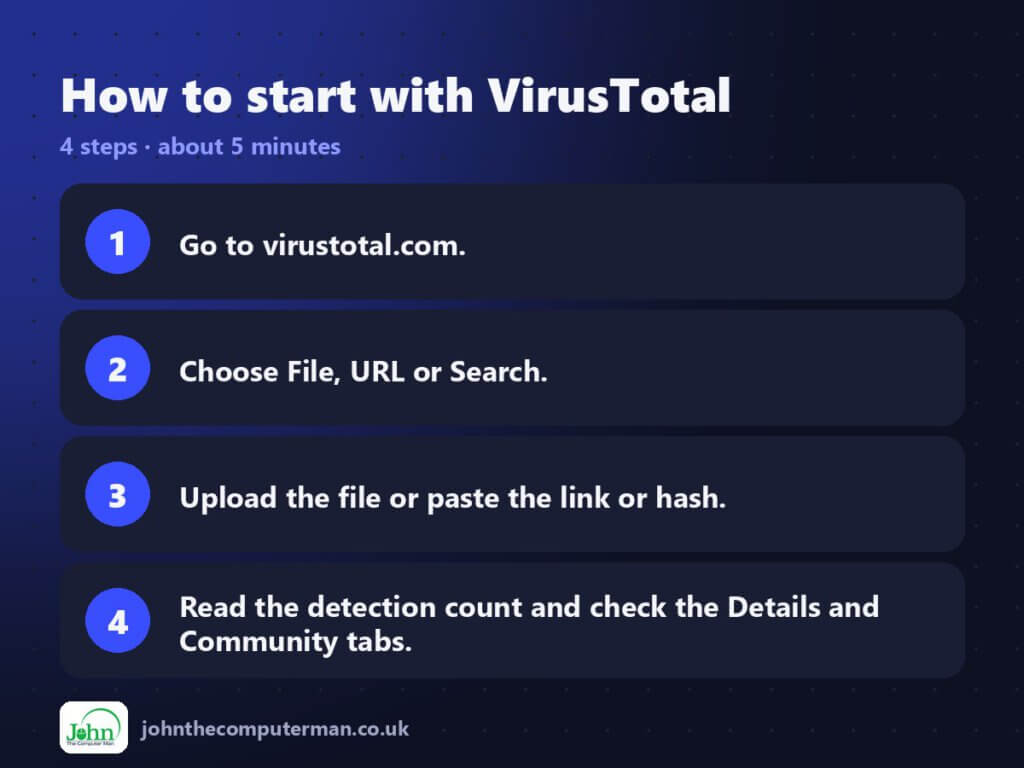
- Go to virustotal.com.
- Choose File, URL or Search.
- Upload the file or paste the link or hash.
- Read the detection count and check the Details and Community tabs.
Tips to get more out of it
- Never upload confidential documents. Uploaded files are shared with the security community.
- One or two detections from lesser-known engines are often false positives. Many detections is a red flag.
- For private files, search by the file’s hash instead of uploading it.
Is it really free?
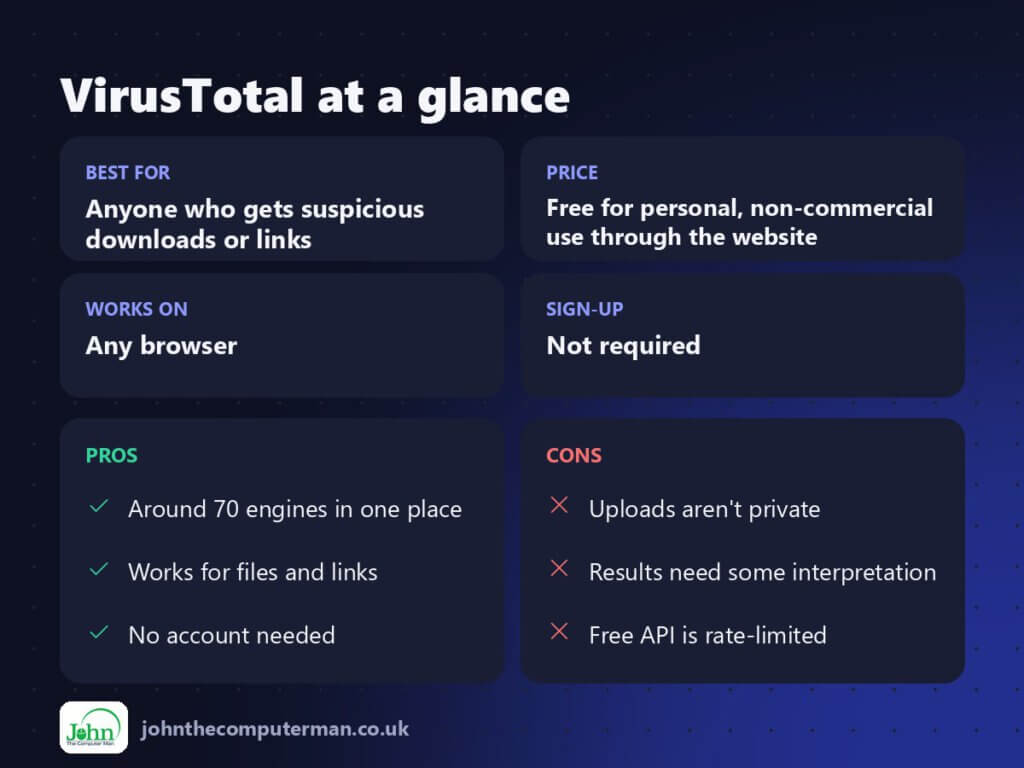
Free for personal, non-commercial use through the website. Paid API and enterprise plans are for businesses.
Pros and cons
| 👍 Pros | 👎 Cons |
|---|---|
| Around 70 engines in one place | Uploads aren’t private |
| Works for files and links | Results need some interpretation |
| No account needed | Free API is rate-limited |
Who is it for?
Best for: Anyone who gets suspicious downloads or links.
Works on: Any browser.
Sign-up: Not required.
VirusTotal alternatives
- urlscan.io: shows what a website actually loads, safely.
- Google Safe Browsing status: a quick reputation check for a site.
- Hybrid Analysis: a free sandbox that runs files to watch what they do.
FAQ
s VirusTotal safe to use?
Yes, but uploaded files are shared with security researchers, so don’t upload personal or confidential documents.
It says 2 of 70 flagged it. Is it a virus?
Not necessarily. A small number of detections from lesser-known engines is often a false positive. Look at which engines flagged it and what they called it.
The verdict
Keep VirusTotal bookmarked for ‘is this safe?’ moments. It’s free and fast, and it gives you a second opinion from dozens of scanners. Just don’t upload anything private.
👉 Try it: www.virustotal.com
Part of my series on the best free online tools. Pricing and features were checked at the time of writing and can change, so check the tool’s own site for the latest.
