
Links break all the time. A guide you bookmarked disappears, a company quietly edits its terms, or a site you relied on shuts down. Most of the time, that content isn’t actually gone.
The Wayback Machine has been saving copies of the web since the 1990s, and it lets anyone browse them for free.
What is Wayback Machine?
The Wayback Machine is a free service from the Internet Archive, a non-profit digital library. It has archived hundreds of billions of web pages over time. Type in a web address and you get a calendar of saved snapshots, each one a copy of how the page looked on that date. You can also ask it to save a page right now.
Key features
Browse any site’s history
Pick a date on the calendar to see exactly how a page looked back then, including deleted pages.
Save Page Now
Archive a page yourself in seconds, so there’s a permanent copy even if it changes or vanishes.
Browser extension
The official extension offers an archived copy when you land on a dead link or a 404 error.
How to get started with Wayback Machine
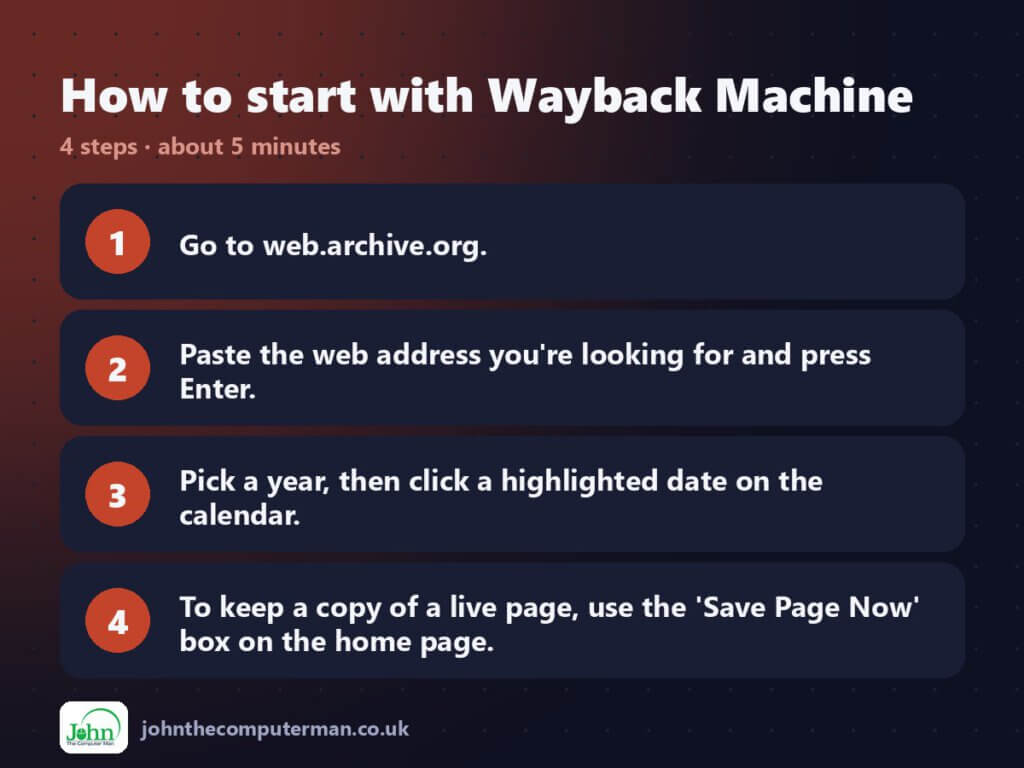
- Go to web.archive.org.
- Paste the web address you’re looking for and press Enter.
- Pick a year, then click a highlighted date on the calendar.
- To keep a copy of a live page, use the ‘Save Page Now’ box on the home page.
Tips to get more out of it
- Add to see every archived page on a site, for example web.archive.org/web//example.com/*.
- Save important pages (terms, prices, guides) before you rely on them.
- If a snapshot looks broken, try a nearby date. Some copies saved images and styles better than others.
Is it really free?
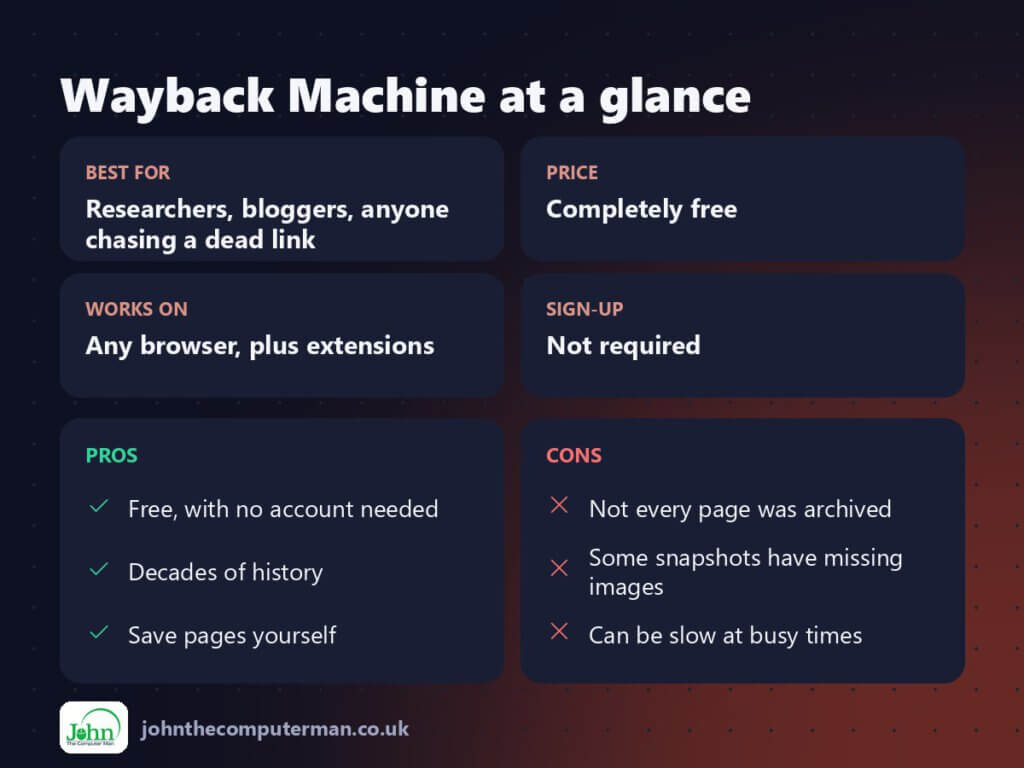
Completely free. The Internet Archive is a non-profit funded by donations.
Pros and cons
| 👍 Pros | 👎 Cons |
|---|---|
| Free, with no account needed | Not every page was archived |
| Decades of history | Some snapshots have missing images |
| Save pages yourself | Can be slow at busy times |
Who is it for?
Best for: Researchers, bloggers, anyone chasing a dead link.
Works on: Any browser, plus extensions.
Sign-up: Not required.
Wayback Machine alternatives
- archive.today: another page-snapshot service that’s good for single pages.
- Google search operators: cache-style results are far more limited now.
- Your own PDFs: print a page to PDF when you need a private copy.
FAQ
Can I see a website that’s been completely deleted?
Often, yes, as long as it was archived before it went offline.
Can I ask for my own site to be removed?
Yes. Site owners can contact the Internet Archive to request exclusion.
The verdict
The Wayback Machine is one of the most useful free sites on the internet. Bookmark it, install the extension, and dead links stop being the end of the road.
👉 Try it: web.archive.org
Part of my series on the best free online tools. Pricing and features were checked at the time of writing and can change, so check the tool’s own site for the latest.
