

You copy a link, then copy something else, and the link is gone. Your Mac’s clipboard only holds one thing at a time, which is fine until the day it isn’t.
Maccy keeps a searchable history of everything you copy. Press one shortcut, type a few letters, and paste it back. It’s small, fast, open source and free.
What is Maccy?
Maccy is a free, open-source clipboard manager for macOS. It runs in the menu bar and saves a history of text, links and images you copy. Press Shift+Command+C to open the list, type to search it, and pick an item to copy it again, or have Maccy paste it straight into your document. You can pin favourites so they stay at the top.
Key features
Searchable history
Press Shift+Command+C and start typing to find anything you’ve copied, even days ago.
Pin your favourites
Pin addresses, links or replies you use often so they’re always one keystroke away.
Keyboard-first and light
No window to manage. It pops up, you pick, it disappears, and it barely uses any memory.
How to get started with Maccy
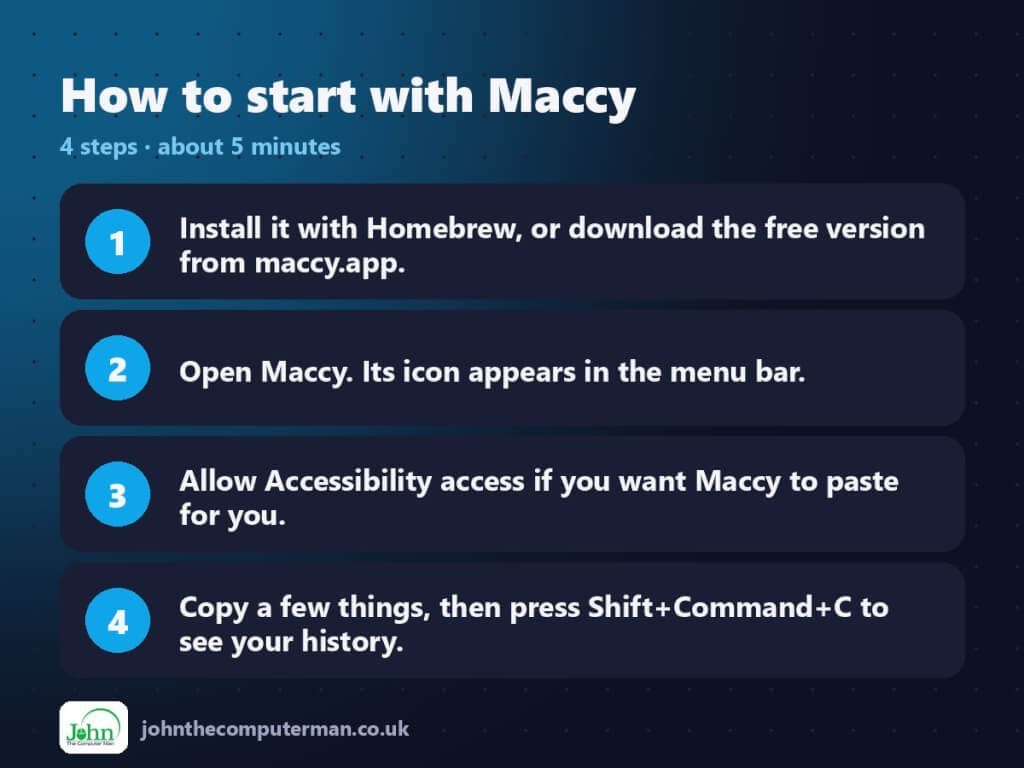
- Install it with Homebrew, or download the free version from maccy.app.
- Open Maccy. Its icon appears in the menu bar.
- Allow Accessibility access if you want Maccy to paste for you.
- Copy a few things, then press Shift+Command+C to see your history.
Prefer the command line? If you use Homebrew, the free package manager for Mac, open Terminal and run:
brew install --cask maccy
Tips to get more out of it
- Turn on ‘Paste automatically’ in Settings so choosing an item drops it straight into your document.
- Pin frequently used text with Option+P while it’s selected.
- Set how many items to keep in Settings > Storage. The default is plenty for most people.
- Maccy skips items that password managers mark as sensitive, but you can clear your history any time from the menu.
Is it really free?
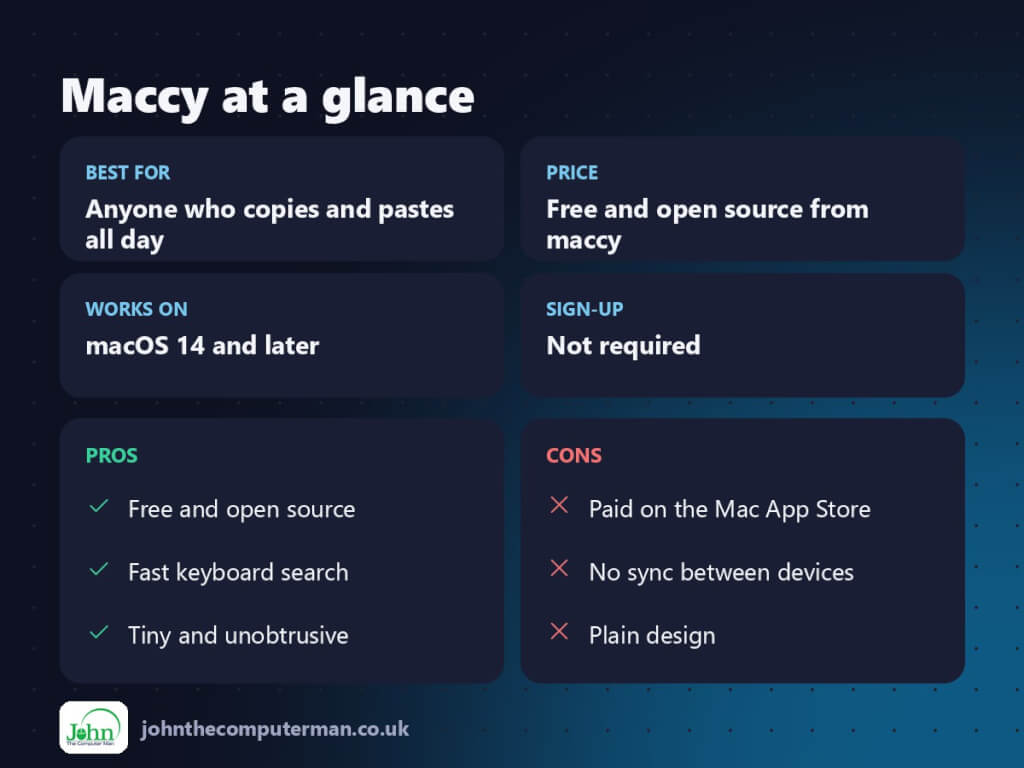
Free and open source from maccy.app or Homebrew. The Mac App Store version is paid, to support the developer.
Pros and cons
| 👍 Pros | 👎 Cons |
|---|---|
| Free and open source | Paid on the Mac App Store |
| Fast keyboard search | No sync between devices |
| Tiny and unobtrusive | Plain design |
Who is it for?
Best for: Anyone who copies and pastes all day. Works on: macOS 14 and later. Sign-up: Not required.
Maccy alternatives
- Raycast: includes clipboard history alongside a full launcher.
- Paste: a polished paid clipboard app with iCloud sync.
- Universal Clipboard: built into macOS for copying between your Apple devices, but it only holds one item.
FAQ
Is Maccy safe?
Yes. It’s open source, stores your history locally on your Mac, and doesn’t send anything online.
Why is Maccy paid on the App Store?
The developer charges there to support the project. The free download from maccy.app or Homebrew is the same app.
The verdict
Maccy does one job and does it perfectly. Install it today and the first time you get back something you thought was lost, it’s paid for itself, and it didn’t even cost anything.
👉 Try it: maccy.app
Part of the best free mac tools series on johnthecomputerman.co.uk/. Follow @johnthecomputerman on Instagram for a new free Mac tool every Monday, Wednesday and Friday. Pricing and features were checked in September 2026 and can change, so check the tool’s own site for the latest.
