
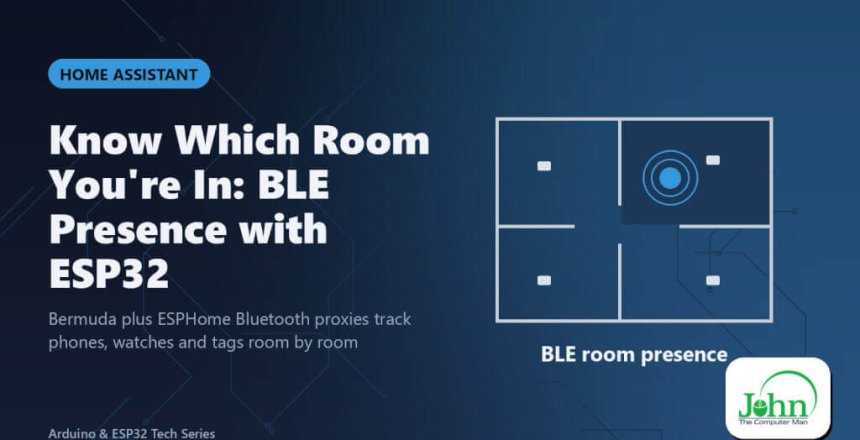
Bermuda plus ESPHome Bluetooth proxies track phones, watches and tags room by room

Home Assistant knows whether you’re home. But which room are you in? With a few ESP32s and the Bermuda integration, Home Assistant can track Bluetooth devices, like your phone, smartwatch or a key tag, room by room.

How it works
- You place an ESP32 in each room, running ESPHome as a Bluetooth proxy.
- Each proxy hears Bluetooth signals from nearby devices and reports the signal strength to Home Assistant.
- Bermuda compares the readings and decides which area each device is closest to.
You don’t need extra hardware beyond the ESP32s, and they also extend Home Assistant’s Bluetooth range for other devices.
Setting it up
- Flash each ESP32 with ESPHome and enable
bluetooth_proxy. There’s a ready-made web installer. - Install Bermuda from HACS.
- Choose the devices to track and assign each proxy to an area.
- iPhones rotate their Bluetooth address for privacy. Pair them using Home Assistant’s Private BLE Device integration, or track them through the companion app.
What you can automate
- Lights follow you from room to room
- Music follows you to the right speaker
- Heating only in the rooms that are actually occupied
- a “where are my keys?” dashboard using a BLE tag
Bermuda vs ESPresense
| Bermuda | ESPresense | |
|---|---|---|
| ESP32 firmware | ESPHome (also a BT proxy) | Dedicated firmware |
| Setup | Home Assistant + HACS | MQTT + config |
| Reputation | Easier to tune | More knobs to tweak |
Room-level presence works well. Precise x/y positioning (true trilateration) is still being developed.
Tips
- Use one proxy per room, placed centrally and not behind the TV.
- Power proxies from USB. Don’t battery-power them.
- Combine with mmWave (post 02). BLE says who, radar says someone is definitely here.
Bottom line: room-level “who’s where” is now a weekend Home Assistant project.
