
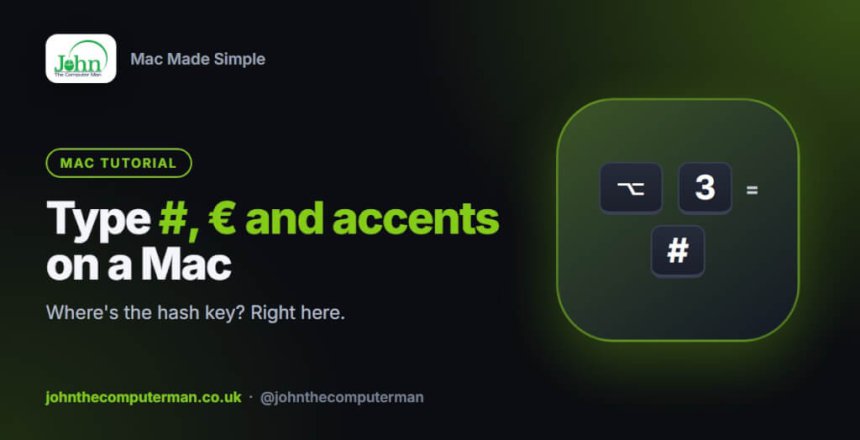
“Where’s the hash key?” is one of the first questions UK Mac users ask. It isn’t printed on a UK Mac keyboard, but it’s there. So are hundreds of other symbols and accented letters.
The ones everyone asks about
| Symbol | UK Mac keyboard | US Mac keyboard |
|---|---|---|
| # (hash) | Option + 3 | Shift + 3 |
| £ (pound) | Shift + 3 | Option + 3 |
| € (euro) | Option + 2 | Option + Shift + 2 |
| @ (at) | Shift + 2 | Shift + 2 |
| “ (quote marks) | Shift + ‘ | Shift + ‘ |
Not sure which keyboard you have? Look at the 3 key. If it shows £, you have a UK keyboard. If it shows #, it’s a US one.
If the symbols you get don’t match what’s printed on your keys, your Mac may be set to the wrong layout. Go to System Settings > Keyboard, click Edit… next to Input Sources, and add British (or U.S.), then remove the one you don’t want.
How to type accented letters
The easy way: press and hold
Hold down a letter key for a second. A small menu of accented versions appears. Press the number shown under the one you want, or click it.
For example, hold e to see è é ê ë, then press 2 for é.
The fast way: Option key shortcuts
Press the shortcut, let go, then type the letter.
| Accent | Shortcut | Then type | Result |
|---|---|---|---|
| Acute | Option + E | e | é |
| Grave | Option + ` | a | à |
| Umlaut | Option + U | u | ü |
| Circumflex | Option + I | o | ô |
| Tilde | Option + N | n | ñ |
| Cedilla | Option + C | ç |
For capitals, hold Shift when you type the letter.
Handy symbols
| Symbol | Shortcut |
|---|---|
| © copyright | Option + G |
| ® registered | Option + R |
| ™ trademark | Option + Shift + 2 (UK) or Option + 2 (US) |
| ° degree | Option + Shift + 8 |
| … ellipsis | Option + ; |
| • bullet | Option + 8 |
| – en dash | Option + – |
| ÷ divide | Option + / |
| ≠ not equal | Option + = |
| π pi | Option + P |
| Apple logo | Option + Shift + K |
Find any symbol or emoji
Press Control + Command + Space to open the Character Viewer. You can also press the 🌐 Globe / fn key on newer keyboards.
Search by name (“arrow”, “tick”, “heart”), then double-click a symbol to insert it. Click the icon in the top-right corner to expand it into a full window with categories such as arrows, currency and maths symbols.
See what every key does
The Keyboard Viewer shows an on-screen keyboard that changes as you hold Option or Shift. It’s a quick way to discover where symbols live.
- Go to System Settings > Keyboard, click Edit… next to Input Sources, and turn on Show Input menu in menu bar.
- Click the new icon in the menu bar and choose Show Keyboard Viewer.
- Hold Option and watch the keys change.
Wrapping up
Remember Option + 3 for the hash on a UK keyboard, press and hold for accents, and Control + Command + Space for everything else.
