
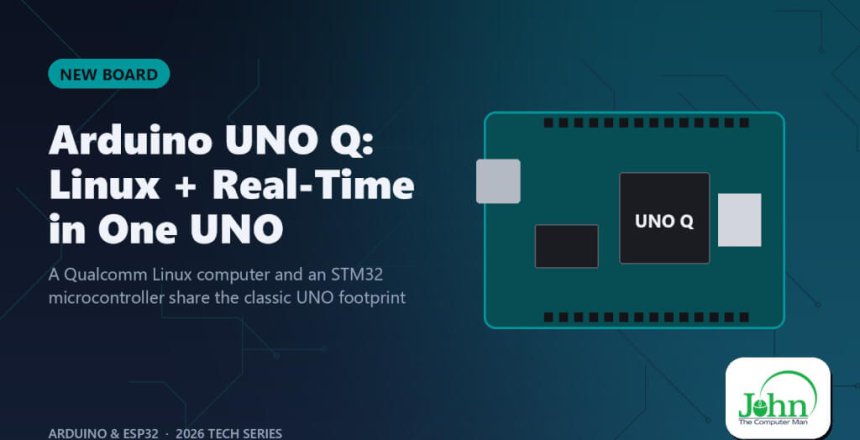
A Qualcomm Linux computer and an STM32 microcontroller share the classic UNO footprint
Arduino UNO Q has two "brains"
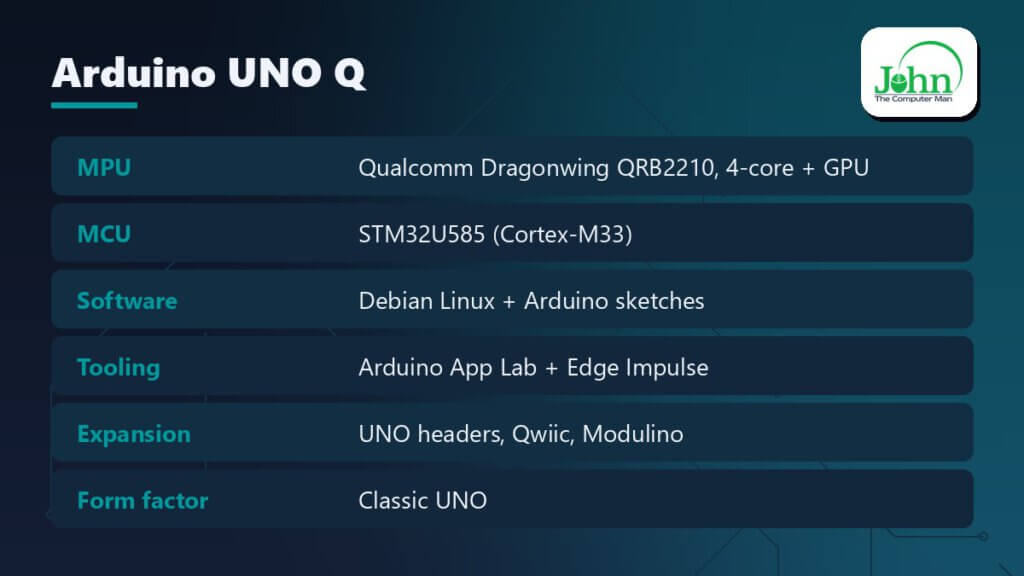
The Arduino UNO Q is the biggest change to the UNO in its history. It keeps the familiar shape and headers but has two brains:
- a Qualcomm Dragonwing QRB2210 quad-core processor with a GPU, running Debian Linux, and
- an STM32U585 microcontroller for real-time I/O, running normal Arduino sketches.
Why "dual-brain" matters
Microcontrollers are great at timing-critical work: PWM, reading sensors, driving motors. They’re bad at video, networking stacks and AI. Linux boards are the opposite. People usually glue a Raspberry Pi to an Arduino with a USB cable to get both. The UNO Q puts both on one board and connects them for you.
Arduino App Lab
The real star is Arduino App Lab. It’s one environment where an “App” combines:
- Python running on Linux (web UI, AI inference, cloud calls), and
- an Arduino sketch running on the MCU (sensors, actuators),
with a built-in bridge between the two. Recent releases let you export and import Apps to share them, and App Lab now connects to Edge Impulse Studio so you can train a custom model and deploy it straight to the board.
What you can build
- A camera that recognises objects and moves a servo toward them. Vision runs on Linux; servo timing runs on the MCU.
- A voice-controlled relay box with offline keyword spotting.
- A local dashboard: sensor data from Modulino nodes shown in a browser, with no cloud involved.
- A classroom robot that’s still programmable like a classic UNO.
Expansion ecosystem
In March 2026 Arduino released seven accessories for the UNO Q:
- a 45 W USB-C power supply, a 24-pin USB-C cable, and an 8-in-1 USB-C hub (HDMI, Ethernet, USB)
- the UNO Media Carrier, with dual MIPI-CSI cameras, a MIPI-DSI display and audio jacks
- the UNO Breakout Carrier and the tiny Bug Hopper debug adapter
- the Modulino LED Matrix
Who it's for
It’s for anyone who has outgrown an UNO R4 but doesn’t want to manage a Pi + Arduino combo. It’s also for teachers, because students start with sketches and grow into Python and AI on the same board.
Bottom line
The UNO Q makes “Arduino plus AI” a single-board, single-tool experience.
