
Reusing a password is the easiest way to lose several accounts at once. When one site leaks, attackers try that email and password everywhere else. The fix is a unique password for every account, and nobody can remember that many. A password manager can.
Bitwarden is one of the few password managers whose free plan has no real catch. You get unlimited passwords, unlimited devices and syncing between them.
What is Bitwarden?
Bitwarden is an open-source, end-to-end encrypted password manager. It’s available as browser extensions, desktop apps, mobile apps and a web vault. The free plan syncs unlimited logins, notes, cards and passkeys across all your devices.
Key features
Unlimited on the free plan
Store as many passwords as you like and sync them across all your devices. The free plan has no device limit.
Generator and autofill
It creates strong passwords or passphrases and fills them in for you on websites and in apps.
Open source and audited
The code is public, and independent firms audit it regularly. Your vault is encrypted before it leaves your device.
How to get started with Bitwarden
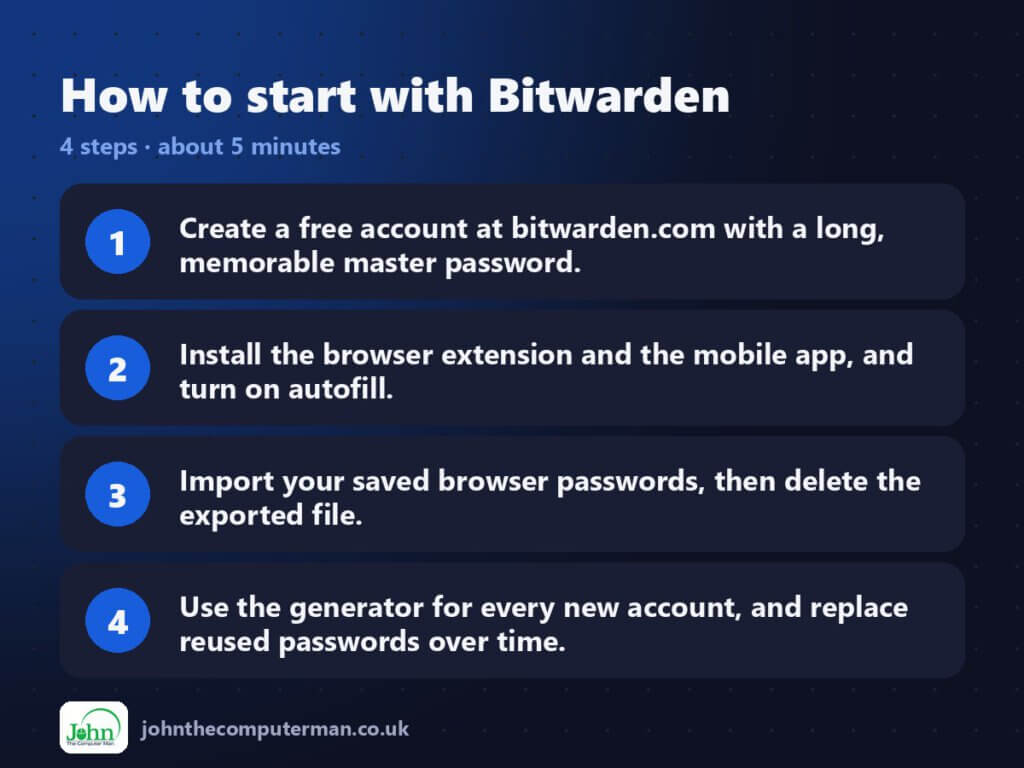
- Create a free account at bitwarden.com with a long, memorable master password.
- Install the browser extension and the mobile app, and turn on autofill.
- Import your saved browser passwords, then delete the exported file.
- Use the generator for every new account, and replace reused passwords over time.
Tips to get more out of it
- Turn on two-step login for your Bitwarden account itself.
- Write your master password down and keep it somewhere physically safe. Bitwarden can’t reset it for you.
- Fix your most important accounts first (email, banking, social), then work through the rest.
Is it really free?
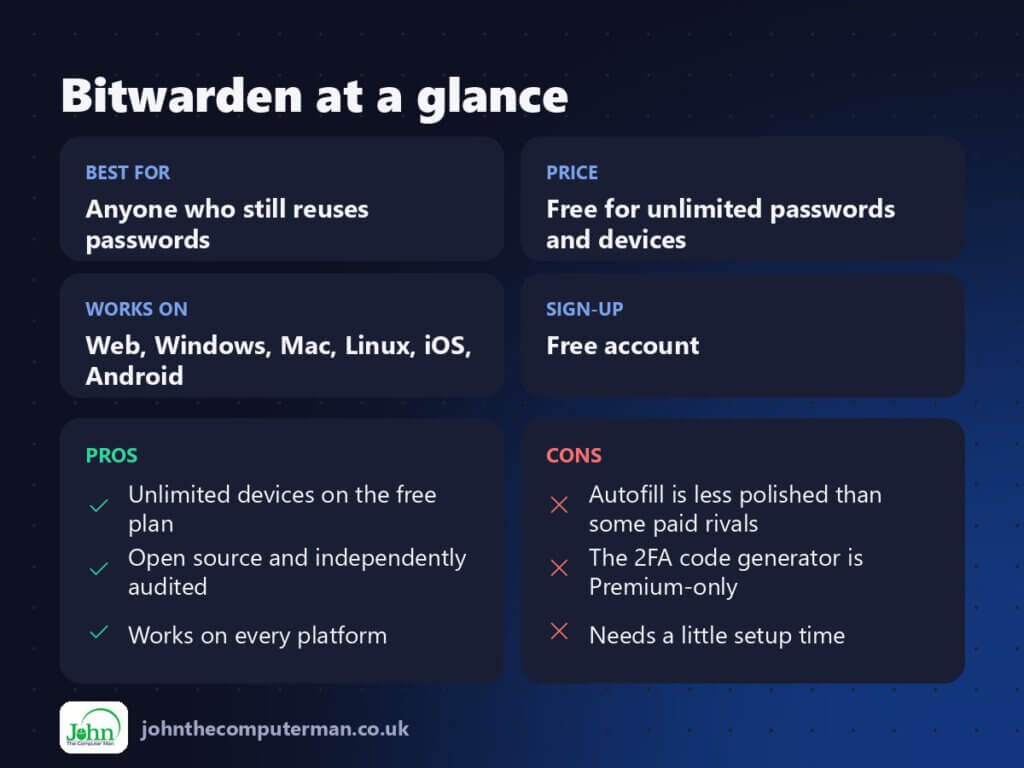
Free for unlimited passwords and devices. Premium is a low annual fee and adds a built-in authenticator (2FA codes), emergency access, hardware-key login and vault health reports.
Pros and cons
| 👍 Pros | 👎 Cons |
|---|---|
| Unlimited devices on the free plan | Autofill is less polished than some paid rivals |
| Open source and independently audited | The 2FA code generator is Premium-only |
| Works on every platform | Needs a little setup time |
Who is it for?
Best for: Anyone who still reuses passwords.
Works on: Web, Windows, Mac, Linux, iOS, Android.
Sign-up: Free account.
Bitwarden alternatives
- Proton Pass: another privacy-focused option with email aliases built in.
- KeePassXC: fully offline and free, if you’d rather manage syncing yourself.
- Your browser’s manager: better than reusing passwords, but tied to one browser.
FAQ
Is it safe to store all my passwords in one place?
It’s far safer than reusing them. Your vault is encrypted on your device with your master password, so Bitwarden can’t read it.
What happens if I forget my master password?
Bitwarden can’t recover it, which is part of why it’s secure. Keep a written copy somewhere safe.
The verdict
For most people, Bitwarden Free is the best free password manager you can get. Set it up once and you’ll stop reusing passwords for good.
👉 Try it: bitwarden.com
Part of my series on the best free online tools. Pricing and features were checked at the time of writing and can change, so check the tool’s own site for the latest.
