
QuickTime Player looks nice, but try opening an MKV file or a video with separate subtitles and it gives up. VLC can play them, but it doesn’t feel like a Mac app.
IINA does both. It plays nearly every video and audio format you’ll come across, and it looks and works like it was made by Apple, with dark mode, trackpad gestures and picture-in-picture.
What is IINA?
IINA is a free, open-source media player for macOS built on the mpv engine. It plays almost every video and audio format, including MKV, AVI, WebM and FLAC, and supports subtitles (including downloading them), picture-in-picture, playlists, chapters, Touch Bar and trackpad gestures, and plugins. It’s designed specifically for macOS, so it feels right at home.
Key features
Plays almost anything
MKV, AVI, WebM, FLAC and more. No codec packs, no conversions, no ‘unsupported format’.
Subtitles done right
Loads matching subtitle files automatically and can search for subtitles online.
Feels like a Mac app
Dark mode, picture-in-picture and trackpad gestures, all in a clean, modern design.
How to get started with IINA
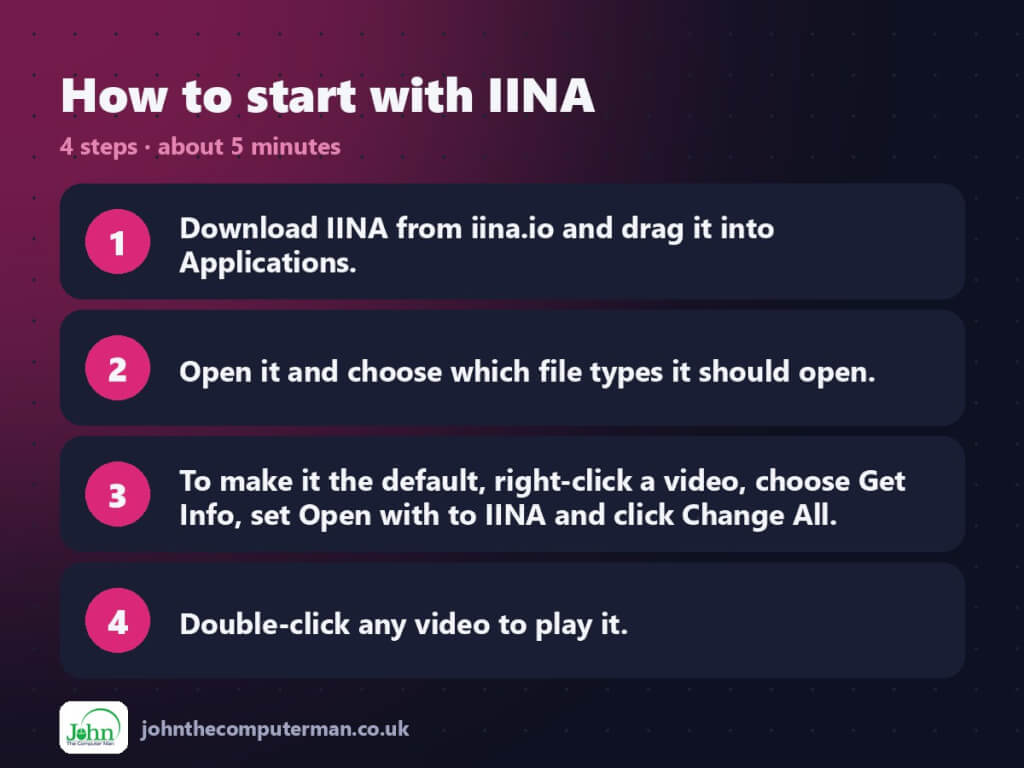
- Download IINA from iina.io and drag it into Applications.
- Open it and choose which file types it should open.
- To make it the default, right-click a video, choose Get Info, set Open with to IINA and click Change All.
- Double-click any video to play it.
Prefer the command line? If you use Homebrew, the free package manager for Mac, open Terminal and run:
brew install --cask iina
Tips to get more out of it
- Two-finger swipe left or right on the trackpad to skip, and up or down for volume. Change it in Settings > Control.
- Use the Subtitles menu to find subtitles online for a film that doesn’t have any.
- Picture-in-picture floats the video in a corner while you work.
- Drop a folder of episodes onto IINA and it builds a playlist for you.
Is it really free?
Free and open source. No ads, no account and no paid version.
Pros and cons
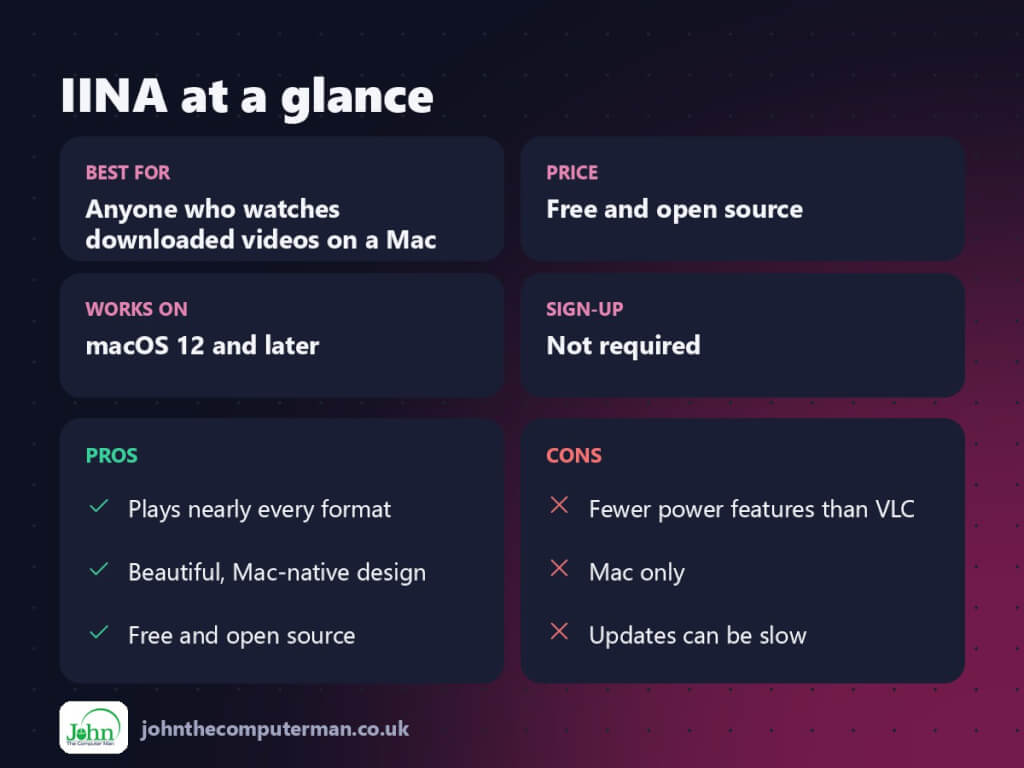
| 👍 Pros | 👎 Cons |
|---|---|
| Plays nearly every format | Fewer power features than VLC |
| Beautiful, Mac-native design | Mac only |
| Free and open source | Updates can be slow |
Who is it for?
Best for: Anyone who watches downloaded videos on a Mac. Works on: macOS 12 and later. Sign-up: Not required.
IINA alternatives
- VLC: free and open source, plays anything, on every platform.
- QuickTime Player: built in and simple, but limited formats.
- Infuse: a slick player for media libraries, with a paid Pro tier.
FAQ
Is IINA better than VLC?
For most Mac users, yes, because it’s easier to use and looks like a Mac app. VLC has more advanced options if you need them.
Can IINA play DVDs?
It can play video files and folders from a DVD, but not copy-protected discs. For those, VLC is a better bet.
The verdict
IINA is the video player QuickTime should be. It’s free, it plays everything, and it looks great doing it. Set it as your default and forget about video formats.
👉 Try it: iina.io
Part of the best free mac tools series on johnthecomputerman.co.uk/. Follow @johnthecomputerman on Instagram for a new free Mac tool every Monday, Wednesday and Friday. Pricing and features were checked in September 2026 and can change, so check the tool’s own site for the latest.
