Android Phone Getting Hot? 5 Ways to Cool It Down
A warm phone is normal when it's working hard. A phone that's uncomfortably hot, dims its screen, slows to a crawl or refuses to charge is telling you something.
Heat is the biggest enemy of your battery's long-term health, so it's worth dealing with. Here's how to cool your phone down safely and stop it happening again.
Before you start: Android menus vary a little between phone makers. The steps below use Google Pixel / standard Android names, with Samsung Galaxy differences noted. If you can't find a setting, tap the search bar at the top of Settings and type its name.
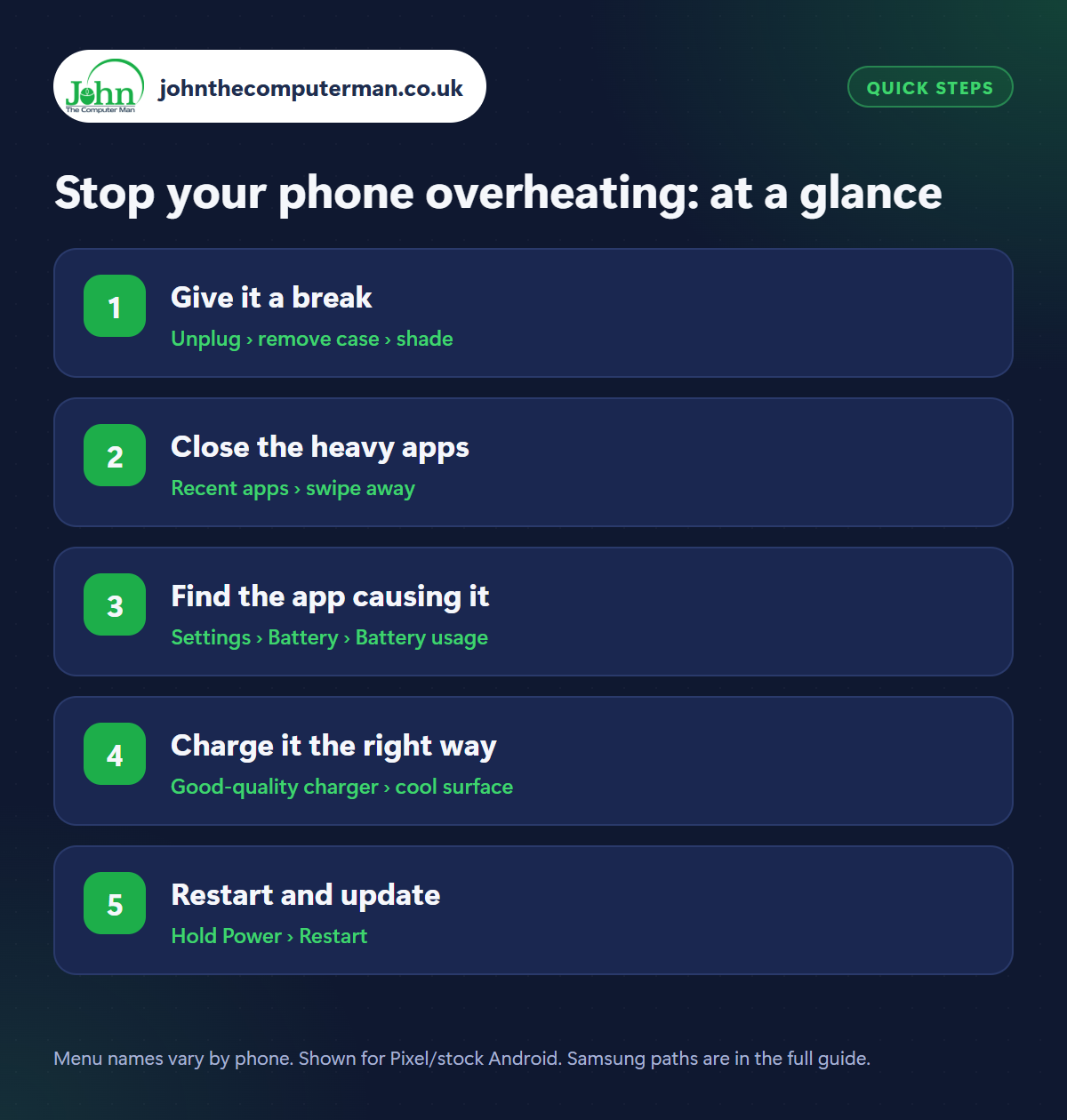
How to stop your phone overheating on Android
Step 1: Give it a break
Where: Unplug › remove case › shade
First, the basics. Unplug the charger, as charging generates heat. Take off the case, which traps it. Move the phone out of direct sunlight (dashboards and windowsills are the worst places) and onto a hard, cool surface rather than a bed or sofa. Stop using it for a few minutes. If it's very hot, switch it off completely.
Step 2: Close the heavy apps
Where: Recent apps › swipe away
The things that heat a phone most are games, video calls, sat-nav in a sunny car, recording video and hotspot use. Close whatever you're running, and turn down the screen brightness, as the display is a major source of heat. In the car, mount the phone by an air vent rather than on the dashboard.
Step 3: Find the app causing it
Where: Settings › Battery › Battery usage
If the phone gets hot in your pocket or while idle, an app is probably stuck working in the background. Open Settings › Battery › Battery usage and look for an app using far more than you'd expect. Force stop it (Settings › Apps › [app] › Force stop), update it, or uninstall it if it keeps happening. It's also normal for a phone to run warm for a day after a big system update.
Step 4: Charge it the right way
Where: Good-quality charger › cool surface
Fast charging and wireless charging both produce heat. Don't play games or stream while charging, never charge under a pillow or duvet, and take thick cases off for wireless charging. Use the charger that came with your phone or a reputable brand, as cheap chargers can overheat. Turn on battery protection too. See how to make your battery last longer.
Step 5: Restart and update
Where: Hold Power › Restart
Restart the phone to stop any stuck processes, then check Settings › System › Software updates and update your apps in the Play Store. Overheating bugs are regularly fixed in updates. If your phone is hot when idle every day, or the back is bulging or the screen is lifting, stop using it and get the battery checked. A swollen battery is a fire risk.
Pro tip
💡 Never put a hot phone in the fridge or freezer. Rapid cooling causes condensation inside, which can do more damage than the heat.
FAQ
How hot is too hot?
Warm is fine. If it's uncomfortable to hold, shows a temperature warning, or slows down and dims the screen, it needs a rest.
Why does my phone get hot when charging?
Some warmth is normal, especially with fast or wireless charging. It shouldn't be too hot to hold. If it is, try a different charger and cable.
Does heat damage my phone?
Occasional warmth won't. Repeated overheating wears the battery out faster, which is why phones slow themselves down to cool off.
The bottom line
Most overheating is simply a hard-working phone in a warm place: give it shade, take off the case and let it rest. If it's hot when idle, look for a rogue app in Battery usage.
More Android tutorials:
• How to Print from Your Android Phone
• How to Use a USB Stick or SD Card with Your Android Phone
• How to Cancel Subscriptions and Get Refunds on Google Play
• How to Use a USB Stick or SD Card with Your Android Phone
• How to Cancel Subscriptions and Get Refunds on Google Play
Part of the android phone tutorials series on johnthecomputerman.co.uk. Follow @johnthecomputerman on Instagram for more Android tips. Steps were checked on current Android and Samsung One UI versions in September 2026; menu names can change with updates.