AlDente: Set a Charge Limit to Protect Your MacBook Battery (Free Version)
Lithium-ion batteries age faster when they sit at 100% for long periods. If your MacBook is plugged in at a desk all day, that's exactly what's happening.
AlDente lets you set a charge limit, such as 80%, and your Mac stops charging there, running from the charger instead. The free version does this simply and well.
What is AlDente?
AlDente is a battery charge limiter for MacBooks from AppHouseKitchen. The free version lets you set a maximum charge level, so your battery stops charging at, say, 80% while your Mac keeps running from mains power. AlDente Pro, a paid upgrade, adds extras such as heat protection, sailing mode, calibration and scheduling. It works on Apple Silicon and Intel MacBooks.
Key features
Set a charge limit
Stop charging at 80% or any level you choose.
Runs from the charger
At the limit, your Mac uses mains power and the battery rests.
Top up when you need
Charge to 100% with one click before a trip.
How to get started with AlDente

1. Download AlDente from apphousekitchen.com or install it with Homebrew.
2. Open it and enter your password to install its helper tool.
3. Click the menu bar icon and drag the slider to your limit, such as 80%.
4. Before a long trip, use Top Up to charge to 100%.
2. Open it and enter your password to install its helper tool.
3. Click the menu bar icon and drag the slider to your limit, such as 80%.
4. Before a long trip, use Top Up to charge to 100%.
Prefer the command line? If you use Homebrew, the free package manager for Mac, open Terminal and run:
brew install --cask aldente
Tips to get more out of it
• 80% is a sensible everyday limit for a Mac that's mostly plugged in.
• Turn off macOS's Optimized Battery Charging when using AlDente, as the app asks, so they don't clash.
• Keep your Mac cool. Heat ages batteries faster than anything.
• Only on battery most of the day? You probably don't need a limit.
• Turn off macOS's Optimized Battery Charging when using AlDente, as the app asks, so they don't clash.
• Keep your Mac cool. Heat ages batteries faster than anything.
• Only on battery most of the day? You probably don't need a limit.
Is it really free?
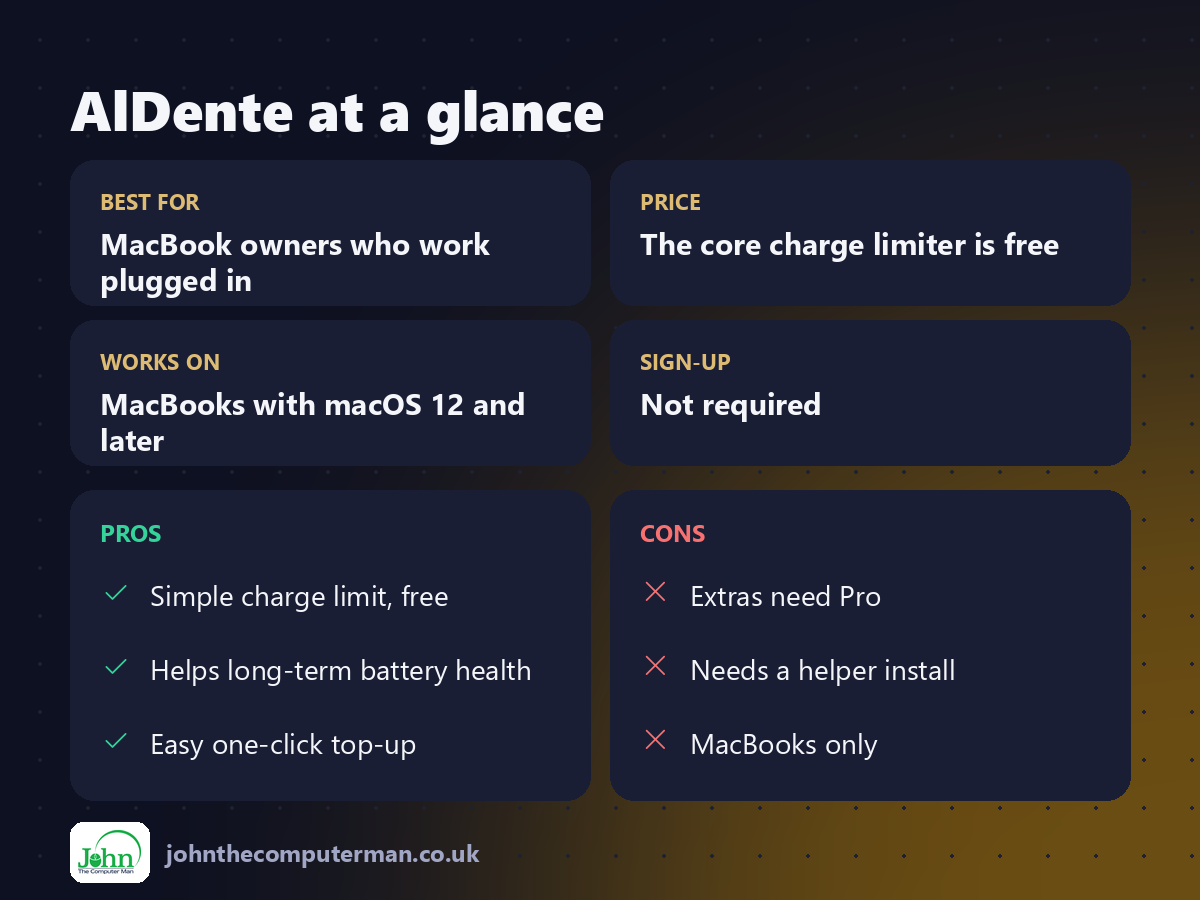
The core charge limiter is free. AlDente Pro is a paid upgrade with extra features.
Pros and cons
| 👍 Pros | 👎 Cons |
|---|---|
| Simple charge limit, free | Extras need Pro |
| Helps long-term battery health | Needs a helper install |
| Easy one-click top-up | MacBooks only |
Who is it for?
Best for: MacBook owners who work plugged in. Works on: MacBooks with macOS 12 and later. Sign-up: Not required.
AlDente alternatives
• Optimized Battery Charging: built into macOS: learns your routine, but doesn't let you pick a limit.
• coconutBattery: free app to check your battery's health and cycle count.
• Battery Toolkit: a free, open-source charge limiter for Apple Silicon.
• coconutBattery: free app to check your battery's health and cycle count.
• Battery Toolkit: a free, open-source charge limiter for Apple Silicon.
FAQ
Does limiting charge really help?
Keeping a lithium-ion battery at a lower charge for long periods generally reduces wear. It's most useful for Macs that are plugged in most of the time.
Will my Mac still run at the limit?
Yes. It runs from the charger and the battery simply stops charging until it drops below the limit.
Step-by-step tutorials
The verdict
If your MacBook lives on a desk, AlDente's free charge limit is a simple way to be kinder to its battery. Set it to 80% and forget about it.
👉 Try it: apphousekitchen.com
Part of the hidden-gem mac apps series on johnthecomputerman.co.uk. Follow @johnthecomputerman on Instagram for a new free Mac tool every Monday, Wednesday and Friday. Pricing and features were checked in September 2026 and can change, so check the tool's own site for the latest.
