How to Make Your MacBook Battery Last Longer (Every Day and for Years)
There are two sides to battery life: how long your MacBook lasts on one charge, and how many years the battery stays healthy. A few settings help with both.
Here's how to check your battery's health, find what's draining it, and keep it in good shape, using your Mac's own settings and free apps.
Time needed: about 15 minutes · Cost: free
What you'll need
• coconutBattery: check the real health of your Mac, iPhone and iPad batteries
• AlDente: set a charge limit to help your MacBook battery last longer
• Stats: a free, open-source system monitor for your menu bar
• A MacBook
• About 15 minutes
• AlDente: set a charge limit to help your MacBook battery last longer
• Stats: a free, open-source system monitor for your menu bar
• A MacBook
• About 15 minutes
The quick way (nothing to install)
Open System Settings > Battery. It shows battery health, what's been using energy, and the Low Power Mode setting.
Step by step
Step 1: Check battery health
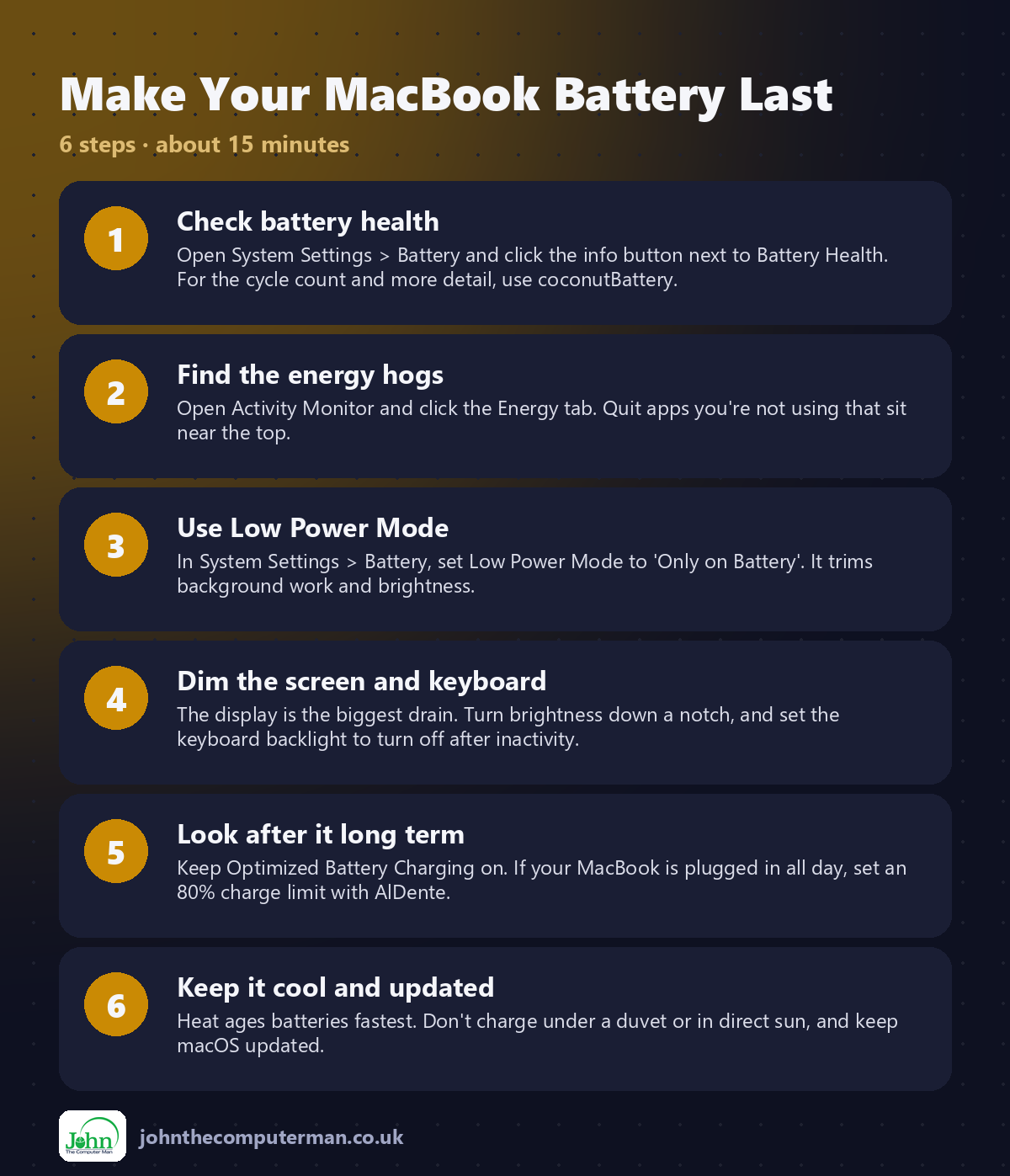
Open System Settings > Battery and click the info button next to Battery Health. For the cycle count and more detail, use coconutBattery.
Step 2: Find the energy hogs
Open Activity Monitor and click the Energy tab. Quit apps you're not using that sit near the top.
Step 3: Use Low Power Mode
In System Settings > Battery, set Low Power Mode to 'Only on Battery'. It trims background work and brightness.
Step 4: Dim the screen and keyboard
The display is the biggest drain. Turn brightness down a notch, and set the keyboard backlight to turn off after inactivity.
Step 5: Look after it long term
Keep Optimized Battery Charging on. If your MacBook is plugged in all day, set an 80% charge limit with AlDente.
Step 6: Keep it cool and updated
Heat ages batteries fastest. Don't charge under a duvet or in direct sun, and keep macOS updated.
Prefer Terminal? If you use Homebrew, install every app for this tutorial in one go:
brew install --cask coconutbattery aldente stats
Tips
• Safari is usually easier on the battery than other browsers.
• Close browser tabs you're not using. Some keep working in the background.
• Disconnect accessories you're not using, like external drives.
• Watch battery use in the menu bar with Stats.
• Close browser tabs you're not using. Some keep working in the background.
• Disconnect accessories you're not using, like external drives.
• Watch battery use in the menu bar with Stats.
If something goes wrong
Battery Health says Service Recommended
The battery has worn out. Apple or a repair shop can replace it.
The battery drains when the lid is closed
Check for apps that keep the Mac awake, and turn off Wake for network access in Battery settings.
Battery life suddenly got worse
A new app or update may be busy. Check Activity Monitor and restart your Mac.
FAQ
Is it bad to leave my MacBook plugged in?
Modern MacBooks manage this well with Optimized Battery Charging. A charge limit with AlDente can help if it's plugged in almost all the time.
How many cycles does a MacBook battery last?
Apple rates recent MacBook batteries for 1,000 cycles. coconutBattery shows your current count.
Wrapping up
A couple of settings and good habits add hours to each charge and years to your battery. Check its health every few months with coconutBattery.
More Mac tutorials: Convert HEIC to JPG · Record Your Screen With Sound · Run Windows 11 on a Mac · Free Up Storage on Your Mac · Snap Windows Side by Side · Send Files Mac to Android · Secure Your Mac in 30 Minutes · Shrink a Video for Email · Windows Keyboard on a Mac
Part of the free Mac tools series on johnthecomputerman.co.uk. Follow @johnthecomputerman on Instagram for free Mac tips every Monday, Wednesday and Friday. Steps were checked in September 2026. Menus can move between macOS versions, so look for similar wording if yours differs.
