coconutBattery: Check Your MacBook and iPhone Battery Health for Free

macOS tells you your battery is 'Normal' or needs service. But how much capacity has it actually lost? And is that second-hand MacBook's battery as good as the seller says?
coconutBattery shows the real numbers: current capacity against the original design, cycle count, age and more. It checks iPhones and iPads too.
What is coconutBattery?
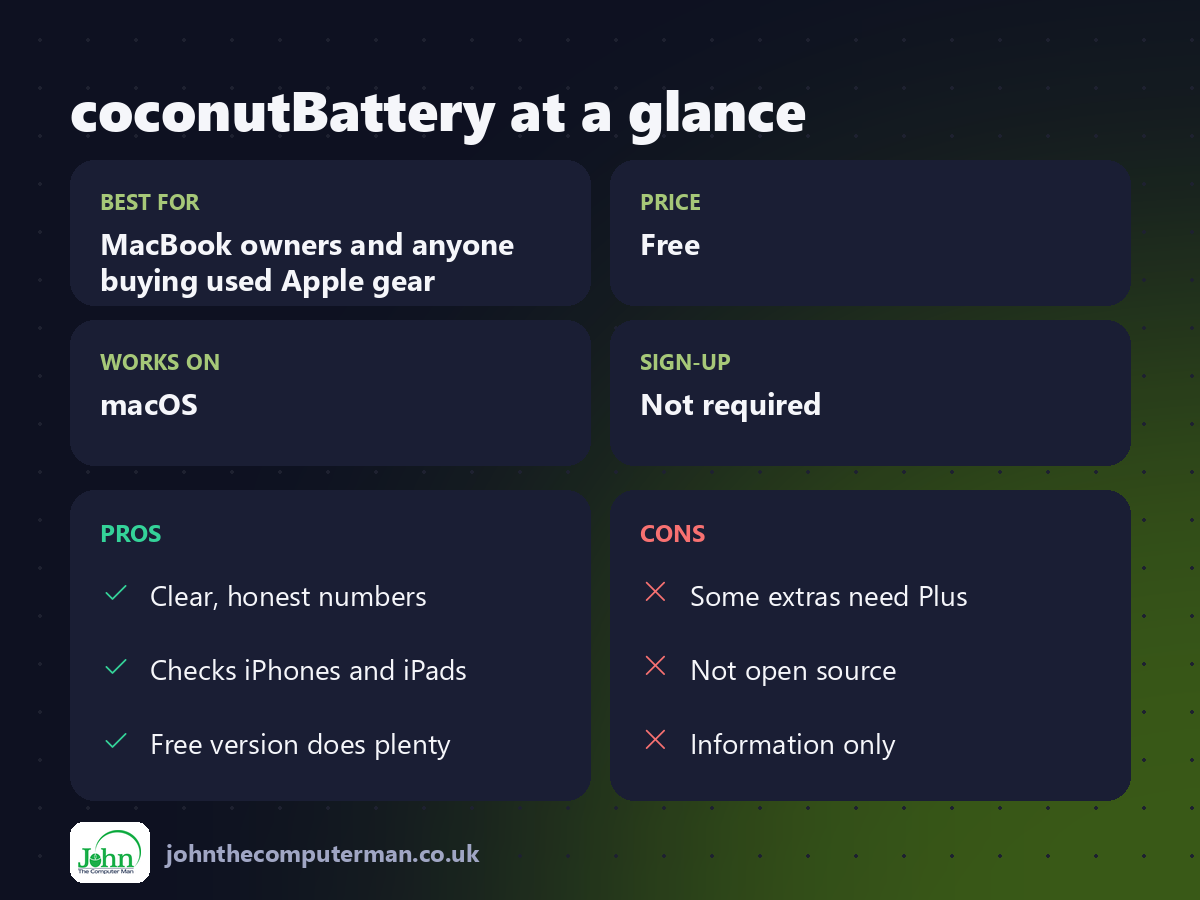
coconutBattery is a battery information app for macOS. It shows your MacBook battery's current charge, full-charge capacity compared with its design capacity, cycle count, temperature, age and whether it's charging. Connect an iPhone or iPad by cable (or over Wi-Fi) and it shows the same for that device. The free version covers all of this; a paid Plus version adds extras like history.
Key features
Real battery health
See capacity as a percentage of the original design.
Cycle count and age
Know exactly how many charge cycles your battery has done.
iPhone and iPad too
Plug in your iPhone or iPad to check its battery from your Mac.
How to get started with coconutBattery
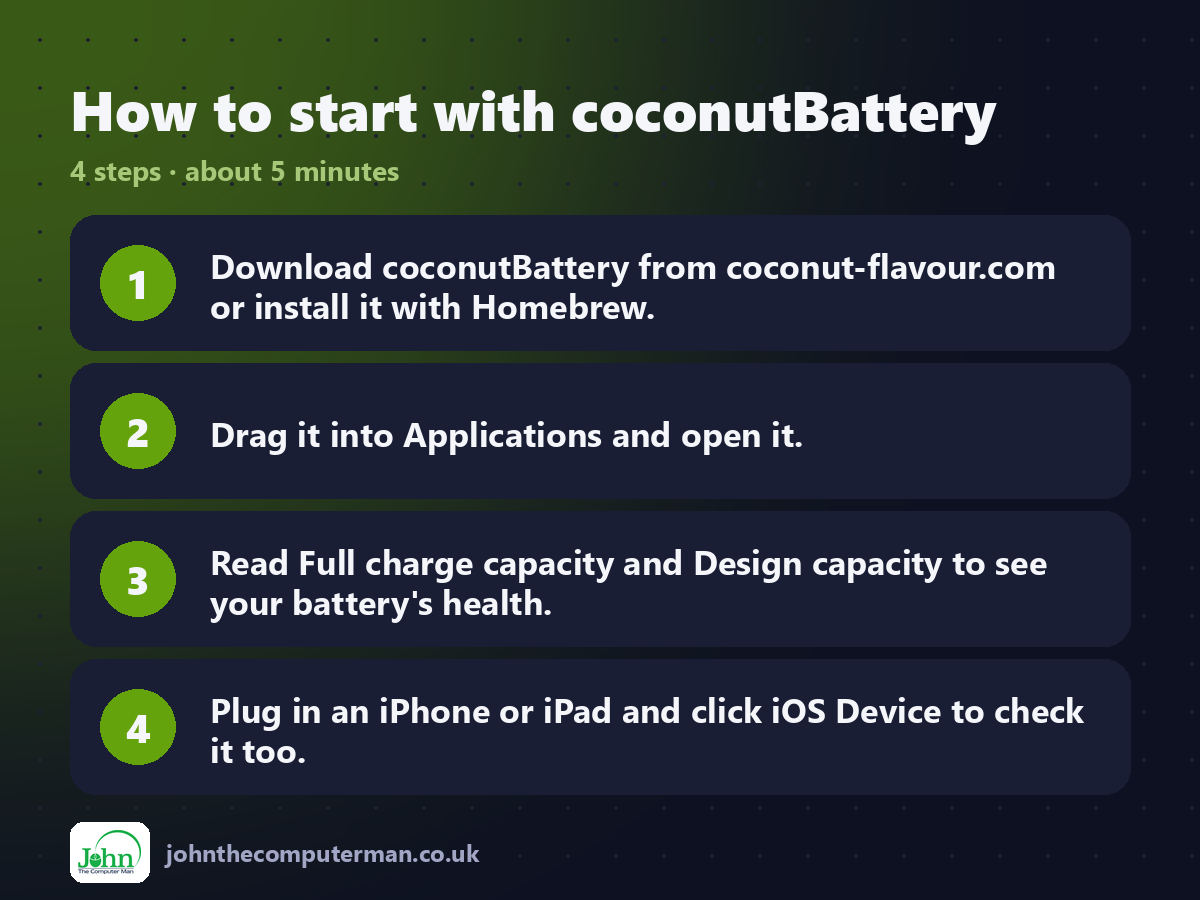
1. Download coconutBattery from coconut-flavour.com or install it with Homebrew.
2. Drag it into Applications and open it.
3. Read Full charge capacity and Design capacity to see your battery's health.
4. Plug in an iPhone or iPad and click iOS Device to check it too.
2. Drag it into Applications and open it.
3. Read Full charge capacity and Design capacity to see your battery's health.
4. Plug in an iPhone or iPad and click iOS Device to check it too.
Prefer the command line? If you use Homebrew, the free package manager for Mac, open Terminal and run:
brew install --cask coconutbattery
Tips to get more out of it
• Buying a used MacBook? Run coconutBattery before you pay.
• Batteries under about 80% of design capacity may be worth replacing.
• Compare the cycle count to Apple's rated maximum for your model.
• Check iPhone batteries too. Handy when buying or selling.
• Batteries under about 80% of design capacity may be worth replacing.
• Compare the cycle count to Apple's rated maximum for your model.
• Check iPhone batteries too. Handy when buying or selling.
Is it really free?
Free. coconutBattery Plus is an optional paid upgrade with extra features.
Pros and cons
| 👍 Pros | 👎 Cons |
|---|---|
| Clear, honest numbers | Some extras need Plus |
| Checks iPhones and iPads | Not open source |
| Free version does plenty | Information only |
Who is it for?
Best for: MacBook owners and anyone buying used Apple gear. Works on: macOS. Sign-up: Not required.
coconutBattery alternatives
• Battery settings: built in: System Settings > Battery shows condition and maximum capacity on recent Macs.
• Stats: a free menu bar monitor that includes battery health.
• AlDente: sets a charge limit to help your battery last longer.
• Stats: a free menu bar monitor that includes battery health.
• AlDente: sets a charge limit to help your battery last longer.
FAQ
Is coconutBattery accurate?
It reads the data your battery reports, the same data Apple uses. It's a reliable guide.
Can it fix my battery?
No. It shows battery health. A worn battery needs replacing by Apple or a repair shop.
Step-by-step tutorials
The verdict
coconutBattery answers 'how's my battery?' properly, with real numbers. It's free, quick, and essential when buying anything second-hand from Apple.
👉 Try it: www.coconut-flavour.com/coconutbattery/
Part of the hidden-gem mac apps series on johnthecomputerman.co.uk. Follow @johnthecomputerman on Instagram for a new free Mac tool every Monday, Wednesday and Friday. Pricing and features were checked in September 2026 and can change, so check the tool's own site for the latest.
