Ente Auth: Free, Open-Source 2FA App for Mac, iPhone and Android
Two-factor authentication keeps your accounts safe, but if your codes live only on one phone, losing that phone can lock you out of everything.
Ente Auth keeps your 2FA codes safely backed up and synced across your Mac and phone, with end-to-end encryption. It's free, open source and has been independently audited.
What is Ente Auth?
Ente Auth is a free, open-source authenticator app for two-factor codes (TOTP). It works on Mac, Windows, Linux, iPhone, Android and the web. With a free Ente account, your codes are end-to-end encrypted and synced across devices; without one, it works offline on a single device. It can import codes from other authenticator apps.
Key features
Codes on every device
See your 2FA codes on your Mac and phone, always in sync.
Encrypted backups
End-to-end encrypted, so losing your phone doesn't lock you out.
Easy to switch
Import codes from Google Authenticator and other apps.
How to get started with Ente Auth
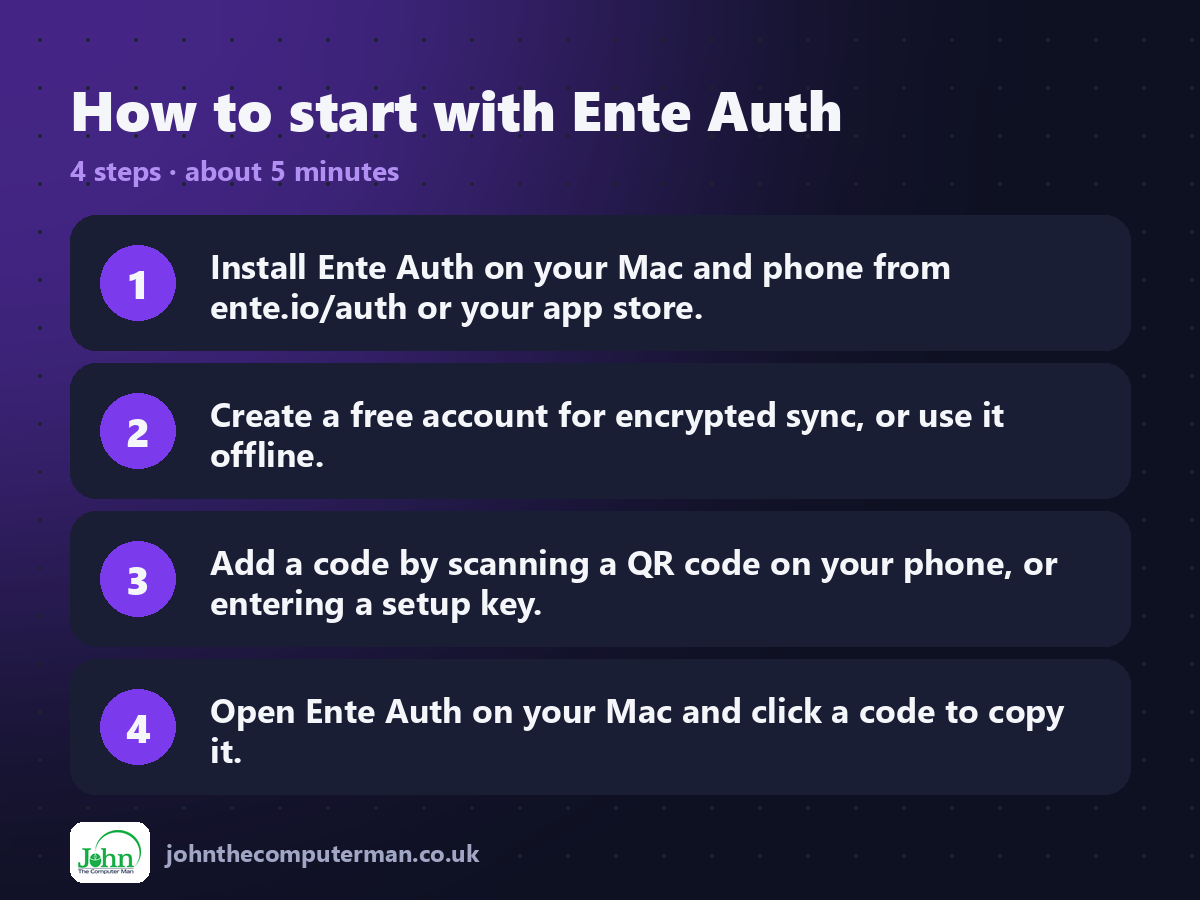
1. Install Ente Auth on your Mac and phone from ente.io/auth or your app store.
2. Create a free account for encrypted sync, or use it offline.
3. Add a code by scanning a QR code on your phone, or entering a setup key.
4. Open Ente Auth on your Mac and click a code to copy it.
2. Create a free account for encrypted sync, or use it offline.
3. Add a code by scanning a QR code on your phone, or entering a setup key.
4. Open Ente Auth on your Mac and click a code to copy it.
Prefer the command line? If you use Homebrew, the free package manager for Mac, open Terminal and run:
brew install --cask ente-auth
Tips to get more out of it
• Save your recovery key somewhere safe when you create your account.
• Import existing codes from Google Authenticator via its export QR code.
• Search your codes by name, handy when you have dozens.
• Tag codes for work, personal and so on.
• Import existing codes from Google Authenticator via its export QR code.
• Search your codes by name, handy when you have dozens.
• Tag codes for work, personal and so on.
Is it really free?
Free and open source. No ads and no paid version.
Pros and cons
| 👍 Pros | 👎 Cons |
|---|---|
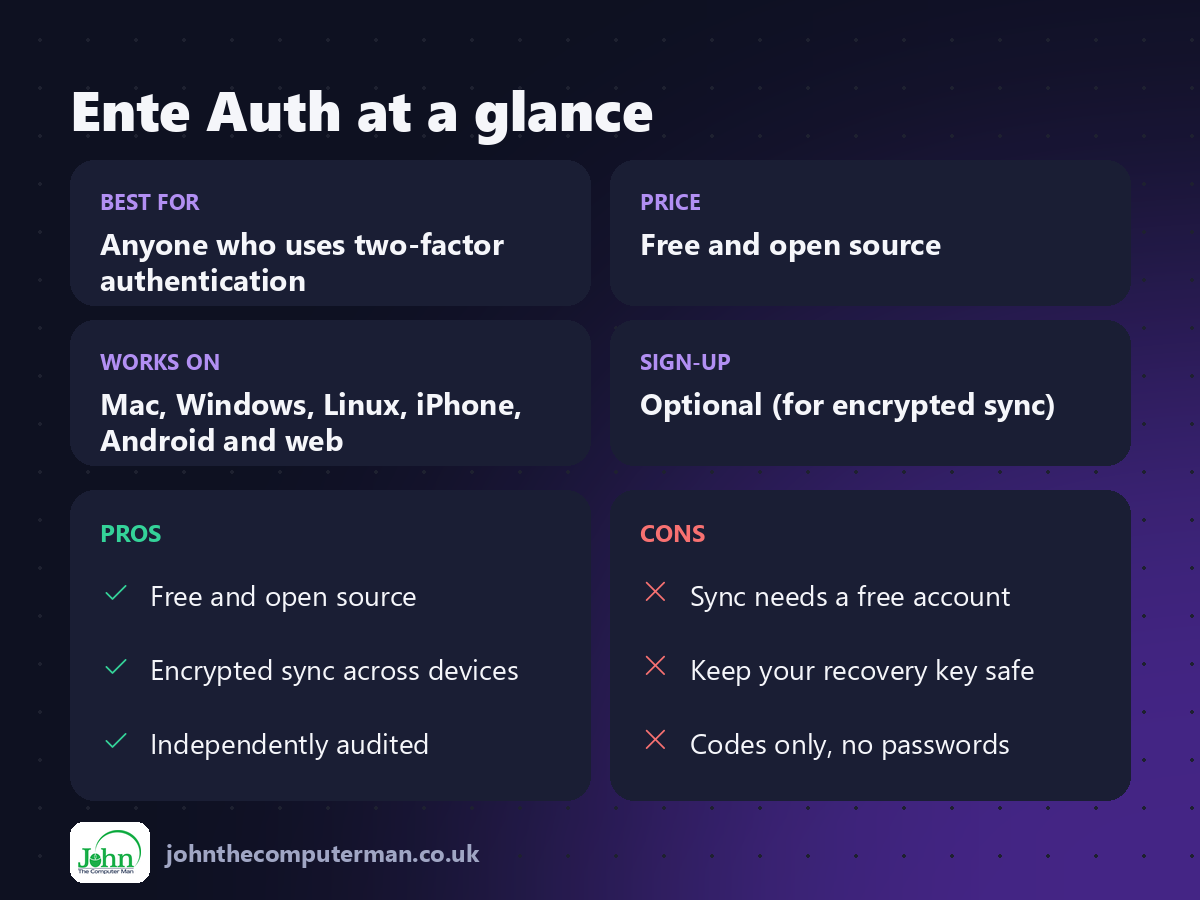
| Free and open source | Sync needs a free account |
| Encrypted sync across devices | Keep your recovery key safe |
| Independently audited | Codes only, no passwords |
Who is it for?
Best for: Anyone who uses two-factor authentication. Works on: Mac, Windows, Linux, iPhone, Android and web. Sign-up: Optional (for encrypted sync).
Ente Auth alternatives
• Apple Passwords: built in: stores 2FA codes alongside passwords.
• KeePassXC: stores 2FA codes with your passwords in one encrypted file.
• Google Authenticator: simple and popular, backed up to your Google account.
• KeePassXC: stores 2FA codes with your passwords in one encrypted file.
• Google Authenticator: simple and popular, backed up to your Google account.
FAQ
Is Ente Auth really free?
Yes. It's free and open source. Ente makes money from its separate photo storage service.
What if I lose my phone?
If you use sync, sign in on a new device and your codes are back. Keep your recovery key safe.
Step-by-step tutorials
The verdict
Ente Auth is the 2FA app I recommend: free, open source and safely backed up. Move your codes over and never fear losing your phone again.
👉 Try it: ente.io/auth
Part of the hidden-gem mac apps series on johnthecomputerman.co.uk. Follow @johnthecomputerman on Instagram for a new free Mac tool every Monday, Wednesday and Friday. Pricing and features were checked in September 2026 and can change, so check the tool's own site for the latest.
