Karabiner-Elements: Remap Any Key on Your Mac for Free
Caps Lock sits in one of the best spots on your keyboard and does almost nothing. Plug in a Windows keyboard and the Command and Option keys are the wrong way round.
Karabiner-Elements lets you change what any key does. Start simple, like Caps Lock to Escape, or go further with ready-made rules from its online gallery.
What is Karabiner-Elements?
Karabiner-Elements is a free, open-source keyboard customiser for macOS. Simple Modifications swap one key for another, such as Caps Lock to Escape or Control. Complex Modifications add rules like 'Caps Lock acts as Escape when tapped and Control when held', and you can import hundreds of ready-made rules from its online gallery. Settings can apply to all keyboards or just one.
Key features
Swap any key
Turn Caps Lock into Escape, Control or anything else in a few clicks.
Ready-made rules
Import hundreds of clever rules from the online gallery, no coding needed.
Per-keyboard settings
Fix a Windows keyboard without changing your MacBook's own keys.
How to get started with Karabiner-Elements
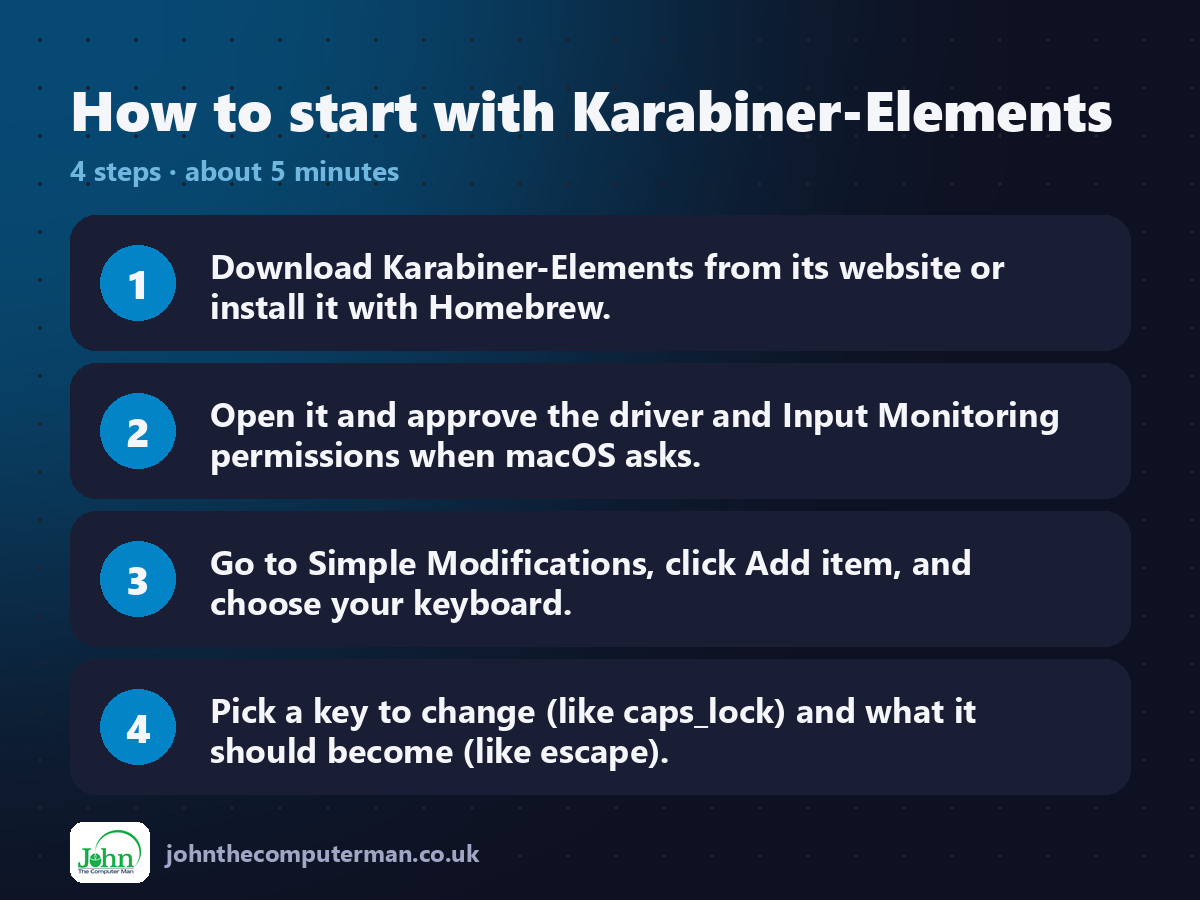
1. Download Karabiner-Elements from its website or install it with Homebrew.
2. Open it and approve the driver and Input Monitoring permissions when macOS asks.
3. Go to Simple Modifications, click Add item, and choose your keyboard.
4. Pick a key to change (like caps_lock) and what it should become (like escape).
2. Open it and approve the driver and Input Monitoring permissions when macOS asks.
3. Go to Simple Modifications, click Add item, and choose your keyboard.
4. Pick a key to change (like caps_lock) and what it should become (like escape).
Prefer the command line? If you use Homebrew, the free package manager for Mac, open Terminal and run:
brew install --cask karabiner-elements
Tips to get more out of it
• Using a Windows keyboard? In Simple Modifications, choose it and swap left_command with left_option.
• Try the 'Change caps_lock to escape when pressed alone, control when held' rule from the gallery.
• Open Karabiner-EventViewer to see the name of any key you press.
• Settings are per device, so check you've picked the right keyboard at the top.
• Try the 'Change caps_lock to escape when pressed alone, control when held' rule from the gallery.
• Open Karabiner-EventViewer to see the name of any key you press.
• Settings are per device, so check you've picked the right keyboard at the top.
Is it really free?
Free and open source. No ads, no account and no paid version.
Pros and cons
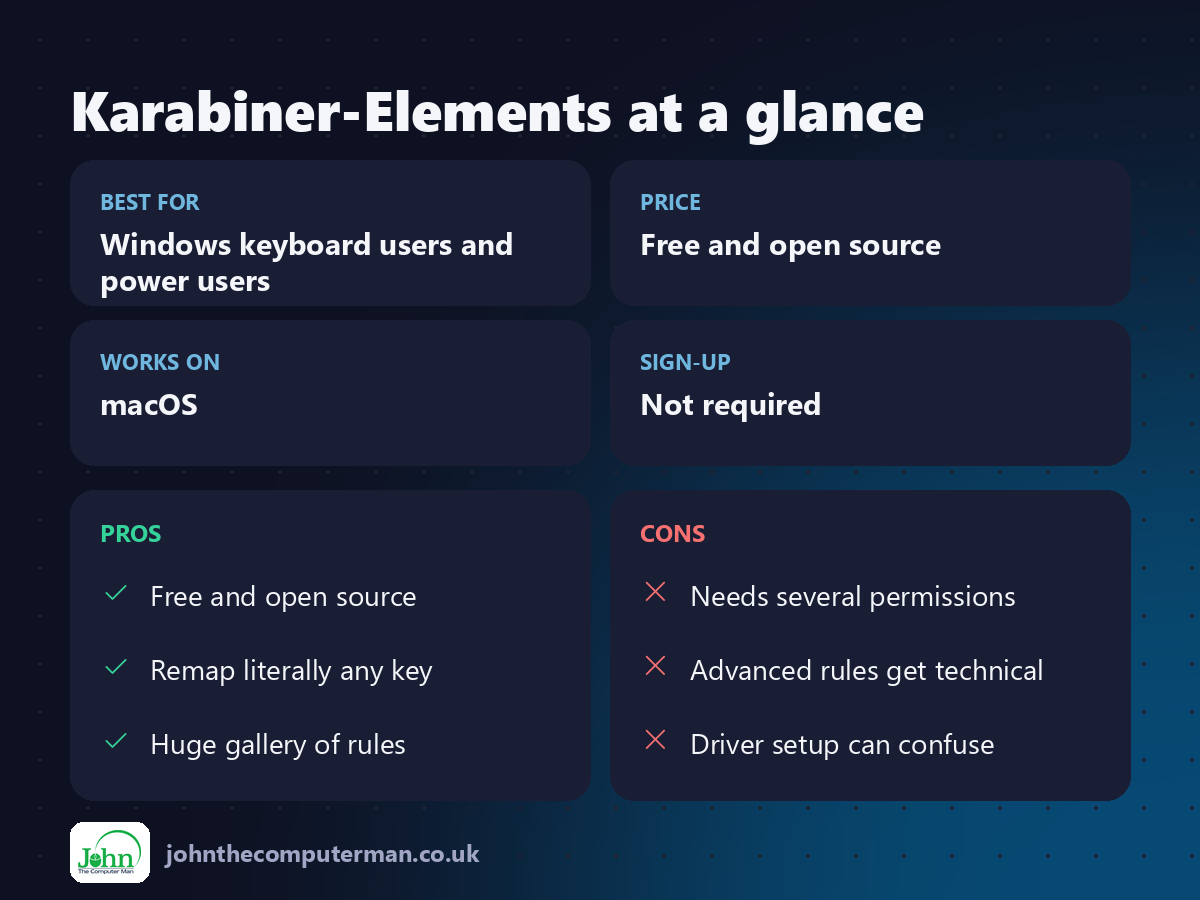
| 👍 Pros | 👎 Cons |
|---|---|
| Free and open source | Needs several permissions |
| Remap literally any key | Advanced rules get technical |
| Huge gallery of rules | Driver setup can confuse |
Who is it for?
Best for: Windows keyboard users and power users. Works on: macOS. Sign-up: Not required.
Karabiner-Elements alternatives
• Modifier Keys settings: built into macOS: System Settings > Keyboard > Keyboard Shortcuts > Modifier Keys.
• Hyperkey: a free, simple app that turns Caps Lock into a 'hyper' shortcut key.
• Espanso: for expanding text rather than remapping keys.
• Hyperkey: a free, simple app that turns Caps Lock into a 'hyper' shortcut key.
• Espanso: for expanding text rather than remapping keys.
FAQ
Is Karabiner-Elements safe?
Yes. It's open source, widely used and signed by its developer. It needs keyboard permissions because remapping keys is its job.
Can I undo changes?
Yes. Delete the item in Simple Modifications or turn off the rule, and the key goes back to normal instantly.
Step-by-step tutorials
The verdict
Karabiner-Elements is the most powerful free keyboard tool for Mac. Even if you only ever change Caps Lock, it's worth it.
👉 Try it: karabiner-elements.pqrs.org
Part of the hidden-gem mac apps series on johnthecomputerman.co.uk. Follow @johnthecomputerman on Instagram for a new free Mac tool every Monday, Wednesday and Friday. Pricing and features were checked in September 2026 and can change, so check the tool's own site for the latest.
