Pencil2D for Mac: Free and Simple Hand-Drawn Animation
Flip-book animation is magic: draw a slightly different picture on each page and it comes to life. Most animation software, though, is complicated or expensive.
Pencil2D keeps it simple. Draw a frame, add the next, and see the previous one faintly underneath so you can line things up. It's free, open source, and great for beginners and kids.
What is Pencil2D?
Pencil2D is a free, open-source 2D animation app for Mac, Windows and Linux. It's designed for traditional hand-drawn animation, with bitmap and vector drawing layers, onion skinning to see neighbouring frames, a camera layer for pans and zooms, sound layers, and export to MP4, GIF and image sequences. It's light and easy to learn.
Key features
Onion skinning
See the previous and next frames faintly so movement stays smooth.
Draw your way
Bitmap and vector layers for sketchy or clean lines.
Export anywhere
Save your animation as an MP4 video or a GIF.
How to get started with Pencil2D
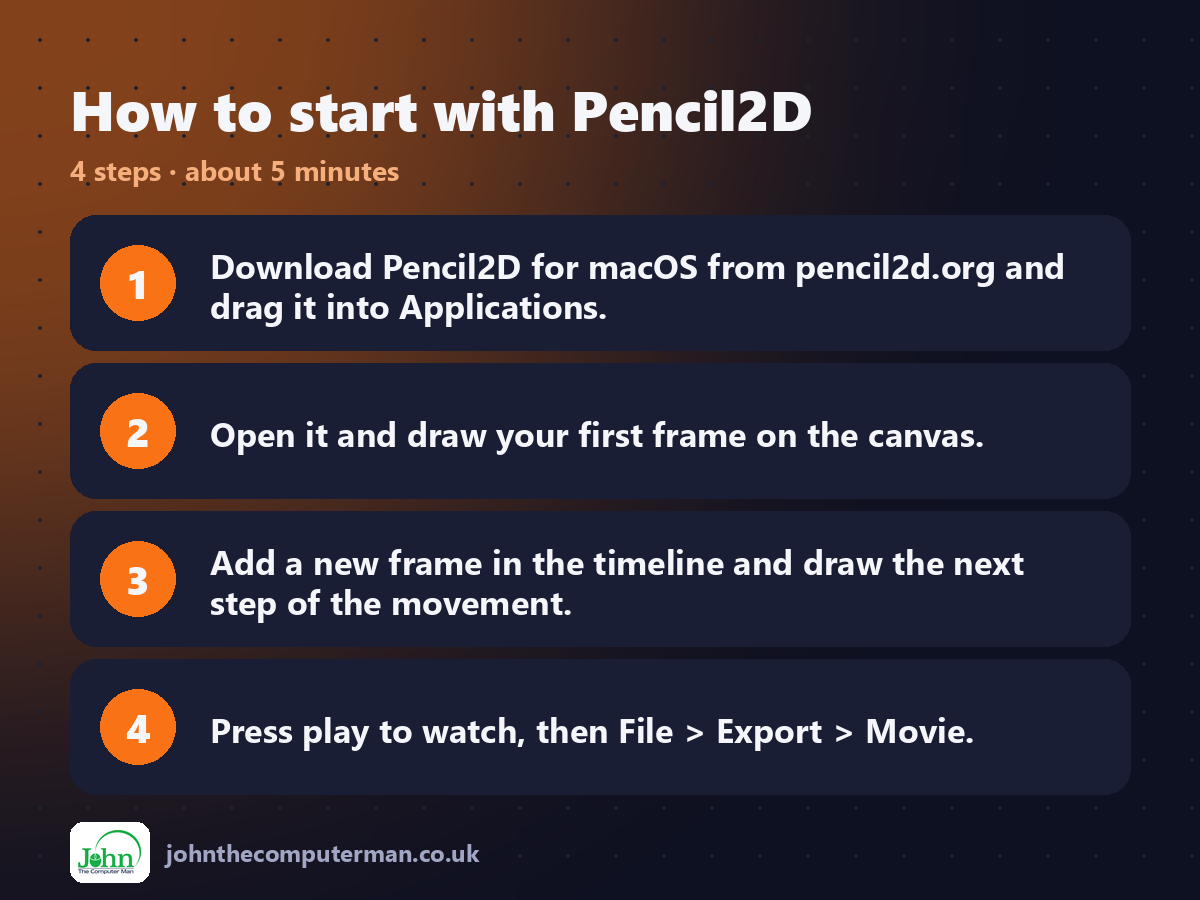
1. Download Pencil2D for macOS from pencil2d.org and drag it into Applications.
2. Open it and draw your first frame on the canvas.
3. Add a new frame in the timeline and draw the next step of the movement.
4. Press play to watch, then File > Export > Movie.
2. Open it and draw your first frame on the canvas.
3. Add a new frame in the timeline and draw the next step of the movement.
4. Press play to watch, then File > Export > Movie.
Prefer the command line? If you use Homebrew, the free package manager for Mac, open Terminal and run:
brew install --cask pencil2d
Tips to get more out of it
• Start with a bouncing ball. It teaches the key ideas of animation.
• Turn on onion skin to see the previous frame while you draw.
• Use a drawing tablet for much smoother lines.
• Export as GIF for sharing on social media and messaging apps.
• Turn on onion skin to see the previous frame while you draw.
• Use a drawing tablet for much smoother lines.
• Export as GIF for sharing on social media and messaging apps.
Is it really free?
Free and open source. No ads, no account and no paid version.
Pros and cons
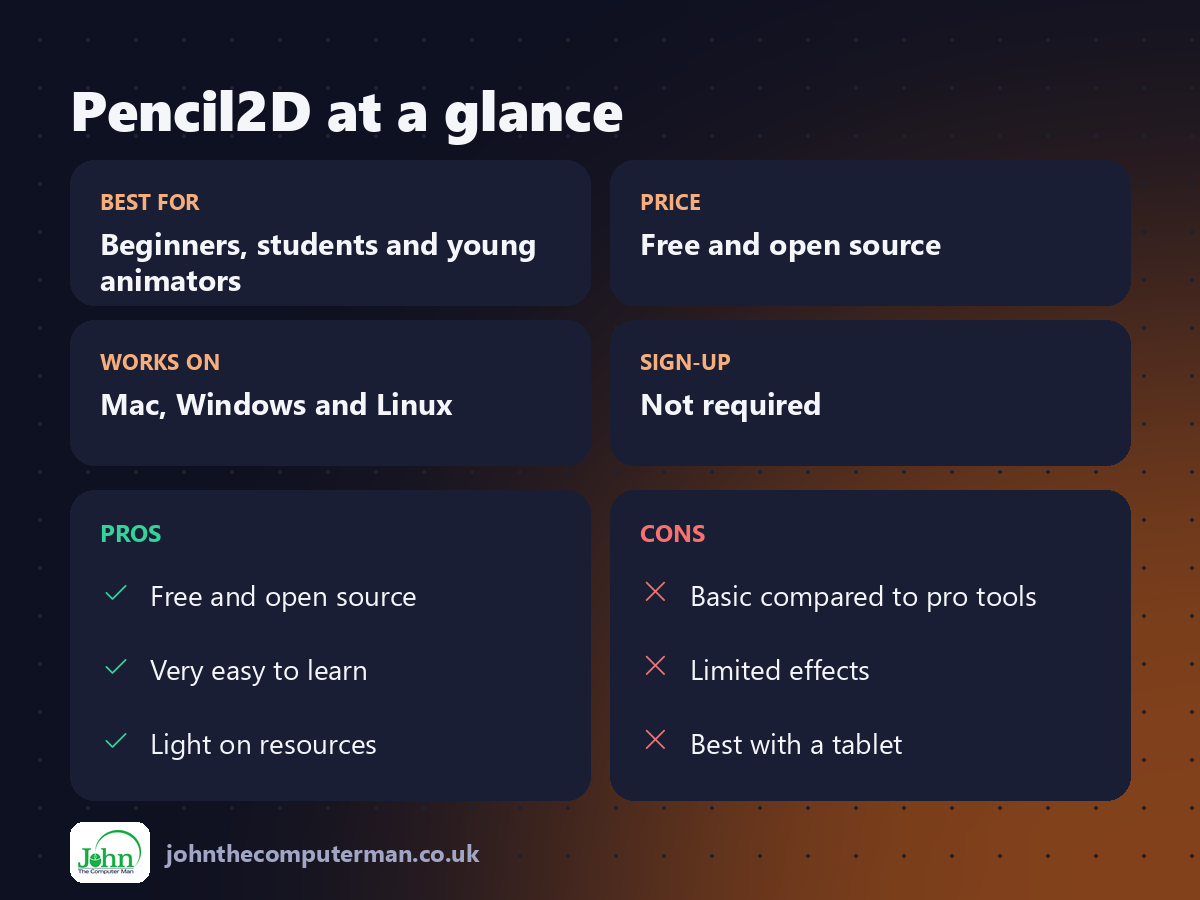
| 👍 Pros | 👎 Cons |
|---|---|
| Free and open source | Basic compared to pro tools |
| Very easy to learn | Limited effects |
| Light on resources | Best with a tablet |
Who is it for?
Best for: Beginners, students and young animators. Works on: Mac, Windows and Linux. Sign-up: Not required.
Pencil2D alternatives
• Krita: a free painting app with more advanced animation tools.
• Blender (Grease Pencil): free 2D animation inside Blender, very powerful.
• Procreate Dreams: a polished iPad animation app, paid.
• Blender (Grease Pencil): free 2D animation inside Blender, very powerful.
• Procreate Dreams: a polished iPad animation app, paid.
FAQ
Is Pencil2D good for kids?
Yes. It's simple, free and has no ads, making it a great first animation app.
Can I add sound?
Yes. Add a sound layer and import an audio file to sync with your animation.
The verdict
Pencil2D is the friendliest way to start animating. Draw a bouncing ball today and you'll be hooked.
👉 Try it: www.pencil2d.org
Part of the free creative apps for mac series on johnthecomputerman.co.uk. Follow @johnthecomputerman on Instagram for a new free Mac tool every Monday, Wednesday and Friday. Pricing and features were checked in September 2026 and can change, so check the tool's own site for the latest.
