
Notepad is fine for a quick note. Notepad++ is what you reach for when you need to clean up a messy list, compare two files, search across a whole folder or edit a config file without breaking it.
It’s free, open source, opens in a blink and remembers every tab you had open, even unsaved ones, the next time you start it.
What is Notepad++?
Notepad++ is a free, open-source text and source code editor for Windows, created by Don Ho. It supports tabs, syntax highlighting for dozens of programming and markup languages, find and replace with regular expressions across whole folders, macros, column (block) editing and a plugin system. It’s small and quick even on older PCs.
Key features
Never lose a note
Session snapshots remember every open tab, saved or not, and restore them next time. Even after a crash.
Find in Files
Search and replace across every file in a folder at once, with optional regular expressions.
Column editing and macros
Alt+drag to select and type in a column. Record a macro once and replay it on hundreds of lines.
How to get started with Notepad++
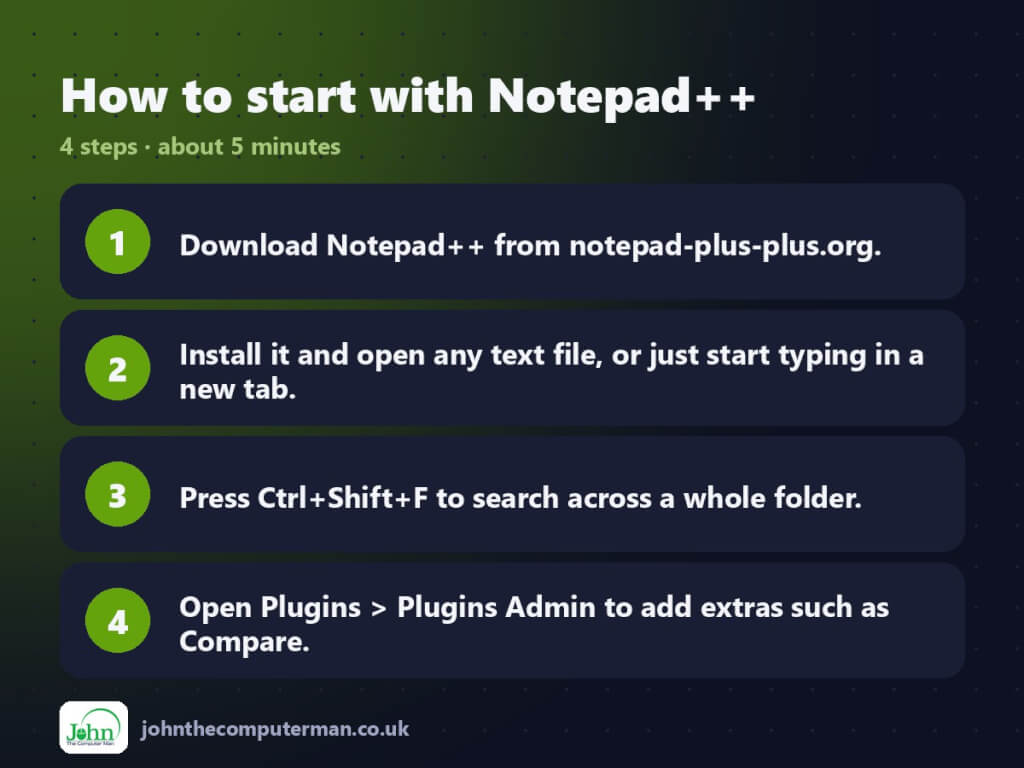
- Download Notepad++ from notepad-plus-plus.org.
- Install it and open any text file, or just start typing in a new tab.
- Press Ctrl+Shift+F to search across a whole folder.
- Open Plugins > Plugins Admin to add extras such as Compare.
Prefer the command line? Install it with winget, which is built into Windows 10 and 11:
winget install --id Notepad++.Notepad++ -e
Tips to get more out of it
- Hold Alt and drag down to select a column, then type to edit every line at once.
- Install the Compare plugin to see the differences between two files side by side.
- Edit > Line Operations can sort lines, remove duplicates and delete blank lines in one click.
- Ctrl+D duplicates the current line. Ctrl+Shift+Up/Down moves it.
Is it really free?
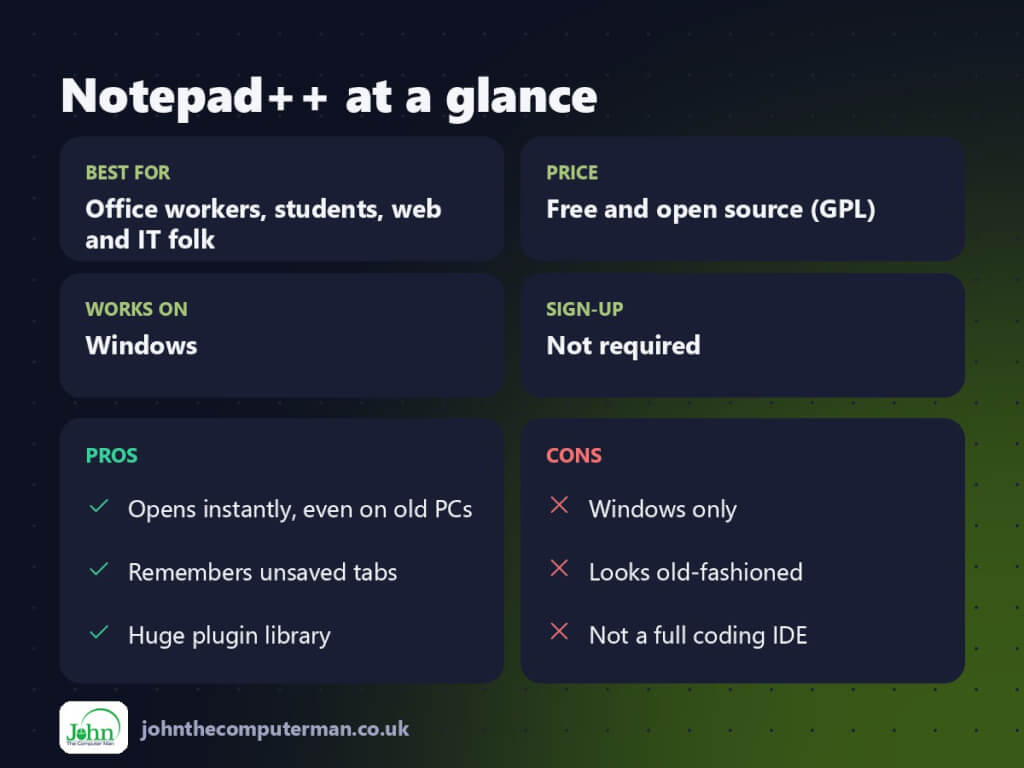
Free and open source (GPL). No ads and no paid version.
Pros and cons
| 👍 Pros | 👎 Cons |
|---|---|
| Opens instantly, even on old PCs | Windows only |
| Remembers unsaved tabs | Looks old-fashioned |
| Huge plugin library | Not a full coding IDE |
Who is it for?
Best for: Office workers, students, web and IT folk. Works on: Windows. Sign-up: Not required.
Notepad++ alternatives
- Visual Studio Code: free and far more powerful for serious coding.
- Windows Notepad: now has tabs and autosave, fine for simple notes.
- Sublime Text: fast and polished, with an unlimited free evaluation.
FAQ
Is Notepad++ free for business use?
Yes. It’s open source under the GPL licence, so anyone can use it for free.
Where does Notepad++ keep unsaved tabs?
In a backup folder in your user profile, restored automatically at startup. For anything important, still save it properly.
The verdict
Notepad++ is the best free text editor for everyday Windows jobs. Set it as your default for .txt files and you’ll wonder how you managed without it.
👉 Try it: notepad-plus-plus.org
Part of the best free windows tools series on johnthecomputerman.co.uk/. Follow @johnthecomputerman on Instagram for a new free tool every Monday, Wednesday and Friday. Pricing and features were checked in September 2026 and can change, so check the tool’s own site for the latest.
