
‘This file format isn’t supported.’ If you’ve seen that message in the Windows Media Player or Films & TV app, you already know why VLC exists.
VLC plays almost any video or audio file you throw at it, with no codec packs, no ads and no tracking. And it quietly does a lot more than play videos.
What is VLC?
VLC media player is a free, open-source player made by the non-profit VideoLAN project. It plays nearly every audio and video format, plus DVDs, network streams and even partly downloaded or damaged files, all without installing extra codecs. It can also convert files, record your screen, adjust playback speed and sync subtitles.
Key features
Plays almost anything
MKV, MP4, AVI, MOV, FLAC, DVDs and streams. No codec packs to install, and damaged files often still play.
Convert files
Media > Convert / Save turns a video into MP4 or pulls the audio out as MP3 without another app.
Speed and sync controls
Speed up lectures with ] and fix out-of-sync subtitles with G and H, right from the keyboard.
How to get started with VLC
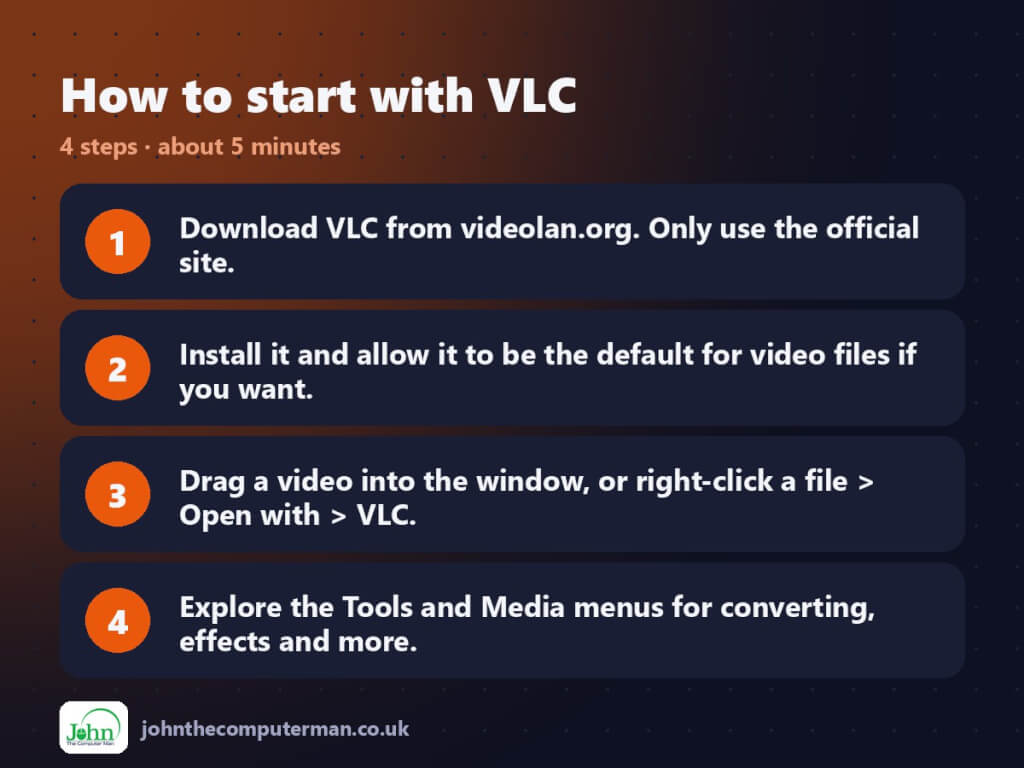
- Download VLC from videolan.org. Only use the official site.
- Install it and allow it to be the default for video files if you want.
- Drag a video into the window, or right-click a file > Open with > VLC.
- Explore the Tools and Media menus for converting, effects and more.
Prefer the command line? Install it with winget, which is built into Windows 10 and 11:
winget install --id VideoLAN.VLC -e
Tips to get more out of it
- Press ] to speed up and [ to slow down. Great for lectures, podcasts and tutorials.
- Subtitles out of sync? Press G or H to shift them. For audio, use J or K.
- Press E to step through a video one frame at a time.
- Media > Convert / Save (Ctrl+R) converts files or extracts audio to MP3.
Is it really free?
Free and open source. No ads, no tracking and no paid version.
Pros and cons
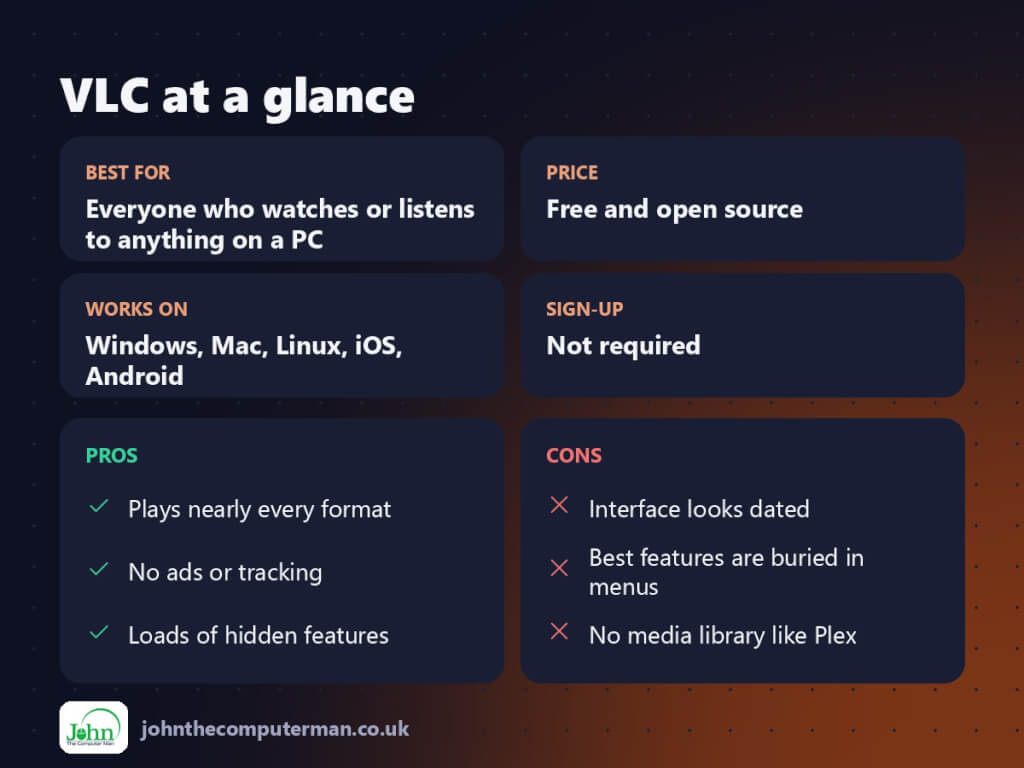
| 👍 Pros | 👎 Cons |
|---|---|
| Plays nearly every format | Interface looks dated |
| No ads or tracking | Best features are buried in menus |
| Loads of hidden features | No media library like Plex |
Who is it for?
Best for: Everyone who watches or listens to anything on a PC. Works on: Windows, Mac, Linux, iOS, Android. Sign-up: Not required.
VLC alternatives
- MPC-HC (clsid2 fork): a lightweight, fast player for Windows.
- mpv: minimal and powerful, popular with enthusiasts.
- Windows Media Player: the new built-in app, fine for common formats.
FAQ
Is VLC safe?
Yes, from videolan.org. Fake download sites have bundled VLC with adware, so always get it from the official site or the Microsoft Store.
Can VLC convert video to MP4?
Yes. Use Media > Convert / Save, add the file, choose an MP4 profile and pick where to save it.
The verdict
VLC is the media player to install and forget. It plays whatever you open, and its hidden tools save you from installing three other apps.
👉 Try it: www.videolan.org/vlc/
Part of the best free windows tools series on johnthecomputerman.co.uk/. Follow @johnthecomputerman on Instagram for a new free tool every Monday, Wednesday and Friday. Pricing and features were checked in September 2026 and can change, so check the tool’s own site for the latest.
