Pareto Security: Check Your Mac's Security Settings in Seconds (Free)
Is FileVault on? Is your firewall enabled? Does your Mac lock itself when you walk away? Most people have no idea, and the settings are scattered all over System Settings.
Pareto Security checks the important ones for you and shows a simple tick or cross in your menu bar. Fix what's flagged and your Mac is far safer.
What is Pareto Security?
Pareto Security is a free, open-source menu bar app that runs a set of security checks on your Mac. It checks things like FileVault disk encryption, the firewall, automatic updates, screen lock, whether your apps are up to date, and whether a password manager is installed. Each failed check links to instructions to fix it. It's free for personal use, with paid plans for teams.
Key features
One-glance status
A menu bar icon shows whether every check has passed.
The checks that matter
FileVault, firewall, updates, screen lock, remote access and more.
How to fix it
Every failed check links to simple instructions.
How to get started with Pareto Security
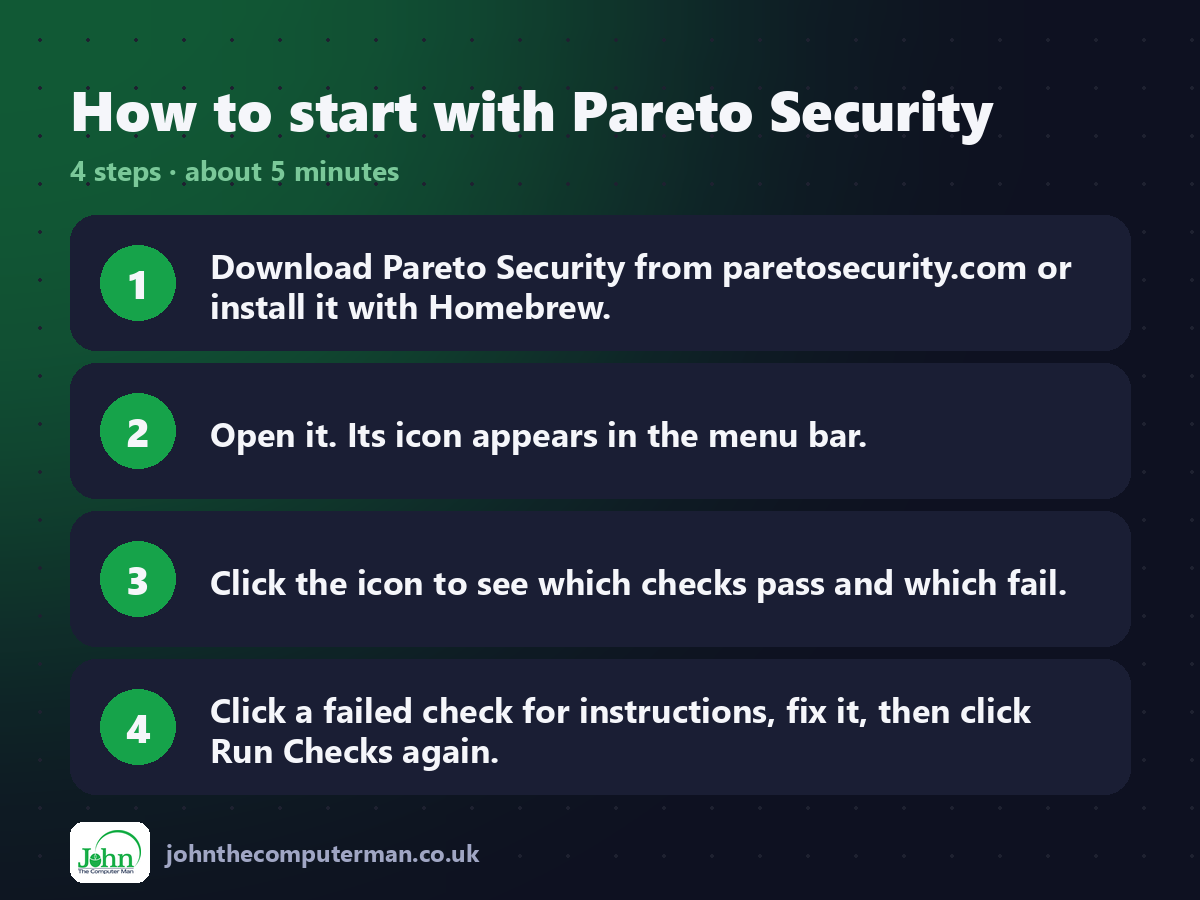
1. Download Pareto Security from paretosecurity.com or install it with Homebrew.
2. Open it. Its icon appears in the menu bar.
3. Click the icon to see which checks pass and which fail.
4. Click a failed check for instructions, fix it, then click Run Checks again.
2. Open it. Its icon appears in the menu bar.
3. Click the icon to see which checks pass and which fail.
4. Click a failed check for instructions, fix it, then click Run Checks again.
Prefer the command line? If you use Homebrew, the free package manager for Mac, open Terminal and run:
brew install --cask pareto-security
Tips to get more out of it
• FileVault is the most important one. It protects your data if your Mac is lost or stolen.
• Turn on automatic updates for both macOS and apps.
• If you don't need a check, you can disable it in settings.
• Run it on family members' Macs too. It's a quick health check.
• Turn on automatic updates for both macOS and apps.
• If you don't need a check, you can disable it in settings.
• Run it on family members' Macs too. It's a quick health check.
Is it really free?
Free and open source for personal use. Paid plans are for businesses managing teams.
Pros and cons
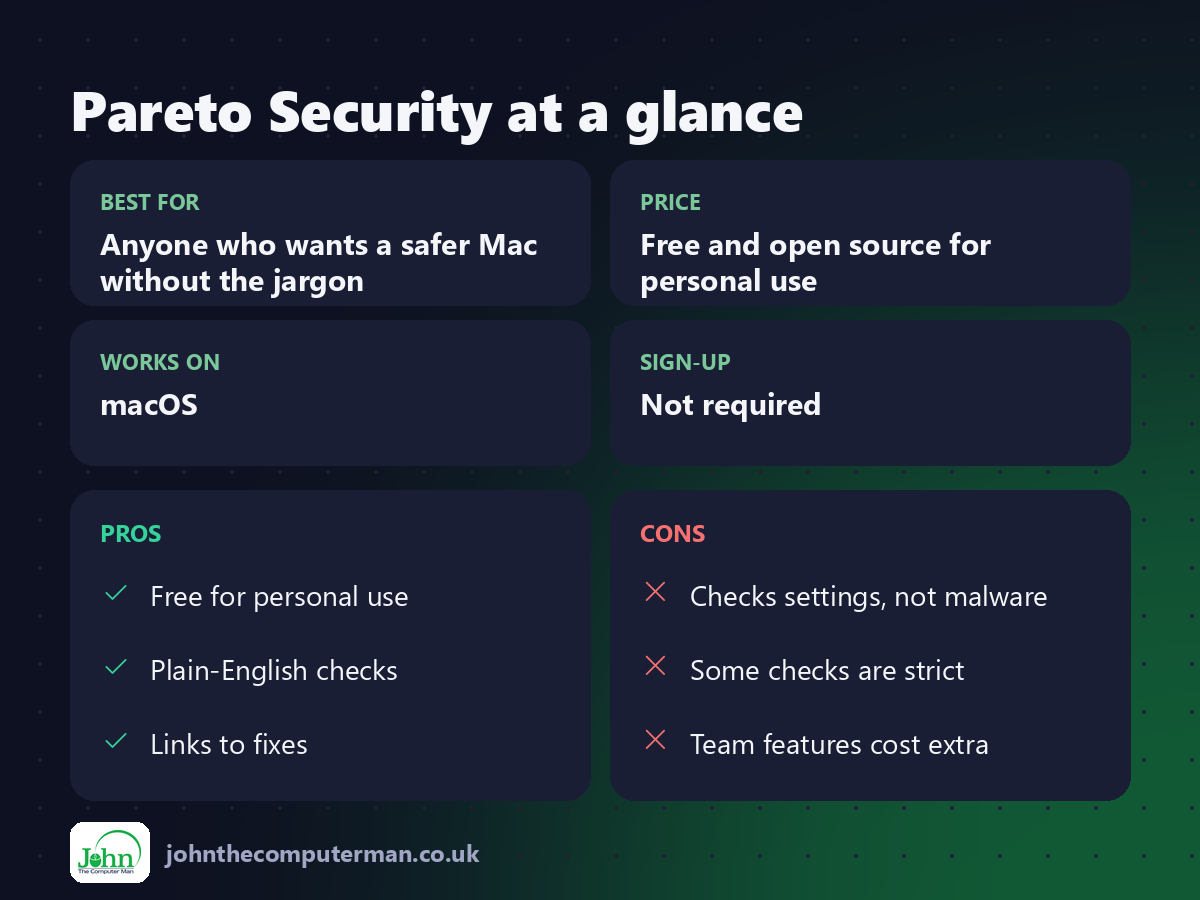
| 👍 Pros | 👎 Cons |
|---|---|
| Free for personal use | Checks settings, not malware |
| Plain-English checks | Some checks are strict |
| Links to fixes | Team features cost extra |
Who is it for?
Best for: Anyone who wants a safer Mac without the jargon. Works on: macOS. Sign-up: Not required.
Pareto Security alternatives
• Malwarebytes for Mac: scans for adware and malware, which Pareto doesn't do.
• System Settings: every setting is in there, if you know where to look.
• LuLu: a free firewall that shows which apps connect out.
• System Settings: every setting is in there, if you know where to look.
• LuLu: a free firewall that shows which apps connect out.
FAQ
Does Pareto Security find viruses?
No. It checks your security settings. Use a scanner like Malwarebytes for malware.
Is it safe?
Yes. It's open source and only reads your Mac's settings.
Step-by-step tutorials
The verdict
Pareto Security turns 'is my Mac secure?' into a quick checklist. Install it, fix the crosses, and move on with your day.
👉 Try it: paretosecurity.com
Part of the hidden-gem mac apps series on johnthecomputerman.co.uk. Follow @johnthecomputerman on Instagram for a new free Mac tool every Monday, Wednesday and Friday. Pricing and features were checked in September 2026 and can change, so check the tool's own site for the latest.
